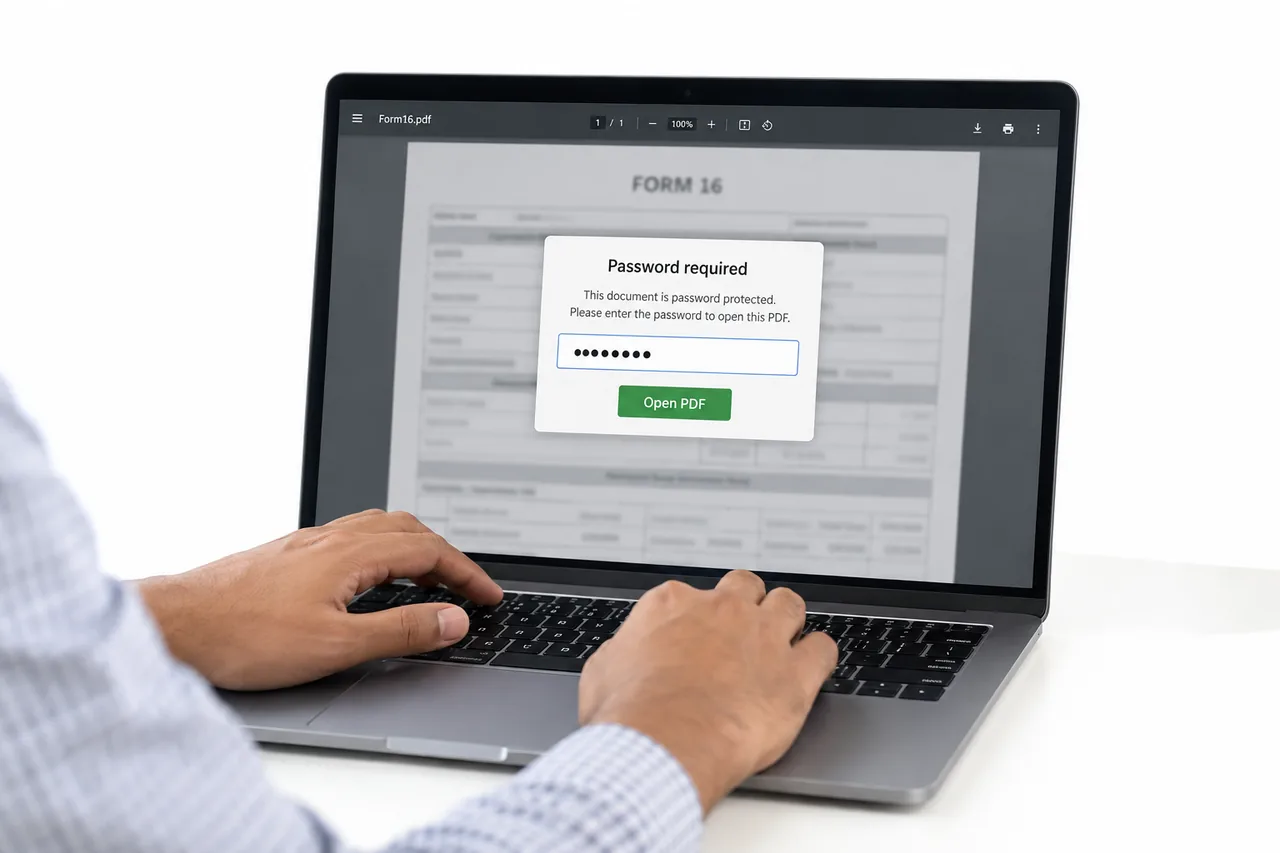
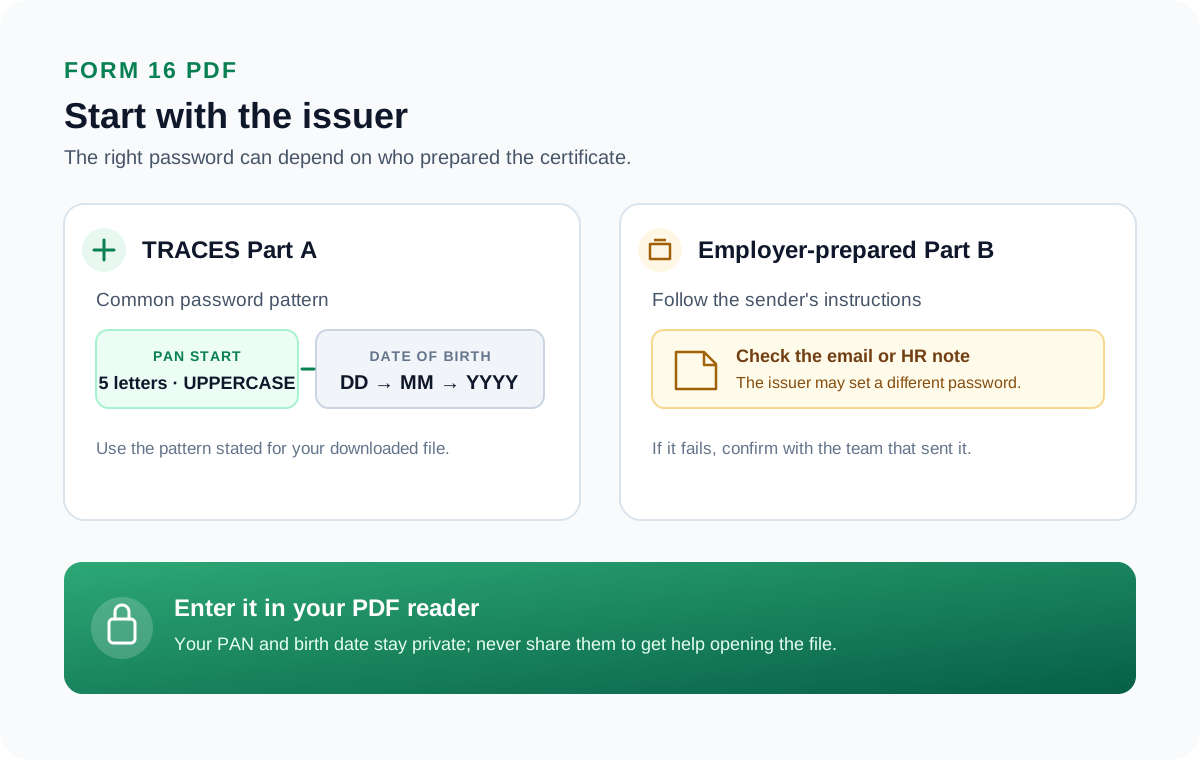
A Form 16 PDF from the TRACES portal opens with your PAN and your date of birth. The password is the first five characters of your PAN in capital letters, then your date of birth written as DDMMYYYY.
For a PAN that begins DRFIX and a birth date of 6 December 1996, the code is DRFIX06121996. Once it opens, you can take the password off so the certificate stays open.
Your employer hands you a Form 16 at tax time, and the PDF asks for a password the second you open it. Form 16 is the TDS certificate that records your salary and the tax already deducted, so the file is sealed against prying eyes. The good news is that the code is built from two things printed on your own records, your PAN and your birth date. Work it out, open the certificate, then lift the lock with the Univik PDF Unlocker so it opens plainly whenever a lender or a tax portal asks for it.
What Is the Password on a Form 16 PDF?
The lock on a Form 16 is an open password generated by the TRACES portal, the income tax system that issues Part A of the certificate. Part A will not show a line until the code goes in. The tax department seals it because the sheet spells out your income and the tax withheld under your PAN. The code is a set formula, not a random string. Your PAN gives the front of it and your birth date gives the tail.
What Is the Form 16 PDF Password Format?
The Form 16 code is thirteen characters. Put the first five characters of your PAN in capitals, then your birth date as eight digits in DDMMYYYY order. A PAN reads as five letters, four digits and one letter, so the first five are the letters at the front. The examples make it plain.
| PAN start and birth date | Form 16 password |
|---|---|
| PAN starts DRFIX, born 06-12-1996 | DRFIX06121996 |
| PAN starts ABCPK, born 15-08-1990 | ABCPK15081990 |
| PAN starts XYZAB, born 01-01-1985 | XYZAB01011985 |
How Do You Open a Form 16 PDF?
Opening the certificate rests on three things: your PAN, your birth date and the capitals.
- Write the first five characters of your PAN in capitals, for example DRFIX.
- Add your birth date as eight digits, so a 6 December 1996 date gives DRFIX06121996.
- Type it into any PDF reader and your Form 16 comes up.
Punching in that long code each time you need the certificate gets tedious, which is where removal earns its place.
How Do You Remove a Form 16 PDF Password?
Retyping a thirteen-character code every time you send the certificate is a nuisance, and a lender's upload or a tax tool cannot read a sealed file at all. Take the lock off once and the certificate opens the moment you double-click it. Unlock the file with your PAN-and-birth-date code, then send it through the PDF Unlocker, which clears the lock in a couple of seconds.
The Univik PDF Unlocker strips the code from a Form 16 you have open and leaves a clean copy in its place. Give it a folder of certificates and it unlocks the whole set in one go.
Free Download See all featuresCannot Open Your Form 16?
Because the code is your own PAN and birth date, a rejection is nearly always a slip. Confirm the five PAN characters are capitals and in the right order. Confirm the birth date matches your records as DDMMYYYY. If Part A still refuses, download it fresh from the TRACES portal through your employer. If it is Part B that will not open, the password lives in the email your employer sent, so ask the deductor who issued it.
Is It Safe to Remove a Form 16 Password?
A Form 16 is a tax record, and it links your earnings directly to your PAN. That makes it a poor thing to hand to some website whose owners you have never met. Do the unlock in an app that lives on your computer and the certificate goes nowhere. There is nothing unlawful about clearing the password on a Form 16 you were issued. Deciding between a browser service and a desktop one? Give whether an online PDF unlocker is safe a look before you upload.
- A Form 16 from TRACES opens with the first five characters of your PAN in capitals plus your birth date as DDMMYYYY.
- The PAN characters are capitals, and the wrong case is the usual reason the code fails.
- Unlock the certificate with that code, and then drop the password for good.
- Part A follows the PAN rule, while Part B from your employer can use a different password named in the email.
- Because a Form 16 links income to your PAN, unlock it on your own PC and not on a website.

Form 16 Password Questions

Prepared and reviewed by Leena Taylor Paul alongside the Univik team, developers of Windows desktop utilities since 2013. A good share of the readers who reach this page are trying to send a clean Form 16 to a bank for a loan without reading out a long code on a call, so this guide lays out the code first and then a safe way to strip the lock. Last verified September 2026. Stuck on a Form 16? Contact our support team.