ChatGPT cannot open a password-protected PDF, because it cannot read an encrypted file or type the password for you. Remove the password on your own computer first, then upload the clean copy and ChatGPT reads it fine.
The same limit hits Claude, Gemini and Copilot. None of them can see inside a locked file until the password comes off.
You have a PDF locked behind a password and you want ChatGPT to read it, maybe to sum it up or grab a figure. You drop the file into the chat and nothing useful comes back. The reason is the lock itself. The fix is to take that lock off before you upload. This guide explains why a locked PDF trips up ChatGPT. It then shows how to unlock one you own with a tool such as the Univik PDF Unlocker and why you should still think twice before you send a private file to any AI.
Can ChatGPT Open a Password-Protected PDF?
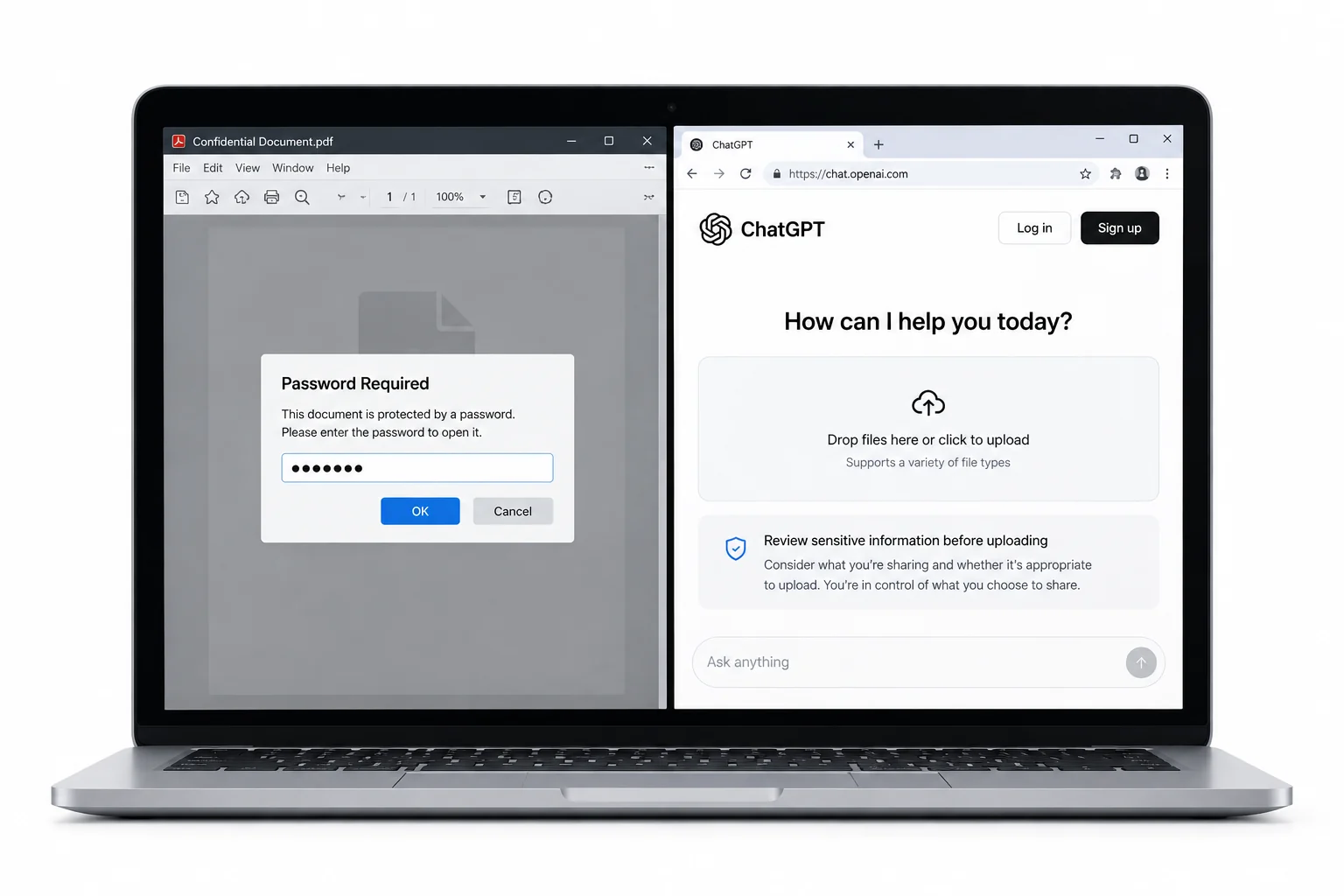
No. ChatGPT cannot open a PDF that is sealed with a password. When you drag the file into the chat, it tries to read the pages and runs into a wall, because the content is scrambled and the app has no box for you to type the password into. The reply you get back says it could not read the file or that the document looks blank. The upload part goes through with no problem. The reading part is where it stops. Clear the password first and the very same file goes through with no fuss.
Why Can't ChatGPT Read a Locked PDF?
A password-protected PDF is encrypted, which means the words and images inside are held in a scrambled form. To turn that scramble back into text a program needs the password as the key. ChatGPT reads an ordinary PDF by pulling the text out of it, but on a locked file there is nothing readable to pull until the key is applied. The chat window also gives you no field to enter that key. So the model meets a file it cannot decode and stops right there. This is not a bug you can prompt your way around. No clever wording in the message will make it read bytes it has no way to unscramble.
| What you try | Locked PDF | Unlocked PDF |
|---|---|---|
| ChatGPT reads the words | No | Yes |
| Questions about a table | No | Yes |
| Summary of the file | No | Yes |
| Upload goes through | Often refused | Yes |
How Do You Unlock a PDF Before Uploading to ChatGPT?
The fix is short. You take the password off a copy of the file on your own computer, then hand that copy to ChatGPT. The Univik PDF Unlocker is a Windows tool made for exactly this. You open a PDF you own using the password you hold, and it saves a fresh copy that needs no password to view. Point it at one file or at a whole folder in a single run. One thing worth saying plainly: this works when you know the password. If you have forgotten it, no honest tool can guess it for you, so the right move is to ask whoever set the lock (your bank or your employer) for the file or the password.
On your Windows PC the Univik PDF Unlocker lifts the password from a PDF you own, so ChatGPT can read the clean copy. It handles a stack of files in one go too.
Free Download See all featuresWhat About Claude, Gemini and Copilot?
The wall is not special to ChatGPT. Claude, Gemini and Copilot all read a PDF the same way, by pulling text out of the file, so a locked one stops each of them cold. None of these assistants can type in a password, and none can decode an encrypted file on their own. The habit to build is a plain one. Whatever assistant you plan to use, clear the password on your own machine first, then upload the clean copy. One unlocked file works everywhere, so you do the step once and every tool can read it after that.
Should You Upload a Sensitive PDF to ChatGPT at All?
It is worth a pause before you upload. A file you send to any chatbot leaves your device and lands on a company server for the model to read. For a class handout or a manual that is nothing to worry about. For a bank statement or a health record you are handing private details to a service you do not run. Taking the password off does not change that part. The lock guarded the file on your own disk, not on their server. So strip the password when you have to, but think hard before you send anything that sensitive to an AI tool at all. For the fuller picture on where an unlocked file can travel, our guide on whether it is safe to unlock a PDF online walks through it.
- ChatGPT cannot open a PDF that is sealed with a password.
- A locked PDF is encrypted, so there is no readable text for the model to pull out.
- The chat window gives you nowhere to type the password.
- Remove the password on your own PC first, then upload the clean copy.
- Claude, Gemini and Copilot hit the same wall, so unlock once and every tool can read the file.
- An upload leaves your device, so weigh it up before you send a bank or health file to any AI.

ChatGPT and Locked PDF Questions

Written up by Leena Taylor Paul and the Univik team, who have shipped Windows desktop software since 2013. Plenty of readers hit this page after ChatGPT refused their upload, so it explains the reason in plain terms and then the one step that fixes it. Last checked September 2026. Still stuck? Contact our support team.