 Google Vault Guide
 By
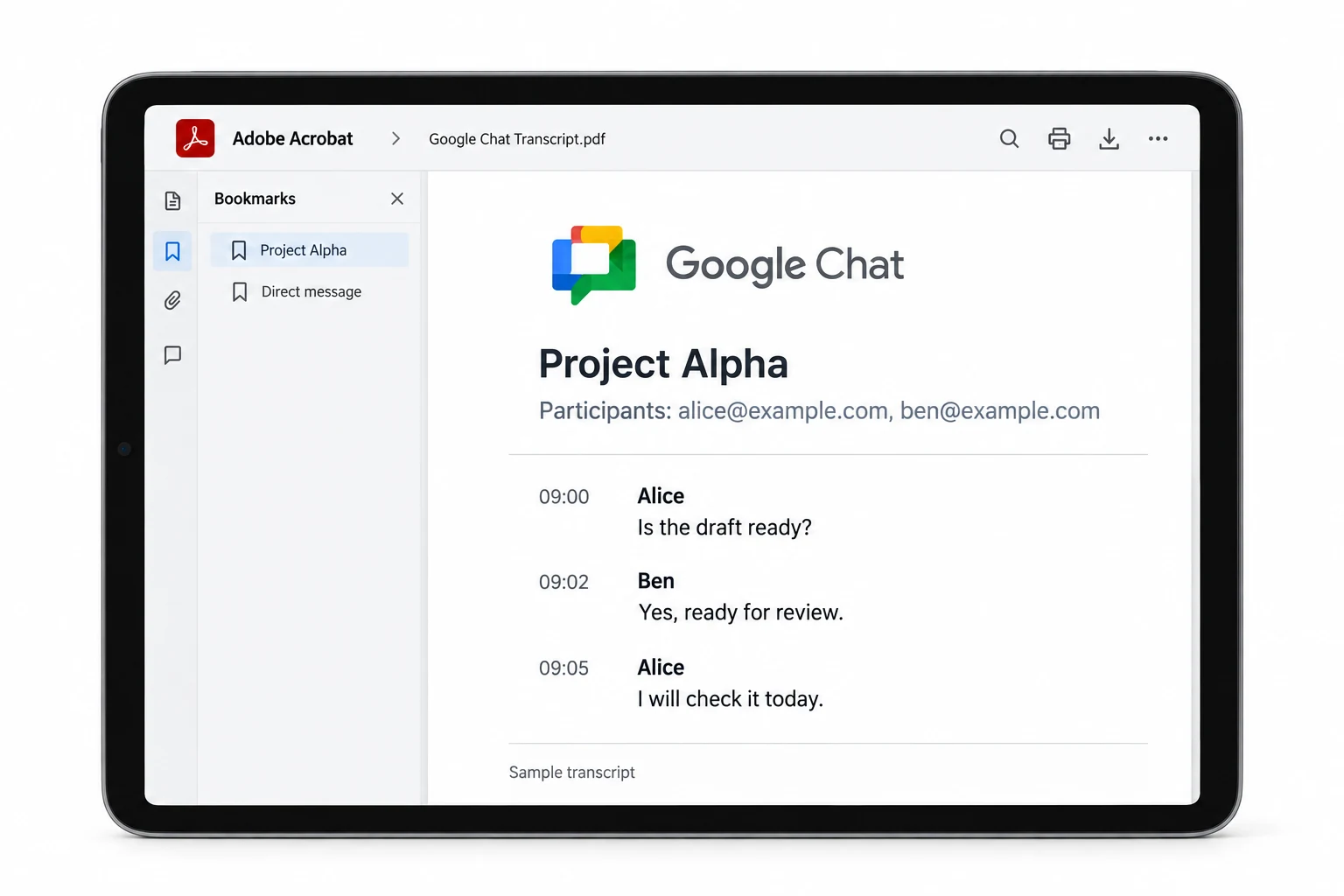
By Export Google Chat from Vault and it arrives as MBOX or PST, so a normal viewer shows loose messages with no room or order. The conversation structure sits in the metadata XML, in the RoomID, RoomName and Participants fields. Read that metadata with a converter and the messages regroup by room, in order, with the participants named. Convert to PDF for a transcript, or MSG for one file per message.
Chat is the service people forget is inside Vault until they need it for a case. It holds far more than email once teams move to spaces, and it exports differently enough to catch you out. The message text comes across fine. The shape of the conversation is what goes missing on first look.
That shape lives in the metadata, and getting it back is the whole task. The steps below cover the export from the Vault side and the conversion that rebuilds the thread.
How Does Vault Export Google Chat?
Vault treats Google Chat as its own service, searched and held apart from Gmail, but it writes the results into the same MBOX or PST containers it uses for mail. So a Chat export looks like an email export on disk, with a metadata XML and CSV beside the message file and an errors file for anything that failed.
The catch is that a chat message is not an email. It belongs to a room. It has participants. It sits at a point in a running thread. A mailbox format has no place for any of that in the message body, so Vault records it in the metadata instead. Ignore the metadata and you are reading fragments. Read it and the conversation comes back.
How Do I Export and Read Chat from Vault?
Four steps. The Chat search and hold happen in Vault, the transcript is rebuilt during the conversion.
Place Chat on hold or search it in Vault
Google Chat is held and searched on its own in Vault, not as part of Gmail. In the matter, run a Chat search or set a Chat hold on the accounts you need. An administrator with the Manage Searches and Manage Exports privileges runs this. Direct messages and named spaces are both covered.
Export the Chat results and download
Start the export from the Chat search and give it a name. Once Vault marks it complete, grab the ZIP under the Exports tab within the 15-day window. It holds the Chat messages as MBOX or PST, a metadata XML and CSV file and an errors file. The metadata carries the RoomID, RoomName, Participants, ConversationType and the first and last message dates for each conversation.
Load the Chat export into the converter
Open Univik Google Vault Converter and add the unzipped Chat export. It reads the MBOX or PST alongside the metadata, so each message keeps its room, its participants and its place in the thread. This is what a plain mail viewer misses, because it shows Chat as loose emails with no conversation shape.
Convert to PDF or MSG threads
Choose PDF for a transcript that reads top to bottom, or MSG and EML for one file per message. Group by room so a space stays together with its participants named. The output is a Chat conversation you can read, file or produce, rather than the raw pieces Vault hands over.
What Is in the Chat Metadata?
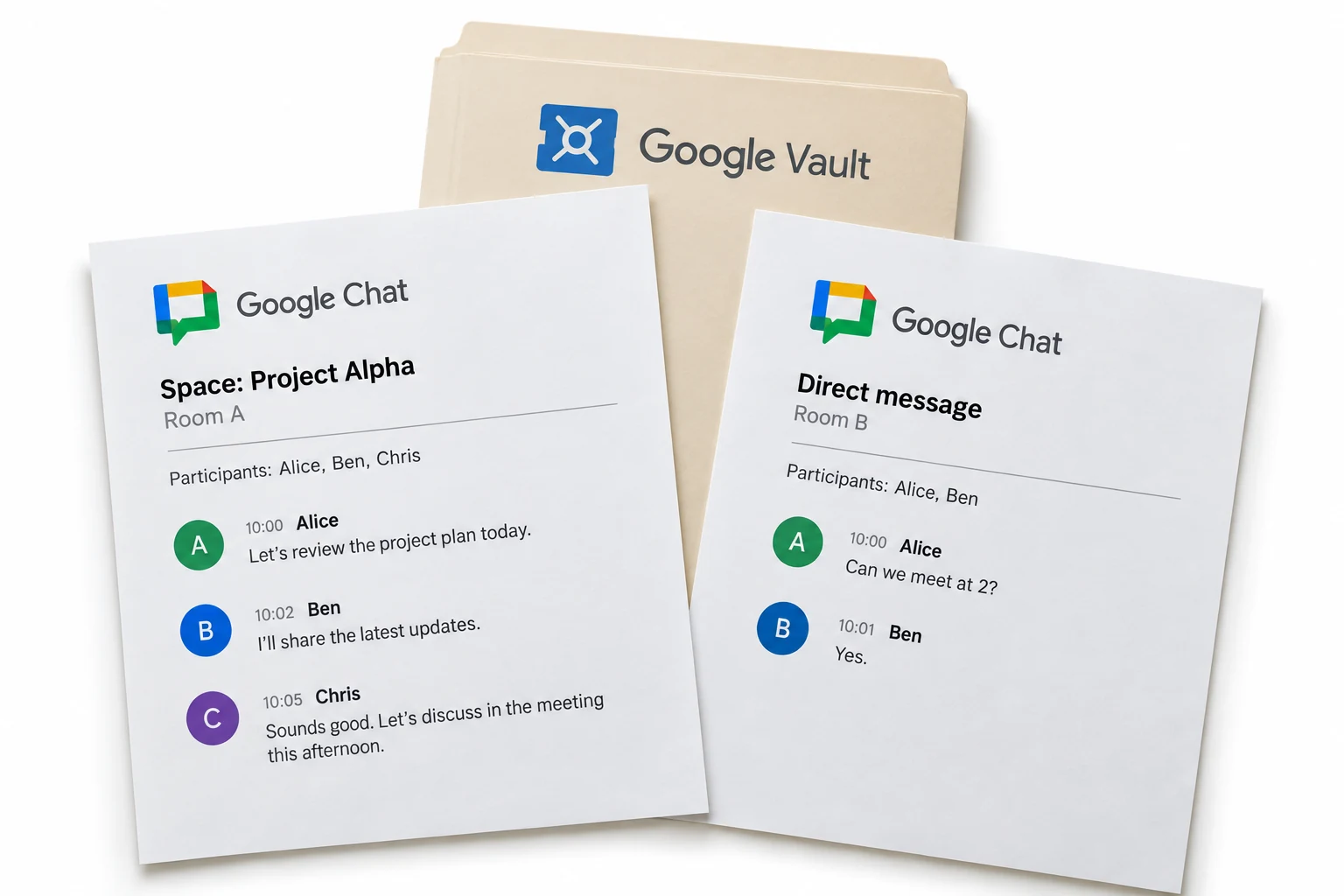
The Chat metadata is where the conversation is described. For each conversation Vault records the RoomID and RoomName, the Participants, the ConversationType that marks a space from a direct message, and the dates of the first and last message. Every message file then points back to its room through that data.
This is why the metadata file matters as much as the messages. A converter that reads it can group the loose messages by room, order them by time and print the participant list at the head of each thread. Drop the metadata and even the best viewer can only show you unlinked messages.
Email exports people half expect to be messy. Chat surprises them, because it looks like it exported fine and only falls apart when they try to read a thread. The RoomID in the metadata is the thing that stitches it back together.
Are Spaces and Direct Messages Both Covered?
Yes. A Chat search or hold in Vault picks up named spaces and one-to-one direct messages for the accounts in scope. The ConversationType field tells the two apart, so after conversion a space and a private chat do not blur into one another. Each keeps its own room and its own participant list.
Files shared inside Chat come through as attachments, handled the same way as email attachments during the conversion. So a space that traded documents keeps those documents with the thread, rather than leaving you a transcript that mentions files you cannot find.
Which Way Reads the Chat Best?
Two quick routes only show the text. The third rebuilds the conversation.
| What you need | Free MBOX viewer | Open the PST | Convert with metadata |
|---|---|---|---|
| Groups messages by room | No | No | Yes, from RoomID |
| Names the participants | No | No | Yes |
| Keeps the message order | Loose | Loose | Yes, in thread |
| Reads as a transcript | No | No | Yes, PDF or MSG |
| Spaces and DMs separated | No | No | Yes |
| Good for | A quick text check | A quick text check | Review, records, a real read |
Univik Google Vault Converter reads a Chat export with its RoomID metadata, regroups the messages by room in order and writes PDF transcripts or MSG and EML files. It handles Gmail, Groups and Drive exports the same way, one file per custodian or merged.
Reads Chat, Gmail, Groups and Drive · no Outlook needed · the free trial does 25 messages per Chat export
The short version
- Vault exports Google Chat as MBOX or PST, so a viewer shows loose messages.
- The conversation lives in the metadata: RoomID, RoomName, Participants, ConversationType.
- Search or hold Chat in Vault, export it, then convert with the metadata read.
- Convert to PDF for a grouped transcript, or MSG and EML per message.
- Spaces and direct messages stay separated, and shared files come across too.
Read a Google Chat export, free trial
Google Chat Export Questions
 About This Guide
Prepared for Univik by Leena Taylor Paul, out of Univik's long work with mail and chat exports since 2013. The Chat export format and the RoomID, RoomName, Participants and ConversationType fields were taken from Google Vault Help in September 2026, and the room grouping was tested on an export that mixed spaces and direct messages. 23 September 2026. A thread not grouping right? Support is a click below.
Sources: What a Vault export contains, by service · Using Vault to search Google Chat · Univik Google Vault Converter