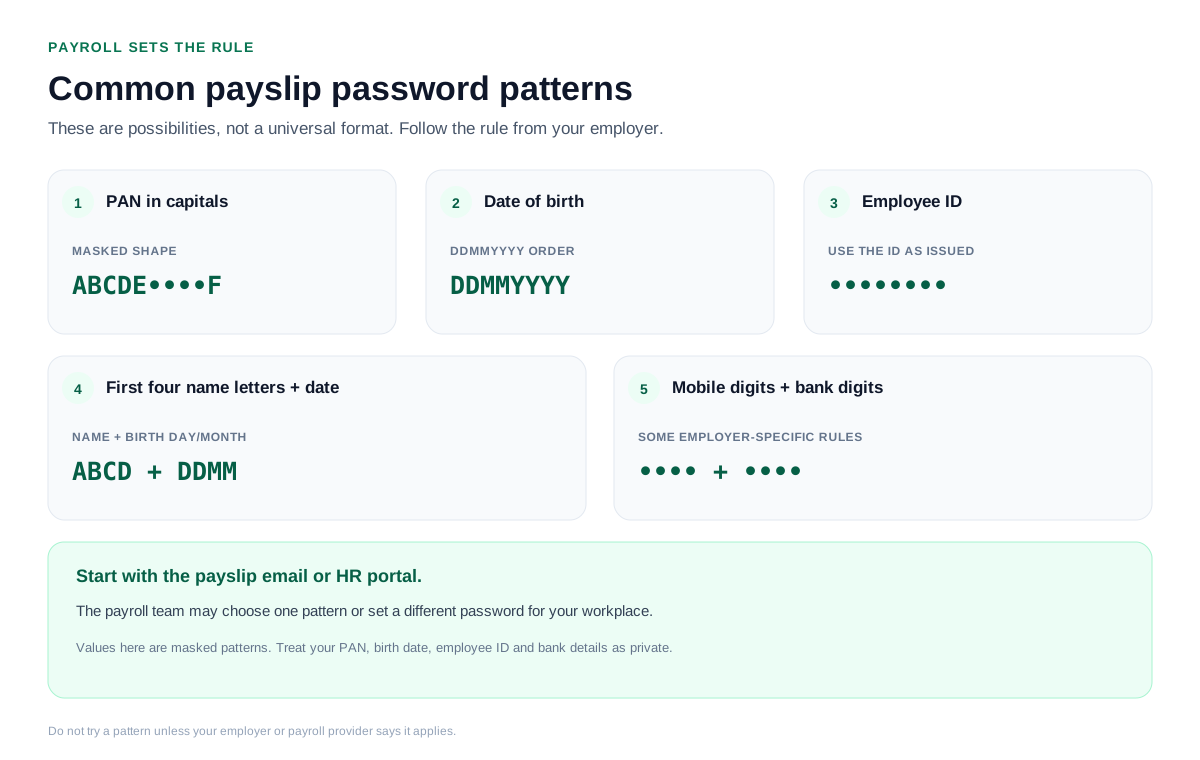
A payslip PDF has no single password. Your employer or payroll system picks the rule, and the most common are your PAN, your date of birth as DDMMYYYY, your employee ID or the first four letters of your name alongside your birth date.
The exact rule sits in the payslip email or with your HR team. After the file opens, you can strip the password so the slip stays open.
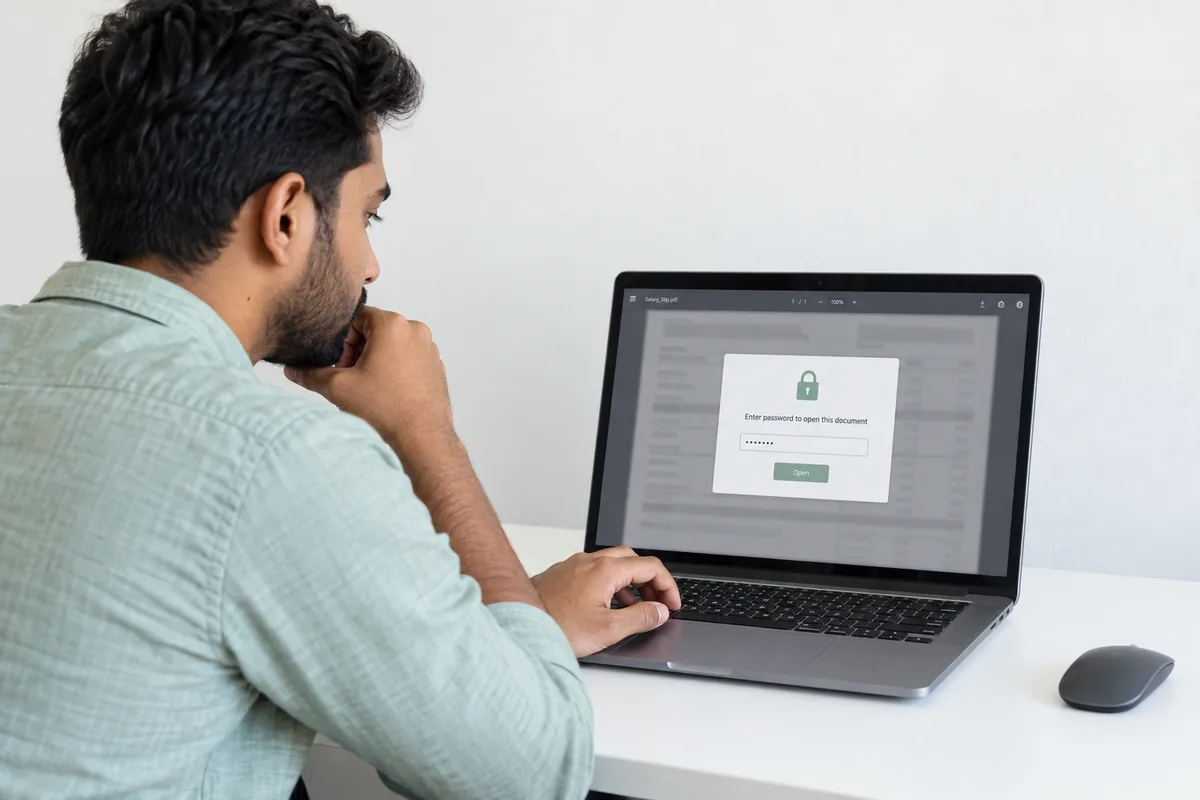
A payslip reaches your inbox as a locked PDF and asks for a password before it shows a thing. The catch with payslips is that no two workplaces agree on the format. Your employer, or the payroll system it runs on, chooses the rule. So the job is less about a secret code and more about finding which rule your workplace picked, and then lifting the lock with the Univik PDF Unlocker so the slip opens plainly every month.
What Is the Password on a Payslip PDF?
The lock on a payslip is an open password, and unlike a bank file or an Aadhaar there is no single rule sitting behind it. Whoever runs your payroll decides the format. Pay is private, so the file gets sealed before it ever reaches you. What you actually need is the one rule your workplace settled on, and that detail almost always rides along with the payslip itself.
What Are the Common Payslip PDF Password Formats?
Payroll teams reach for a small set of familiar formats. Here are the ones you will meet most, with a sample of how each looks. Start with whatever your payslip email names, then work down the list.
| Common payslip password format | Example |
|---|---|
| PAN number, in capitals | ABCDE1234F |
| Date of birth, as DDMMYYYY | 15081990 |
| Employee ID | EMP04821 |
| First four letters of name, then DOB as DDMM | RAHU1508 |
| First four digits of mobile, last four of bank | 98764321 |
How Do I Open a Payslip PDF?
Opening a payslip is less about a fixed formula and more about finding the rule your workplace set.
- Open the email or portal the payslip came from and read the stated password format.
- Build the value, for example your PAN in capitals or your date of birth as DDMMYYYY.
- Enter it in any PDF viewer and the payslip opens.
Doing this month after month wears thin, which is where taking the lock off helps.
How Do I Take a Payslip PDF Password Off?
A monthly password is a small recurring chore, and it stops an accountant or a loan portal from reading the slip on its own. Clear it once and the payslip opens straight away. Open the file with the value your payroll set, then pass it to the PDF Unlocker and the job is done in about two seconds.
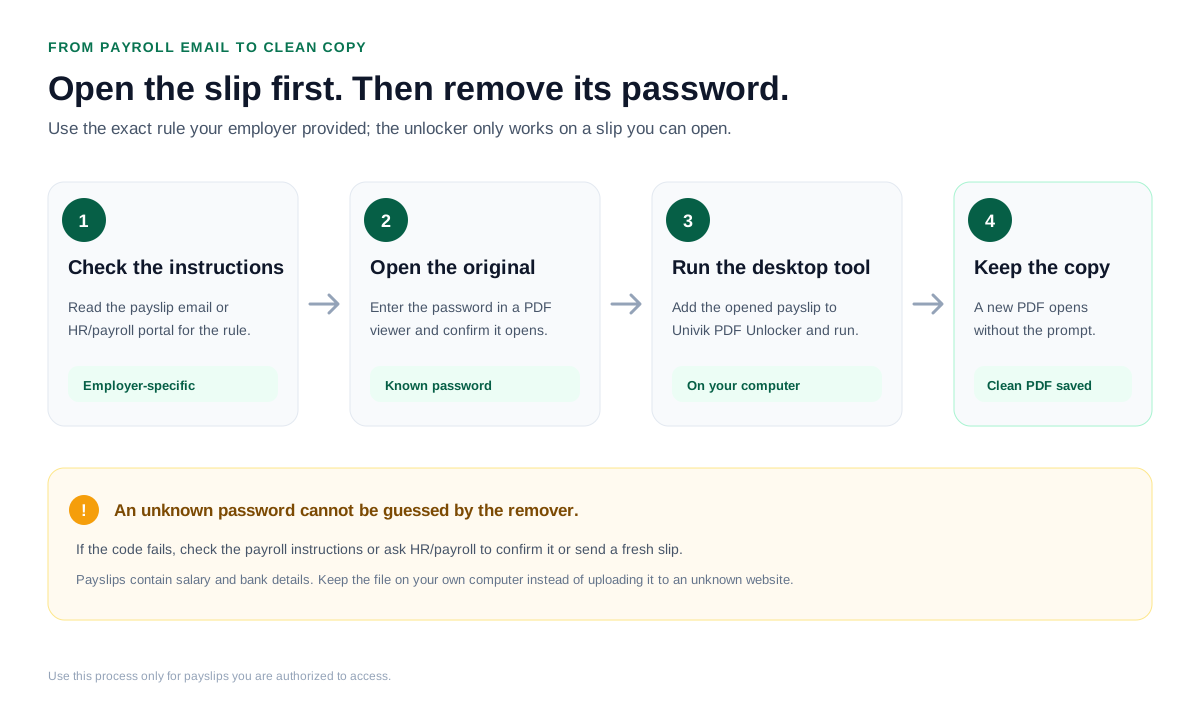
The Univik PDF Unlocker pulls the password off a payslip you have open and drops a clean copy beside it. Hand it a year of monthly slips and it clears the whole set on its own.
Free Download See all featuresWhy Will No Payslip Password Open the File?
When none of the common formats open the file, stop guessing. Your employer or payroll provider set the password and can tell you the exact rule, or send a fresh copy. HR and the payroll helpdesk field this every month. A remover cannot break into a slip whose password is unknown, so the quickest fix is a short message to the people who locked it.
Is It Safe to Remove a Payslip Password?
A payslip lays out your salary, your deductions and your bank details, which is not something to hand to a website you do not control. Run the unlock inside a program on your own machine and the slip never leaves it. Taking the password off a payslip that is yours is a routine and lawful step. If you are choosing between a web tool and a desktop one, read up on the safety of online PDF unlockers before you upload anything.
- A payslip PDF has no single password. Your employer or payroll system sets the rule.
- Common formats are PAN in capitals, date of birth as DDMMYYYY, employee ID or a name-and-birth-date mix.
- The exact rule is in the payslip email or with your HR team.
- Open the file with that value, then lift the password so the slip opens on the first click.
- A payslip carries salary and bank details, so an offline desktop tool beats an online site.
- If nothing opens it, ask HR or payroll for the format or a fresh copy.

Payslip Password Questions

Compiled and kept up to date by Leena Taylor Paul together with the Univik team, who have shipped Windows file software since 2013. Plenty of the people who write in want nothing more than a clean payslip to forward to a bank or an accountant without hunting for the password each month, so this guide lists the formats and then the safe way to drop the lock. Last verified September 2026. Cannot open your payslip? Contact our support team.