A PDF that wants a password you never chose was locked by whoever sent it, not by you. Banks, employers and portals seal files with an auto-password built from your own details, such as your date of birth, PAN or account number.
The lock is not there to shut you out. It stops a file that reaches the wrong inbox from being read. Once you know the pattern the file opens right away.
You open a PDF that landed in your inbox and it stops at a password box. You never picked a password for it, so the prompt feels like a mistake. It is not. The file was locked before it reached you, by the bank or office or portal that sent it. They build the code from details that belong to you and follow a set pattern. Below is where that pattern comes from, plus how the Univik PDF Unlocker lifts the lock for good once the file is open.
Why Does a PDF Have a Password You Never Set?
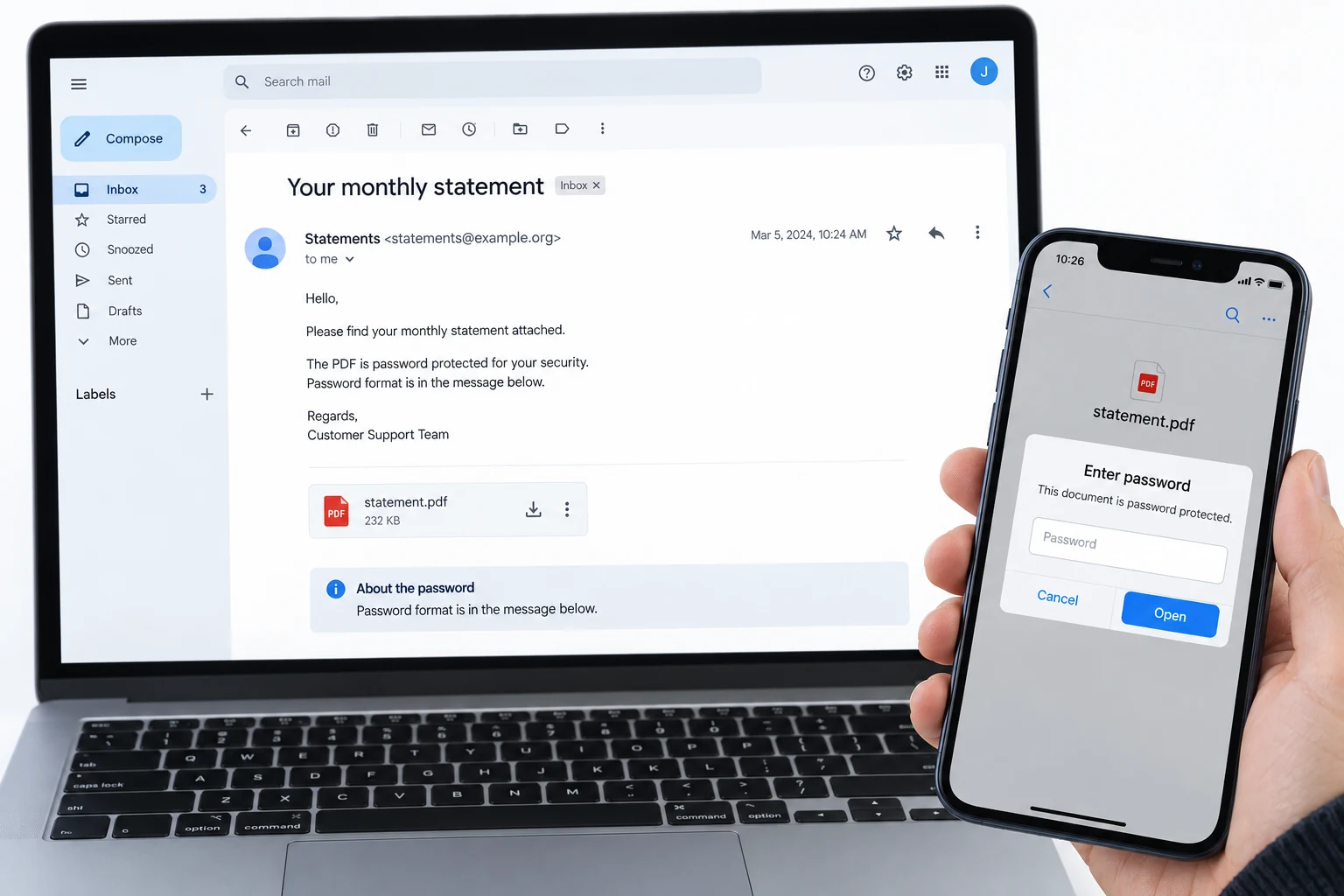
The password came from whoever sent you the file, not from anything you did. Banks, offices and government portals lock a document before they mail it out. They do this so a file resting in your inbox or on a shared drive cannot be read by the wrong person. The lock is called an open password, which means the reader shows nothing at all until the right value goes in. You never chose it because the sender chose it for you, using a rule it applies to every file of that kind.
The helpful part is that the value is never random. It is built from facts the sender already holds about you, such as the day you were born or a number on your account. So the prompt is less a wall than a puzzle with a printed answer.
What Password Did the Sender Use on This PDF?
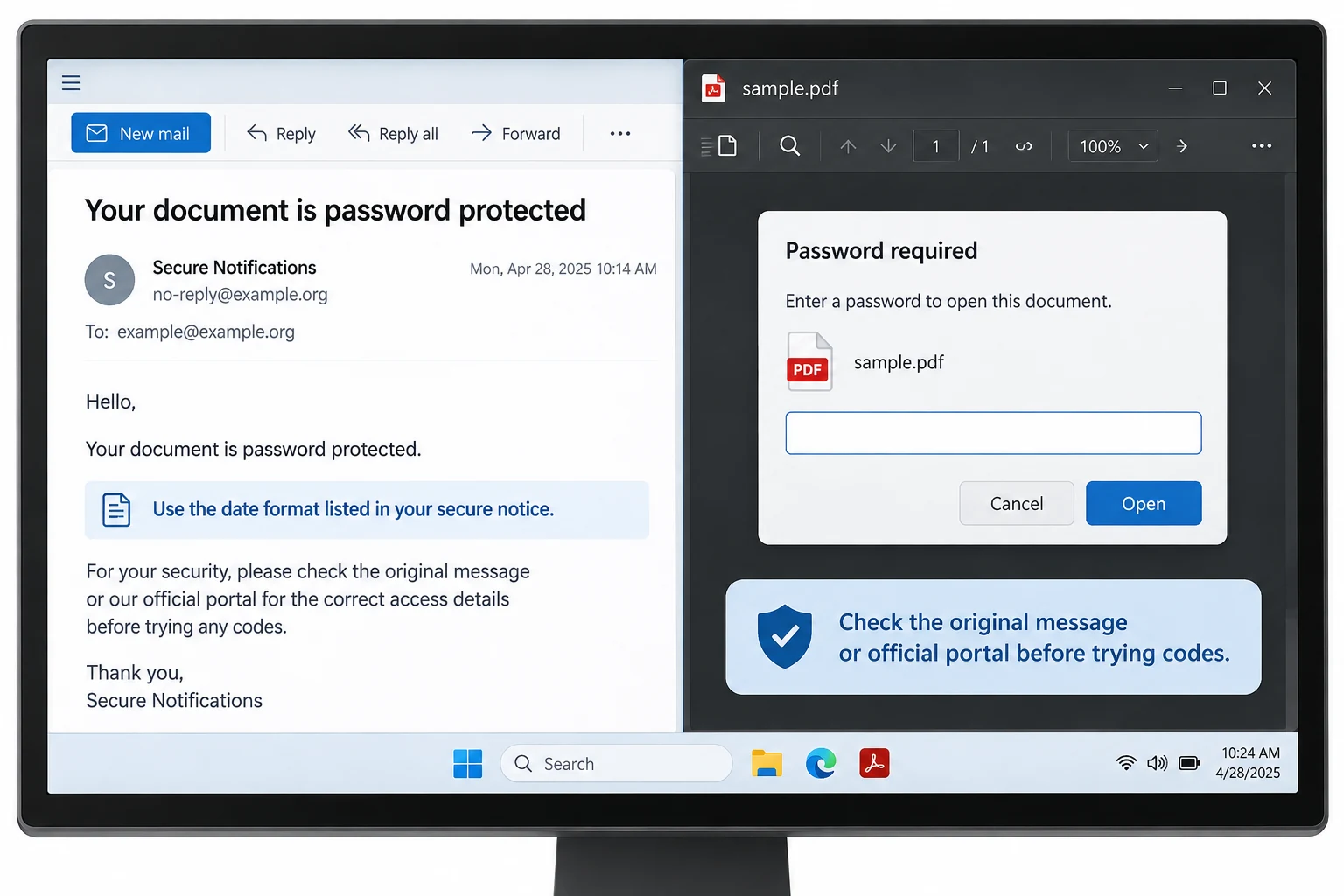
Each kind of sender leans on its own pattern, so the first clue is who the file came from. A bank tends to use your birth date or your account number. An employer or its payroll system tends to use your PAN or a staff number. A government identity file uses part of your name with the year you were born. The table below lays out the patterns that turn up most often, with an example of how each one is shaped. Treat every example as a shape to copy, not a real code.
| Where the PDF came from | Likely password format | Sample shape |
|---|---|---|
| Bank statement | Birth date as DDMMYYYY, or your account number | 15081990 |
| Credit card statement | Birth date, or part of the card number | 15081990 |
| Payslip | PAN in capitals, or a staff number | ABCDE1234F |
| e-Aadhaar | First four name letters in caps plus birth year | SAME1990 |
| Form 16 or tax note | First five of your PAN plus birth date | ABCPK15081990 |
| Insurance policy | Birth date, or the policy number | 15081990 |
These shapes cover most files, yet a sender can pick a rule of its own. The one place that states the real pattern is the message the file rode in on.
How Do You Open a PDF You Never Locked?
Start with the message that carried the file, because the sender almost always prints the exact rule there. A bank email, a payroll portal or an official download page spells the pattern out in plain words next to the download link. Read that line first. Build the value from your own details in the shape it names, for example your birth date written as eight digits or your name letters in capital form. Then open the PDF in any reader you have and type the value at the prompt. The document shows on the spot.
If the covering note is gone, match the sender to the table above and try the pattern for that type. Capitals matter. A birth date usually runs day then month then year with no gaps.
How Do You Stop the PDF Asking for a Password Every Time?
Open the file once with the sender's value, then keep a copy that carries no lock. Typing the same code on every open wears thin, and it blocks other software from reading the file, such as a loan portal that needs your statement. The cure is to take the password off for good. You do this on a file you can already open, so nothing is being cracked or guessed.
Once the file is open with the sender's format, the Univik PDF Unlocker saves a copy that never asks for a password again. It works on your Windows machine and unlocks a set of files together.
Free Download See all featuresNo Password Opens Your PDF? What to Do Next
When not one pattern opens the file, stop trying values and go back to the sender. The bank, the employer or the portal that locked the file knows the exact rule and can resend it or send a fresh copy. A password remover cannot help here, because it works only on a file you can already open. Nothing on the market can reveal a code that is truly unknown, whatever a website promises. A short request to whoever issued the file beats any guess. A broken download can also reject a value that is actually right, so fetch it again.
For the files people ask about most, we keep step-by-step notes on the bank statement password formats, the payslip password rules and the e-Aadhaar name and year code.
- A password on a PDF you never set was added by whoever sent the file.
- Banks use a birth date or account number. Employers use a PAN or staff number. Identity files use your name with your birth year.
- The exact rule is printed in the email or portal the file came from.
- Open the file with that value, then save a copy that never asks again.
- Taking a lock off a file you can open is lawful and stays on your own PC.
- If no pattern works, the issuer can resend the file or the rule. Nothing recovers a truly unknown code.

PDF Password You Never Set: Questions

Answered by Leena Taylor Paul alongside the Univik team, who have made Windows desktop utilities since 2013. Many readers reach this page confused by a password on a file they never locked, so it explains where the code comes from and how to make it stop. Last checked September 2026. Still locked out? Contact our support team.