 Thundermail Guide
 By
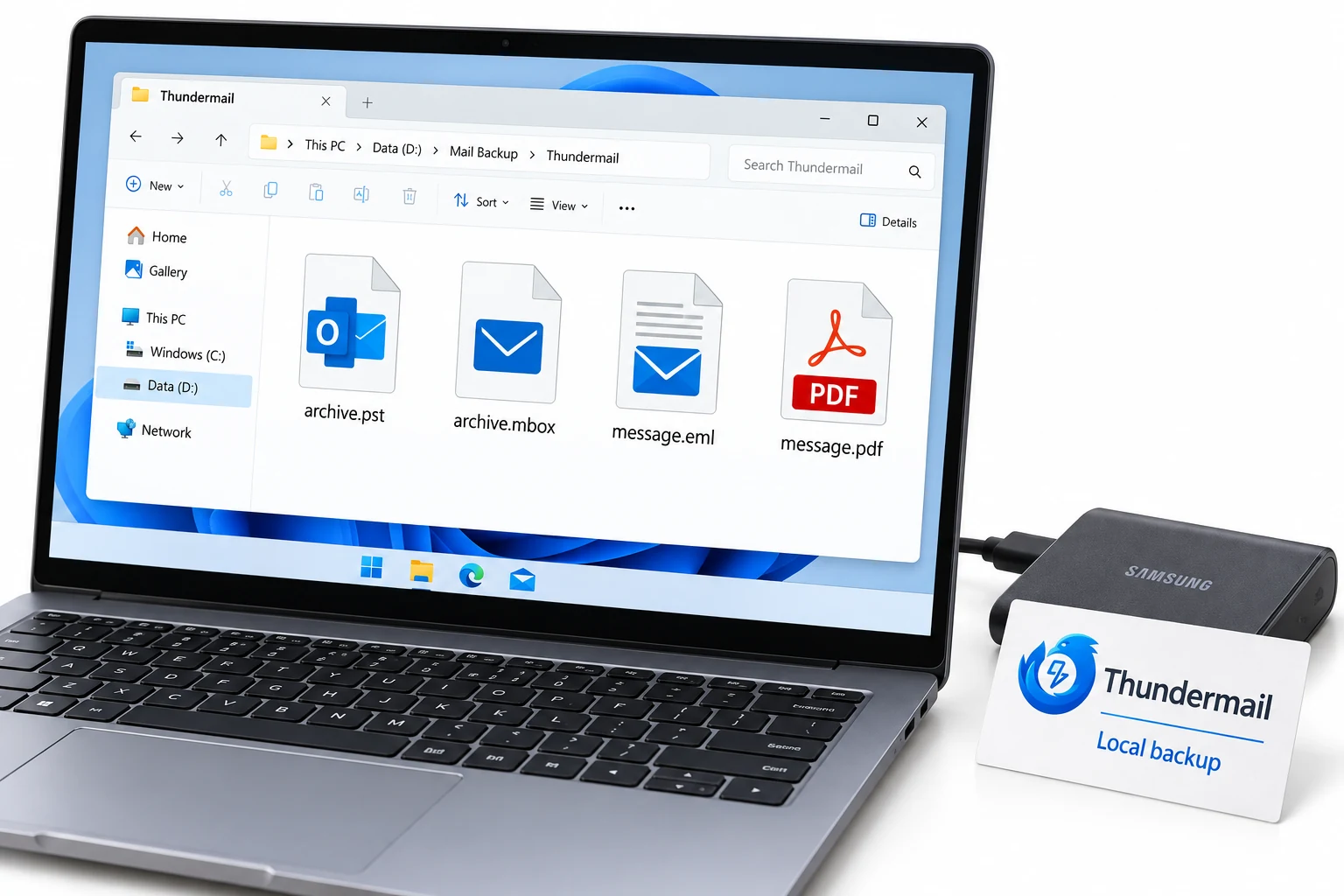
By Thundermail stores your mail on its server, so a local backup is worth keeping. Create a Thundermail app password, then add the account over IMAP in a backup tool: mail.thundermail.com, port 993, SSL/TLS, your address and the app password. Choose PST, PDF, MBOX or EML, pick the folders and run it. The mailbox downloads to a local copy with folders, dates and attachments kept, off the server.
A hosted mailbox is convenient until the day you want the mail somewhere the host cannot reach. Thundermail is new and in beta, so a copy on your own disk is a reasonable safety net rather than a worry. The way to make one is the same IMAP link a mail client uses, pointed at a tool that writes to files instead of showing a screen.
What follows walks through the app password, the backup tool and the run itself. After them are the format choices and the questions people ask before trusting a new service with their mail.
Why Back Up a Thundermail Mailbox?
Every hosted email service holds your mail on its own servers, and Thundermail is no different. That is fine while all is well, but it means an outage, a locked account or a decision to leave can put your mail out of reach. A local backup is the copy that stays yours whatever happens to the account.
There is a second reason with a service this new. Thundermail is in beta. Features and terms can shift, and a free tier is still to come. Holding an archive in a format you control, such as PST or PDF, means you are never depending on the live mailbox alone. IMAP makes that copy easy to take.
How Do I Back Up Thundermail?
Four steps, about twenty minutes for a first full run. The app password is step one because the backup signs in with it.
Create a Thundermail app password
A backup runs over IMAP, and for that Thundermail expects an app password in place of your login password. In the Thundermail dashboard find Email Settings and use Create app password to set one, then save. Copy it into a safe note immediately, since the app password appears a single time and there is no way to see it again.
Add your Thundermail account in Univik Email Backup
Install and open Univik Email Backup and choose the IMAP option. Fill in the Thundermail server as mail.thundermail.com on port 993 with SSL/TLS, then your full address for the username and the app password to sign in. Once it connects, the tool lists every Thundermail folder ready to save.
Choose the format and folders to save
Select an output format. PST suits an Outlook-ready archive and PDF a fixed record of each message. MBOX is a Thunderbird or open copy, and EML writes single files. Tick the folders you want, or the whole mailbox. Set a filter by date if you only need recent mail.
Run the backup and keep the local copy
Start the backup. Univik Email Backup downloads the chosen Thundermail folders over IMAP, keeping the folder names, message dates and attachments in the output. When it finishes you have a local copy that does not depend on Thundermail staying online, which matters while the service is in beta.
Which Backup Format for Thundermail?
Match the format to what you will do with the copy. PST is the choice for an archive you may open or import in Outlook later. PDF gives a fixed page per message, right for records or anything you might need to produce. MBOX suits Thunderbird and other open clients. Single messages come out as EML files for picking mail one at a time.
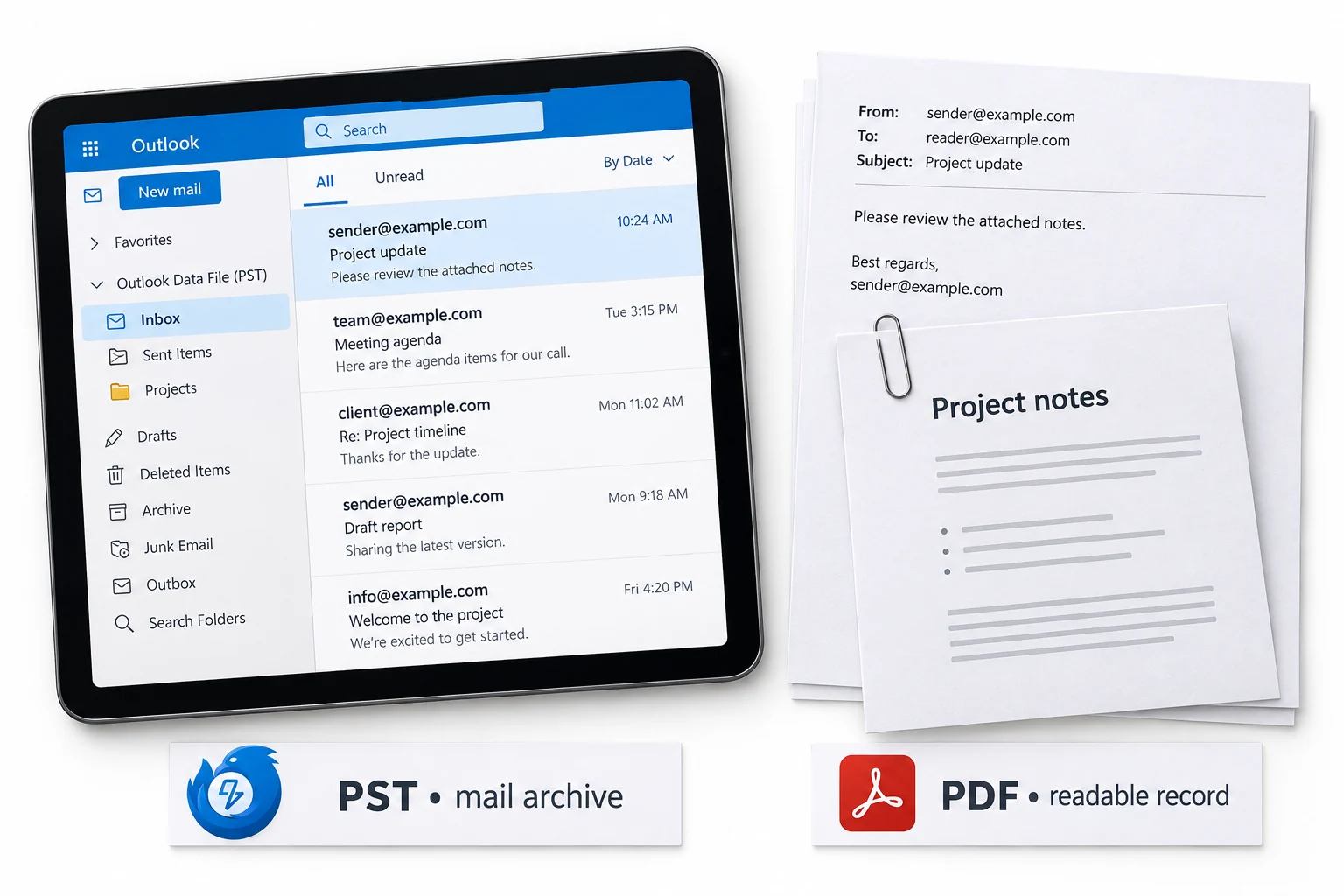
You are not locked to one. Univik Email Backup can write any of these from the same Thundermail mailbox, so a records team can take PDF while an admin keeps a PST archive of the same account. The folder structure carries into every format.
With a brand-new mail service, the first thing we tell people is take a backup before you rely on it. IMAP makes it a ten-minute job, and a PST or PDF on your own disk turns a beta account into something you can trust with real mail.
Does the Thundermail Beta Change Anything?
Not for the backup itself. The IMAP settings are live now, so a tool can connect and download the mailbox today the same way it will once Thundermail leaves beta. What the beta changes is the case for doing it, since a young service is the place a local copy earns its keep.
One practical note. Because the app password is shown once and cannot be recovered, keep it somewhere safe after you make it. Otherwise you will be creating a new one for every backup. Beyond that, a Thundermail backup behaves like any IMAP mailbox backup.
Which Thundermail Backup Route?
Three ways to keep Thundermail mail. Only one produces a real local archive.
| What you need | Read on the web | Save a few by hand | IMAP backup tool |
|---|---|---|---|
| Copy stored off the server | No | Partly | Yes |
| Saves to PST, PDF, MBOX, EML | No | No | Yes |
| Keeps folders and attachments | N/A | Sometimes | Yes |
| Filter by date on repeat runs | No | No | Yes |
| Works while Thundermail is in beta | Web only | Web only | Yes, over IMAP |
| Good for | Reading online | One or two messages | A full local backup |
Univik Email Backup reaches a Thundermail account through IMAP and writes the mailbox out to PST, PDF, MBOX or EML, folders and attachments kept. Give it the Thundermail server and your app password, then run a whole-mailbox or date-limited backup.
Runs on Windows 7 through 11 · signs in with the app password over SSL/TLS · date filter for repeat runs
The short version
- Thundermail holds your mail on its server, so keep a local copy.
- Set up a Thundermail app password in the dashboard before you start.
- Add the account in Univik Email Backup over IMAP, port 993, SSL/TLS.
- Save to PST, PDF, MBOX or EML, whole mailbox or by date.
- The copy keeps folders and attachments and does not need Thundermail online.
Back up Thundermail emails, free trial
Thundermail Backup Questions
 About This Guide
Written for Univik by Leena Taylor Paul, out of Univik's long history with mailbox backup since 2013. The Thundermail connection details were read from its beta support pages in 2026. The backup itself was tested by saving an IMAP mailbox to PST and then to PDF with attachments. 23 September 2026. A backup missing a folder? Support is a click below.
Sources: Thundermail server settings reference · What is Thundermail · Univik Email Backup