A credit card statement PDF opens with a code your card issuer builds from your name and birth date. Most issuers combine four capital letters from your name with your date of birth.
For SBI Card a name like Rajesh born on 15 August gives RAJE1508, while ICICI uses the full birth date as DDMMYYYY. After the file opens, drop the code so it stays open.
A credit card e-statement drops into your inbox each month as a sealed PDF, and it wants a code before it shows a line. The issuer locks it because the sheet lays out your card number and every purchase. That code holds no mystery. Issuers build it from your name and your birth date, the two details sitting on your card record. Learn the rule your issuer uses, open the statement, then pass it once through the Univik PDF Unlocker and the file opens plainly from then on.
What Is the Password on a Credit Card Statement?
The lock on a credit card statement is an open password chosen by the card issuer. The bill stays blank until the code goes in. Issuers apply it so a statement that lands in your email does not lay your card number and spending before anyone who taps the file. The rule stays fixed for each issuer, and it draws on your name together with your birth date.
What Is the Credit Card Statement Password Format?
Each card issuer sets its own code, though most land on a similar idea. The table lists the rule for the main Indian card issuers, with a sample of each. Type your name the way it prints on the statement, and leave the spaces out.
| Card issuer | Statement PDF password | Example |
|---|---|---|
| SBI Card | First four letters of name in caps, then DDMM of birth | RAJE1508 |
| HDFC Bank card | First four letters of name, then DDMM of birth | priya0901 |
| ICICI Bank card | Birth date in DDMMYYYY form | 04081991 |
| Axis Bank card | First four letters of name in caps, then DDMM | ROHI1004 |
| Kotak card | Birth date in DDMMYYYY form | 15081990 |
How Do You Open a Credit Card Statement PDF?
Getting into the bill rests on three things: your issuer's rule, your details and the case.
- Read your card's rule from the table above.
- Put the value together. It may be your name's first four letters with DDMM, or the birth date as DDMMYYYY.
- Type it into any PDF reader and the statement opens.
Keying that code in month after month grows dull, which is where clearing the lock earns its keep.
How Do You Take a Credit Card Statement Password Off?
A code you punch in on every open is a small monthly drag, and it walls off a budgeting app or a lender's upload that needs to read the bill. Take the lock off once and the statement opens on a single double-click. Enter your issuer's code to open the file. Then feed it to the PDF Unlocker, and the lock is gone in about two seconds.
The Univik PDF Unlocker peels the code off a card statement that is already open and saves a fresh copy alongside it. Point it at a folder of monthly bills and the whole set comes out unlocked together.
Free Download See all featuresYour Card Statement Still Locked?
The code comes from your own name and birth date, so a rejection usually points to a small slip. Line the name up with the spelling on the card. Keep the letters capital where the rule asks for capitals. Check the birth date against your records. When it still will not budge, the issuer app or the statement email carries the exact rule for your card, and a fresh statement from there clears a broken download.
Is It Safe to Remove a Credit Card Statement Password?
A card statement puts your card number and your full spending on one page, so it is a poor thing to send to a website you know nothing about. Do the unlock in a program on your own computer and the bill goes nowhere. There is nothing wrong with clearing the code on a statement that belongs to you. If you cannot decide between a browser service and one on your desktop, read up on whether an online PDF unlocker is safe before you upload.
- A credit card statement opens with a code your issuer builds from your name and birth date.
- Most issuers pair four capital letters from your name with DDMM, while ICICI uses DDMMYYYY.
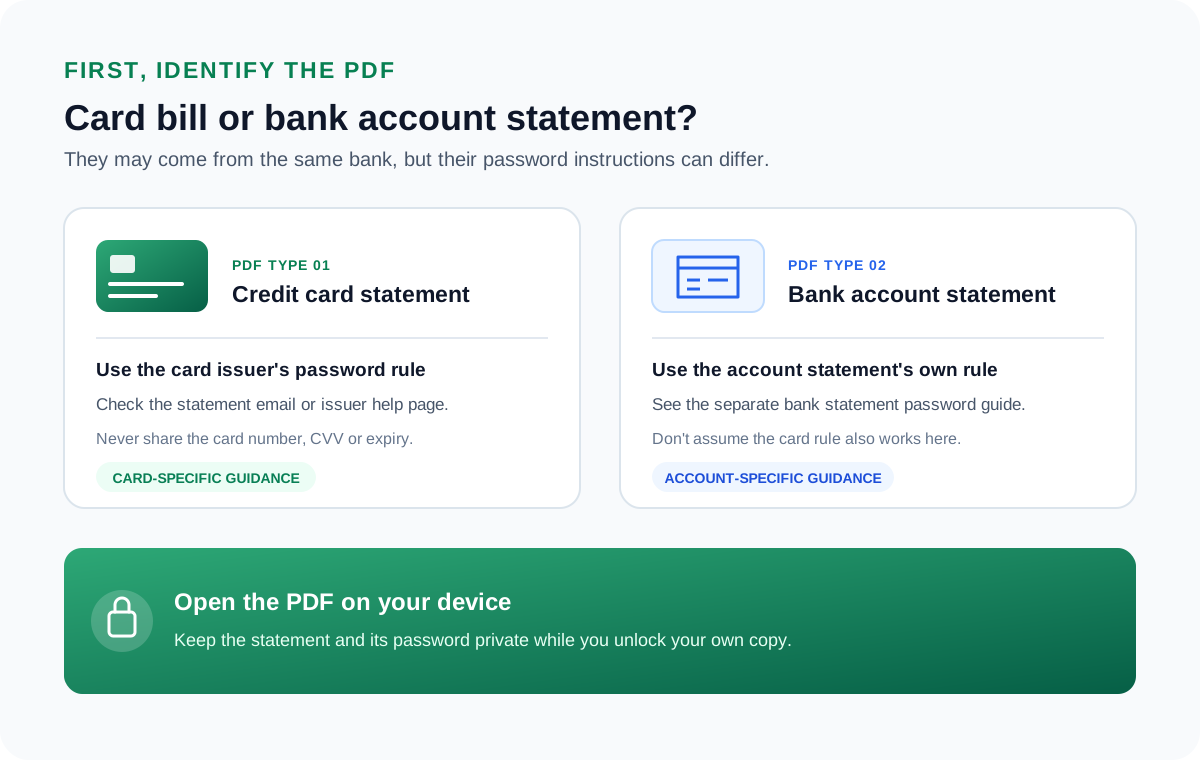
- A card statement code often differs from the same bank's account statement code.
- Open the bill with the code, then clear the password so it opens the moment you double-click it.
- A card statement holds your card number, so do the unlock on your computer, never on a website.

Credit Card Statement Password Questions

Assembled by Leena Taylor Paul and the wider Univik team, builders of Windows file software since 2013. A fair number of readers here are trying to send a clean card statement to an accountant at tax time without keying a code on every file, so this guide sets out the issuer rules first and then a safe way to lift the lock. Verified in September 2026. Trouble opening a card statement? Contact our support team.