To find deleted transactions in QuickBooks Desktop open the Audit Trail report and filter by date. An older backup and a file reader that lists unverified deleted rows cover a company that will not open.
The Audit Trail report filters by date and Entered/Modified date. Condense Data can strip deleted entries from it. A reader row is a lead and not proof of a deletion.
Where Can You Find Deleted Transactions in QuickBooks Desktop?
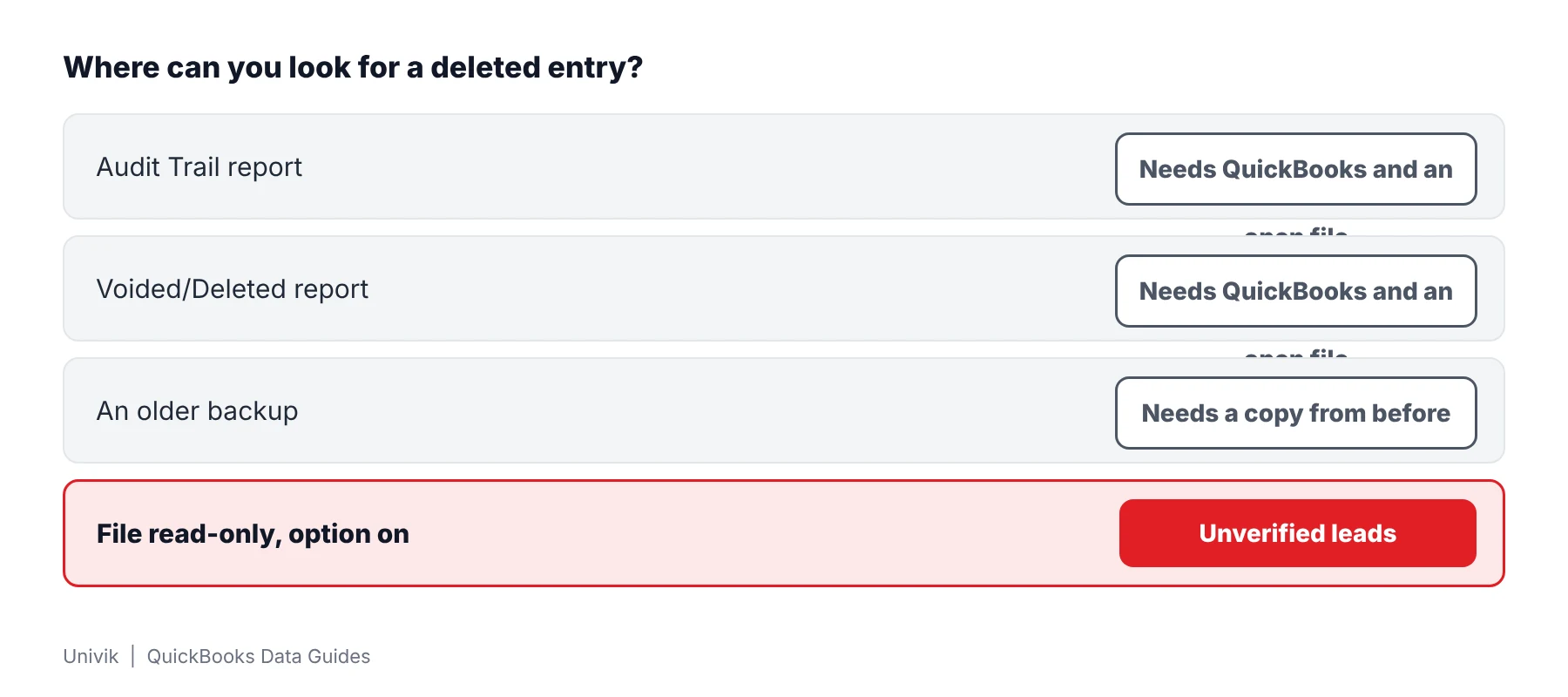
Deleted transactions leave a trace in four places. QuickBooks keeps an Audit Trail report that logs changes. An older backup still holds the entry as it was. A company file reader can list rows left in the database. Each place answers a different question.
Which of these is your week?
The company opens and you need to see what was removed and when.
Use the reports →Someone ran Condense Data and the history is short.
See what it removes →An error blocks the company and the reports cannot run.
Read the file →| Place | What it shows | Needs |
|---|---|---|
| Audit Trail report | Transactions filtered by date and by Entered/Modified date | QuickBooks with the company open |
| View Deleted/Voided Transaction Report | A printable copy of what a batch delete or void touched | Intuit's Batch Delete/Void Transactions tool in QuickBooks |
| Older backup | The books as they stood on the backup date | A backup made before the deletion |
| File reader | Rows left in older pages and emptied slots | A copy of the .qbw or .qbb |
Which QuickBooks Reports List Deleted Transactions?
The Audit Trail report is the main one when a company opens. Intuit's balance article lists it under Reports, then Accountant & Taxes. The same article uses its Date and Entered/Modified filters to find problem transactions. Intuit's batch delete article adds a View Deleted/Voided Transaction Report that prints a copy after a batch delete or void. Check your own version for the exact report columns.
- Open the Reports menu Choose Reports and then Accountant & Taxes.
- Pick the report Select Audit Trail from the Accountant & Taxes list.
- Set the filters Use the report filters to set a Date range and the Entered/Modified date. Intuit uses both to find problem transactions.
- Read the lines Look for edited, voided and deleted transactions in that range. Print or export the report because the export to Excel runs one report at a time.
The Audit Trail report only exists while QuickBooks can open the company. A file that stops with an error cannot produce it.
Does Condense Data Remove Deleted Transactions From the Audit Trail?
Condense Data can remove them from the report. Intuit's Condense Data article says the utility cannot be undone. The option that keeps all transactions but removes audit trail info strips edited, voided and deleted entries from the Audit Trail report. The report still lists activity that happens afterward.
| Item | What Intuit states |
|---|---|
| Menu path | File, Utilities, Condense Data |
| Undo | Condense Data cannot be undone |
| Audit option | Strips edited, voided and deleted entries from that report |
| Before you run it | Back up the company first |
A condensed company is when an older backup helps. Any backup that predates a condense still holds full history.
How Do You Find Deleted Transactions When the Company File Will Not Open?
Univik QBooks Recovery opens a company file or backup read-only and lists rows that may be deleted entries. It also opens stored audit trail tables as lists. A file that stops in QuickBooks with an error code still reads. The error guide covers the Intuit fixes to try first.
- Copy the company file Place a copy of your .qbw or .qbb in a separate folder. Work on that copy so your original stays as it is.
- Open it in the reader Install setup-qbooks-recovery.exe on any Windows 10 or 11 machine. Press Open File and pick the copy. QuickBooks does not have to be present.
- Turn on the extra rows Tick the deleted-records box before the read starts. Those rows land in their own group named Possibly Deleted Records.
- Open the audit lists and the group Choose Audit trail, Audit trail lines and the deleted-records group from the left panel.
- Export the leads Tick the deleted-records box in the export dialog and save Excel, CSV or HTML. Check each lead against bank records or an older backup.
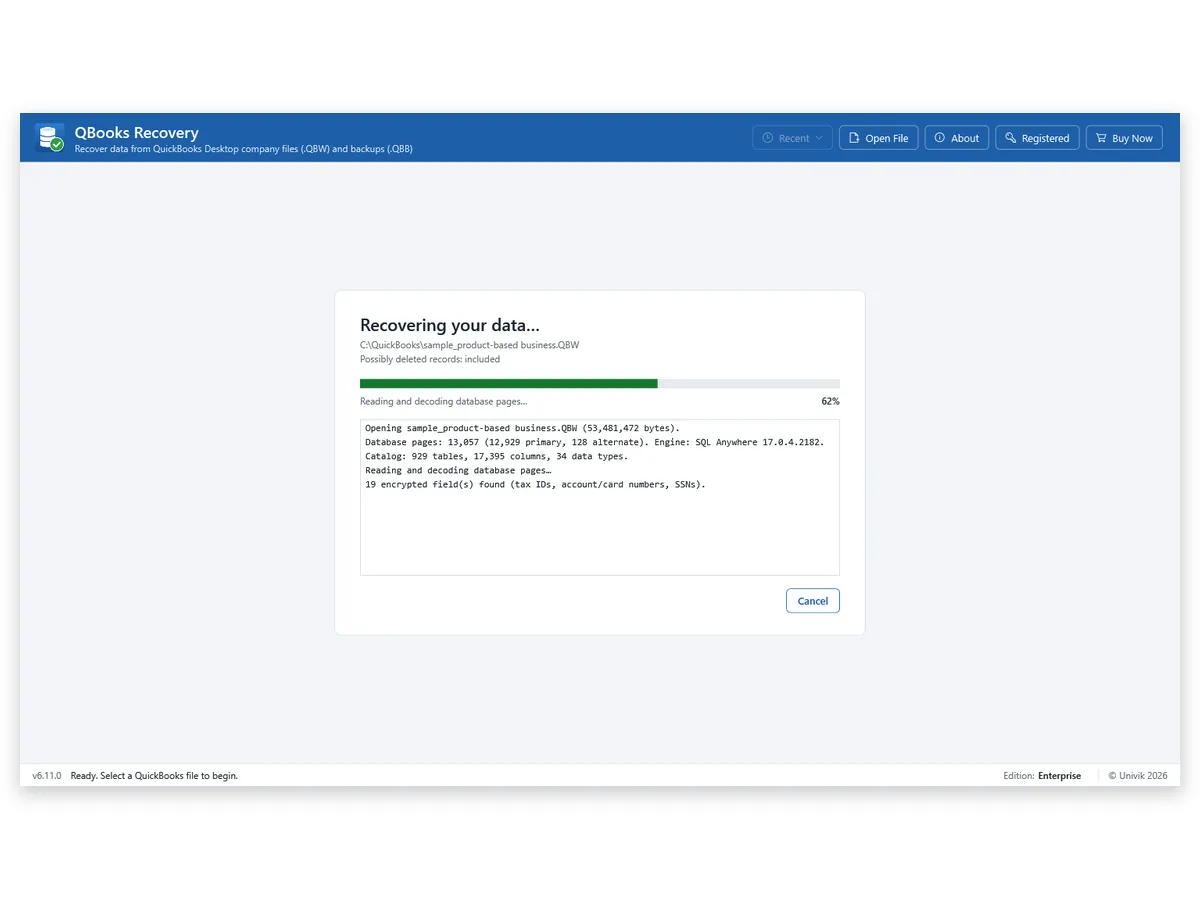
I read the 53 MB 2024 sample with the deleted-records box on. It gave 1,891 unverified rows in 3.3 seconds. I treat each one as a lead until bank records or an older backup agree.
A deleted-entry row is a lead and not a verdict. In the 2024 sample the reader listed 1,891 such rows and could not separate a removed entry from an earlier copy of a live one. Check each against records you can verify.
Univik QBooks Recovery lists the audit trail tables and unverified deleted-entry rows from a .qbw or .qbb with no QuickBooks installed.
Download Free Trial Select a Licence - From $99For Windows 10 and 11. The trial shows all data on screen and holds 25 items per list in each export.
What Does an Unverified Deleted Row Prove?
An unverified row proves only that the database held that data once. It does not prove a person removed a transaction. Rows come from stale pages and emptied row slots, so an earlier copy of a live entry looks the same as a removed one.
| Question | Answer from the rows |
|---|---|
| Was the entry deleted? | Not shown. The row may be a removed entry or an earlier copy. |
| Who changed it? | Not stated by the software. |
| When was it changed? | Not stated by the software. |
| Is a condensed file covered? | Not tested. |
Treat each row as a place to look. Confirm it against bank records and an older backup before anyone relies on it.
What If You Cannot Find the Deleted Transaction?
1. The audit trail starts late
Do this: Condense Data may have removed older history. Open a backup from before it and run the report there.
2. The company opens but shows nothing deleted
Do this: Widen your date filter and transaction types. Compare transaction counts with an older backup.
3. Only a backup exists and it will not restore
Do this: A backup has its own failure causes. The QBB restore failure guide lists the checks.
Key Takeaways: Finding Deleted Transactions in QuickBooks Desktop
- The Audit Trail report is the first place to look when a company opens.
- Condense Data cannot be undone and can strip edited, voided and deleted entries from that report. An older backup still holds the full history.
- Rows from a file reader are unverified leads. The 2024 sample gave 1,891 of them and none names who changed a record.
Need to document findings for a dispute? Ask counsel how it must be done. For file questions write to Univik support and include the extension and size.
FAQ: Finding Deleted Transactions in QuickBooks Desktop
How do I find deleted transactions in QuickBooks Desktop?
Choose Reports, then Accountant & Taxes, then Audit Trail and filter by date. Intuit's Batch Delete/Void Transactions tool can also print a deleted or voided report for what it processed. A file that will not open needs another route.
Where is the QuickBooks Desktop Audit Trail report?
Intuit places it under Reports, then Accountant & Taxes, then Audit Trail.
Can I see who deleted a transaction?
Intuit's articles read for this guide do not say that the Audit Trail report lists users. Check its columns in your own version. A file reader like Univik QBooks Recovery does not state who changed a record or when.
Does Condense Data remove deleted transactions from the audit trail?
Intuit says the option that keeps all transactions but removes audit trail info strips edited, voided and deleted entries from that report. Condense Data cannot be undone. Back up first.
Can deleted transactions be recovered from a backup?
An older backup made before a deletion still holds that transaction. Restore it to a new folder or read it with a backup reader and compare it with your current company.
How do I find deleted transactions when the company file will not open?
Read a copy of your file with Univik QBooks Recovery and tick its deleted-records option. Stored audit tables appear as two lists named Audit trail and Audit trail lines. Try Intuit fixes from its error guide first.
Are rows from a file reader proof of a deletion?
No. They come from stale pages and emptied row slots. A row can be a removed entry or an earlier copy of a live entry. Every row carries the word unverified.
How many unverified rows did the test file give?
A 53 MB 2024 sample company produced 145,103 records across 310 tables. The summary counted 1,891 unverified rows. The read took 3.3 seconds.
Does the software work on a condensed company file?
Univik did not test a condensed company file. It cannot say what the audit lists still hold after a condense.

Product details and test figures come from Univik's own build and test runs. Statements about QuickBooks follow Intuit help articles that were opened on November 11, 2026.
Sources we read: Intuit: fix beginning balance issues · Intuit: batch delete or void transactions · Intuit: use the Condense Data utility · Intuit: error -6000 when opening a file
QuickBooks and Intuit are trademarks of Intuit Inc. Univik has no tie to Intuit.