 Thundermail Guide
 By
By Gmail is Google's mature, free, ad-funded email with 15 GB of shared storage and a huge ecosystem. Thundermail is a new privacy-focused service from the Thunderbird team, in invite-only beta, that says it runs no ads and does not train AI on your mail. Both work over IMAP, and Thundermail adds JMAP. Pick Gmail for reach and availability, or Thundermail for privacy. Mail moves between them over IMAP either way.
This is not really Gmail losing to a newcomer or the other way round. They are built for different priorities. Gmail sells reach, polish and a free tier paid for by ads. Thundermail sells privacy and an open foundation, and asks you to accept that it is young. Knowing which of those you value most makes the choice simple.
The table sets the two side by side on the points people ask about. After it, a look at where each fits and how mail moves between them.
Thundermail vs Gmail at a Glance
The short comparison, on the points that tend to decide it. The claims about ads and AI are how each service describes itself.
| Point | Gmail | Thundermail |
|---|---|---|
| Who runs it | MZLA, the Thunderbird team | |
| Ads on the service | Yes, ad-funded | No ads, per its makers |
| Trains AI on your mail | Part of Google's model | No, per its makers |
| Protocols | IMAP, POP3 | IMAP and JMAP |
| Free storage | 15 GB shared | Not public yet, beta |
| Availability | Open to all | Invite-only beta |
| Open-source server | No | Yes, Stalwart |
| Custom domain | Paid Workspace plan | Yes, from the start |
Privacy: Where Thundermail Differs
Privacy is the whole pitch for Thundermail. Its makers say the service carries no ads and that they do not sell your data or train AI on your mail, and it runs on the open-source Stalwart server rather than a closed stack. The Thunderbird name behind it is a long-standing open-source project, which is part of why the privacy claim carries weight for its audience.
Gmail sits at the other end. It is free because Google's advertising business pays for it, and mail is part of a broad Google account that feeds recommendations and services. Google has its own security and controls, and for many people the trade is worth it. For someone who wants mail kept out of that model entirely, Thundermail is the answer to a question Gmail cannot really answer.
Gmail is not a bad product. It is a free product, and the price is your data feeding an ad and AI model. Thundermail is selling the opposite deal, and the people who care about that deal are exactly its audience.
Maturity: Where Gmail Leads
Gmail has two decades of polish and scale behind it. It is open to anyone right now and free at 15 GB. Its spam filtering is among the best, and it plugs into a wide set of apps and phones out of the box. Nothing about a new service matches that on day one, and it would be unfair to pretend otherwise.
Thundermail is in invite-only beta. Its pricing has not been set out in public, and its features are still filling in. That is the honest cost of being early. For a user who needs email working today with no fuss, Gmail is the safer pick. Thundermail is the one to watch, or to try alongside, rather than to depend on straight away.
Protocols and Access
On access the two are closer than their branding suggests. Both expose the mailbox over IMAP, so any standard client reaches either. Gmail is imap.gmail.com and Thundermail is mail.thundermail.com, both on port 993 with SSL/TLS. Each asks an outside tool to sign in with an app password instead of the account password, for safety.
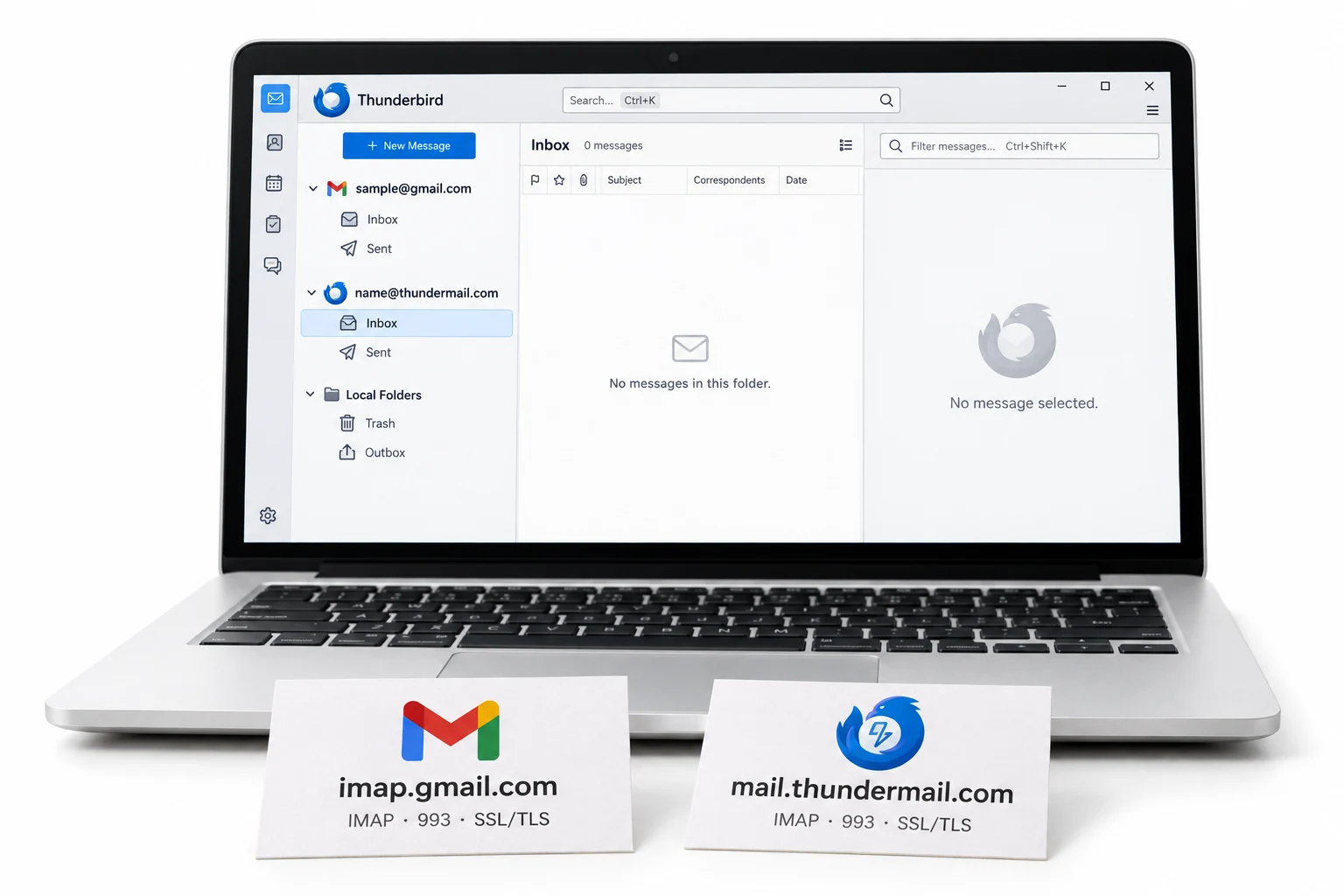
Where Thundermail goes further is JMAP, a newer protocol served on port 443 to clients built for it. Gmail stays on IMAP and POP3. For most people the IMAP support is what matters, because it means a migration tool or a desktop client works with both the same way, which is what makes moving between them straightforward.
Moving Gmail to Thundermail
Trying Thundermail does not mean abandoning years of Gmail. Because both run over IMAP, a converter can read the Gmail account and rebuild it inside Thundermail, with each Gmail label recreated as a folder along the way. A Google Takeout MBOX export works as the source too, for anyone who would rather move from a file.
That is the low-risk way to test the switch. Move a copy of your Gmail into Thundermail and keep Gmail live. Then see how the private service feels with your real mail in it. The step-by-step is in the move Gmail to Thundermail guide, and the connection details are in the Thundermail settings guide.
Univik Email Converter pulls a Gmail account over IMAP, or reads a Takeout MBOX. Either way it lands the mail in Thundermail with the labels rebuilt as folders. Keep Gmail running while you test the switch, since the move copies the mail and leaves the original in place.
Both mailboxes over IMAP · labels become folders · the Gmail account is left untouched
The short version
- Gmail wins on maturity: free, open to all, deep ecosystem, best-in-class spam filtering.
- Thundermail wins on privacy: no ads and no AI training, per its makers, on an open server.
- Gmail is ad-funded, Thundermail is invite-only beta with pricing not yet public.
- Both use IMAP on port 993; Thundermail adds JMAP on port 443.
- You can move Gmail into Thundermail over IMAP and keep Gmail live while you test.
Move Gmail to Thundermail, step by step
Thundermail and Gmail Questions
 About This Guide
Written for Univik by Leena Taylor Paul. Univik has worked with email services and migration since 2013. The Thundermail claims and status came from its support pages and the Thunderbird blog in September 2026, while it was in invite-only beta. The Gmail figures came from Google's published details. The ad and AI points are each service's own statements about itself. 23 September 2026. Weighing a switch? Support is a click below.
Sources: Thundermail and Thunderbird Pro (Thunderbird blog) · What is Thundermail · Move Gmail to Thundermail