 Thundermail Guide
 By
By Thundermail is a privacy-focused email service from MZLA Technologies, the makers of Thunderbird. It offers @thundermail.com, @tb.pro or custom-domain mailboxes and works over IMAP and JMAP. The open-source Stalwart server sits underneath. Its makers say the service shows no adverts and keeps your mail out of AI training. It is in invite-only beta, joined through a waitlist at thundermail.com, and pricing is not yet public.
Email from a browser-maker is not new, but a privacy-first service from the Thunderbird team is a different proposition. Thunderbird has spent two decades as an open-source mail app people trust, so a hosted service under that name carries a certain weight. It is that service, and it is early enough that a plain explainer helps.
The facts box below is the quick reference. The sections after it go a little deeper on who runs it and the safety question, then how to get in and bring your mail.
Thundermail at a Glance
The short facts here, drawn from its own pages and the Thunderbird blog.
| Detail | Thundermail |
|---|---|
| Made by | MZLA, the makers of Thunderbird |
| Part of | Thunderbird Pro services |
| Addresses | @thundermail.com, @tb.pro, custom domain |
| Protocols | IMAP and JMAP |
| Server | Open-source Stalwart |
| Privacy stance | No ads, no AI training, per its makers |
| Status | Invite-only beta |
| How to join | Waitlist at thundermail.com |
Who Makes Thundermail?
The service is made by MZLA Technologies Corporation, which the not-for-profit Mozilla owns and which also develops the Thunderbird email app. It is one part of Thunderbird Pro, a set of paid cloud services that also includes Appointment for scheduling and Send for file sharing. The idea is that these paid services help fund the project.
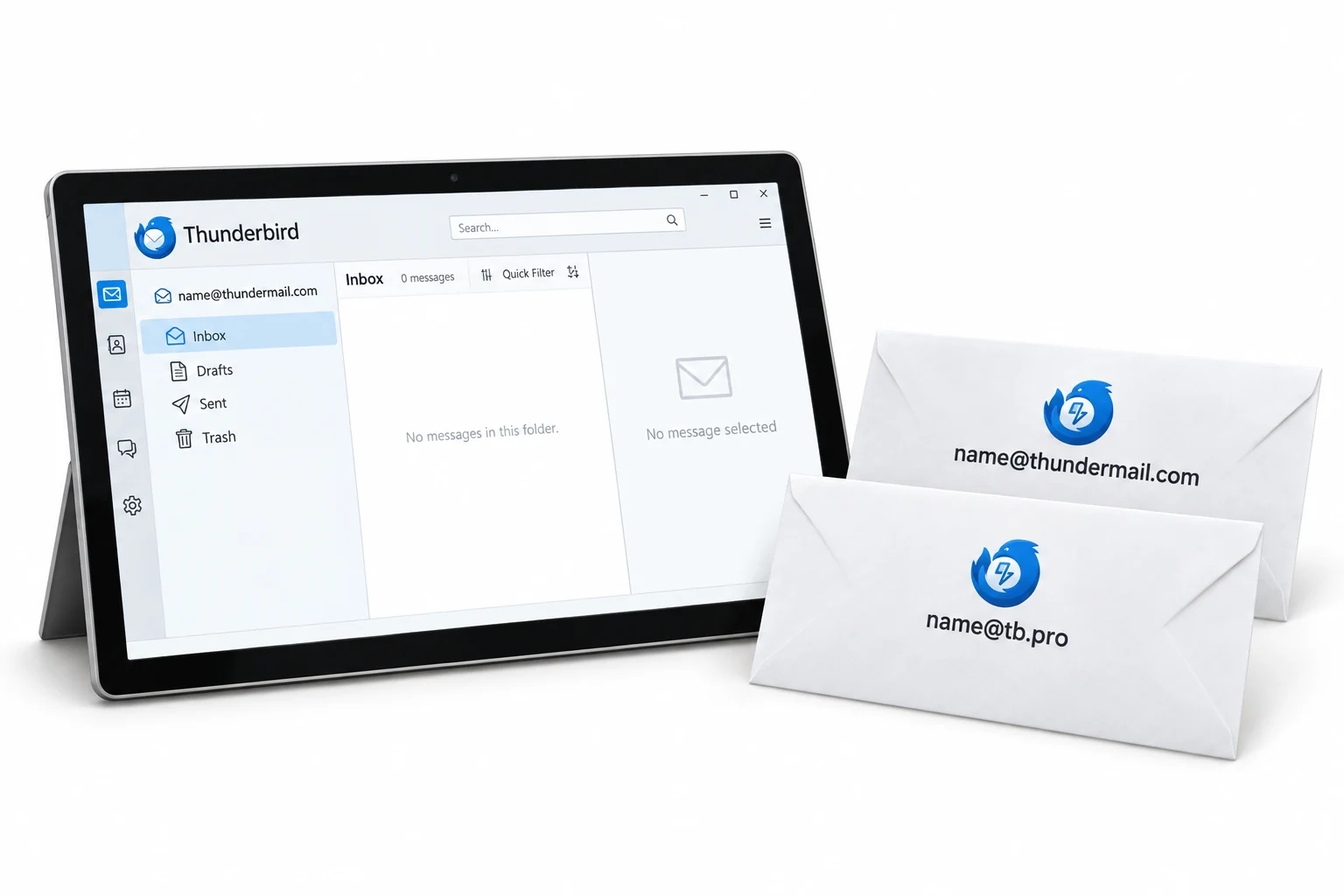
The Thunderbird desktop app stays free, and the team has been clear that it always will be. The mailbox is a separate, optional service you choose on top, not a change to the app. That heritage matters for trust, because the people behind it have a long record in open-source mail rather than a standing start.
What makes it worth a look is not a feature, it is who is building it. A hosted mailbox from the Thunderbird team, on an open server, is a very different bet from a startup nobody has heard of.
Is Thundermail Safe?
On the fundamentals, the platform is built the way a careful mail service should be. The service uses the open Stalwart server and wraps connections in SSL/TLS. It keeps a separate app password between an outside client and your real login. On the privacy promise, the makers put it plainly: no adverts, no selling of your data, no feeding your mail to an AI.
The honest caveat is that it is a beta. A young service can have teething issues and its terms can still change, so it is wise not to make it your only copy of important mail yet. The safe habit is a local copy of anything you would hate to lose, which any IMAP mailbox supports, so you can trial the mailbox without gambling on it.
How Do You Get Thundermail?
Access is by invitation for now. You join the waitlist at thundermail.com, and the team has been sending invites out in waves to people on that list through 2026. That is normal for a service still finding its feet, and it lets the team grow the load gradually rather than open the doors all at once.
Once you are in, you pick an address on @thundermail.com or @tb.pro, or connect a custom domain. Then you set an app password in the dashboard. From there the account works in its web interface or in any IMAP client you already use, from Thunderbird to Outlook.
Bringing Your Mail to Thundermail
A new mailbox is only useful if your existing mail can join it, and the service being standard IMAP makes that possible. An existing account, whether Gmail, an Outlook PST or any IMAP mailbox, can be read by a converter and written into the new mailbox, so you are not starting from an empty inbox.
Univik Email Converter handles that side. It takes the source and delivers it across IMAP, holding the folder layout. For Gmail it also rebuilds labels as folders. If you would rather weigh it against your current service first, the Thundermail vs Gmail comparison sets the two side by side.
Univik Email Converter reads Gmail, an Outlook PST or any IMAP mailbox and uploads it over IMAP, keeping folders and turning Gmail labels into folders. Try Thundermail with your real mail rather than a blank account.
Any IMAP source · folders kept · the settings and app password sit in the linked guides
The short version
- A privacy email service from MZLA, the makers of Thunderbird.
- Its foundation is the open-source Stalwart server, reached over IMAP and JMAP.
- Its makers say no ads and no AI training on your mail.
- It is in invite-only beta, joined through a waitlist, with pricing not yet public.
- Existing mail from Gmail, Outlook or any IMAP account can be moved in.
Move your mail into Thundermail
Thundermail Questions
 About This Guide
Written for Univik by Leena Taylor Paul. Univik has followed email services and formats since 2013. The details here about the service, its makers, the Stalwart server and its beta status came from the Thundermail help site and the Thunderbird blog, read in September 2026. Facts about ads and AI are the makers' own statements. 23 September 2026. A question the page did not answer? Support is a click below.
Sources: What is Thundermail (support.tb.pro) · Thundermail and Thunderbird Pro · Thundermail settings