Access carries two very different passwords. The VBA project password only hides the module code and comes off a database you own without the word, while the database open password is real encryption and needs the word to lift. The Univik VBA Password Remover for Access clears the code lock on .accdb and .mdb files.
Someone asks to remove the password from an Access database and means one of two things, and the two could not be further apart. One is a quick job. The other can leave you stuck. Sorting out which you are facing is the whole first step.
Which Two Passwords Guard an Access File?
Access is the odd one in the Office family, because it can lock a file two separate ways at once. Most confusion here comes from treating them as the same password.
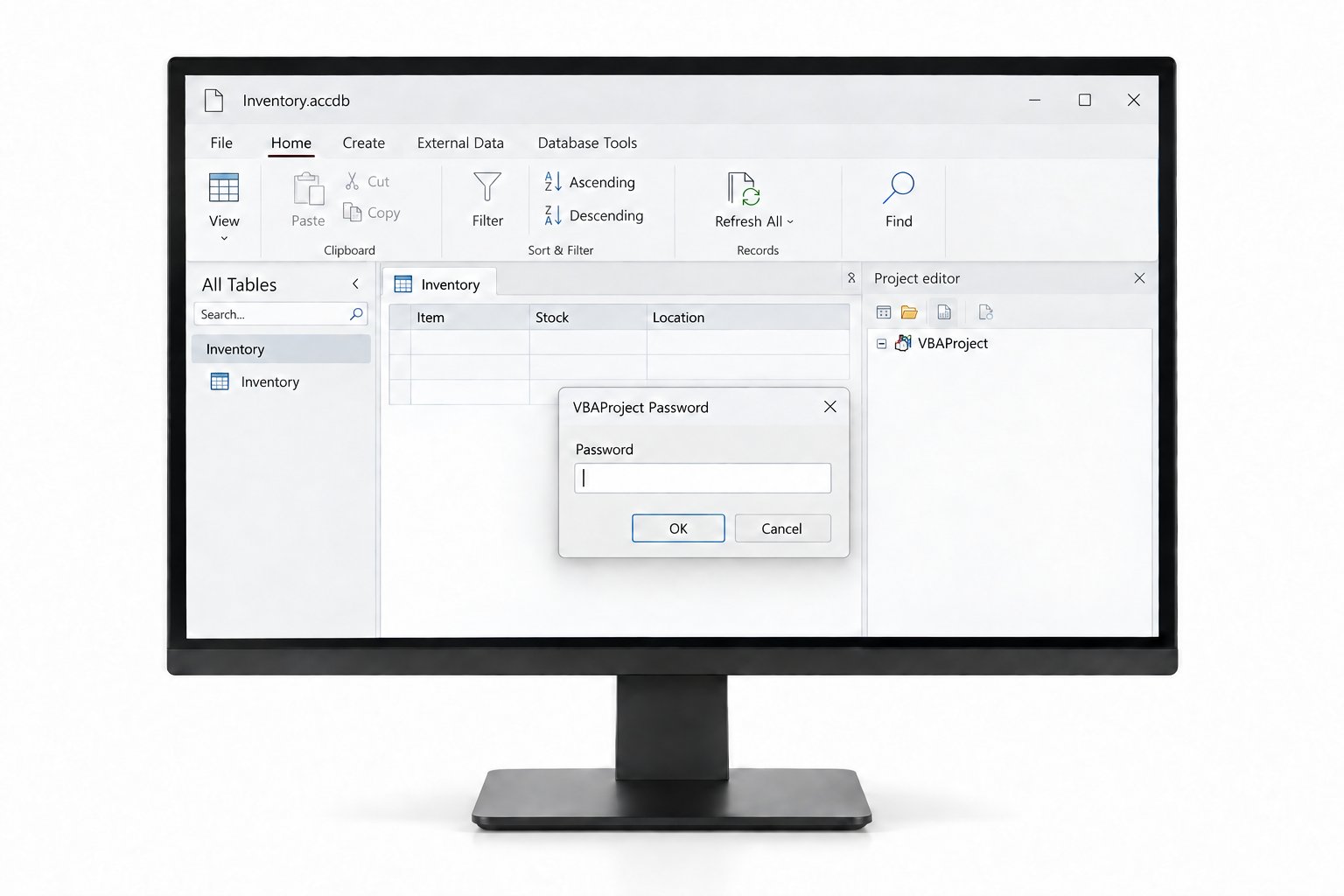
If the database opens and only the code editor demands a word, that is the VBA project password, the easy one. If the file refuses to open until you type a word, that points to the encrypted open password, a far tougher problem.
What Is the Fast Way to Clear the VBA Lock?
For the project password, a remover does the work with none of the risk of poking at a database by hand. It opens the file, strips the code lock and saves the database with every module, form and report left alone.
- Copy the database firstRun the tool on a duplicate and keep the original safe.
- Load the .accdb or .mdbPoint the Access VBA remover at the file.
- Strip the code lockThe tool removes the project password and writes the database back.
- Reopen in AccessPress Alt and F11 and your modules and form code are open.
The Univik VBA Password Remover strips the project password from your .accdb and .mdb files and leaves the tables, forms, reports and modules untouched, so the application keeps working while the code opens.
Free Download See All FeaturesHow Is the Access Database Password Different?
The open password is where people get stuck, and it helps to know why. On a modern .accdb, Access encrypts the whole file with the word you set, so the data really is scrambled on disk. Removing it means opening the database exclusively, typing the current word, then choosing Decrypt Database. That built in route needs the word to run, and the word is exactly what is missing. If the open password is the one you have lost on an Access 2007 or later file, the program itself cannot recover it. You are left with a specialist recovery attempt or the backup you hopefully kept. The VBA project password never had that strength, which is why the two jobs feel nothing alike.
Why Does the Zip Trick Fail on Access?
Anyone who unlocked an Excel or Word file for free reaches for the same move here and hits a wall. A .xlsm or a .docm is a zip archive, so you can rename it, open it and edit the macro project inside. An .accdb or .mdb is nothing of the sort. It is a single binary database built on the ACE or Jet engine, with no folders to browse and no vbaProject.bin to touch. The free routes that do exist for the Access project password lean on connection string tricks and VBA code run from a second database, and they are fiddly, version bound and quick to corrupt a file. That gap is the real reason a dedicated remover matters more for Access than for the zip based Office apps.
Why Does the VBA Project Lock Lift?
The mechanism itself is the same one every Office app shares. The password keeps a scrambled hash on file and makes the editor ask for a word first, while the module code itself sits in plain form and was never encrypted. Clear the flag and the code shows. The full breakdown of how that gate is built, and why it was never a real barrier, sits in the reference that unpacks the mechanism. Access shares the VBA engine, so the same logic carries straight over, the same lock also giving way in Word and across PowerPoint, Outlook and Project.
Which Access Formats Are Supported, from .mdb to .accde?
Which file you hold shapes what is possible. A .mdb is the legacy Jet format from Access 2003 and earlier, and its project lock comes off like any other. A .accdb is the modern ACE format from 2007 on, and behaves the same for the code lock. The compiled formats are the exception worth knowing. A .accde or a .mde has had its VBA source removed at compile time, leaving only runnable code, so there is nothing editable to unlock. No tool recovers source from a compiled database, and if you need the code you need the original .accdb it was built from.
What Survives the Unlock?
Clearing the project lock is a change to one thing only. Every table, query, form and report stays as built. The code behind each form and report reads the way its author left it. Standard modules, class modules, references to the DAO and ADO libraries, links to a shared backend database, all of it comes through intact. The data never moves and the structure never shifts, because the lock sat on the module code and nowhere else. You get the source back and lose nothing in the trade.
What Are Real Reasons a Database Needs This?
Locked Access code turns up wherever a small business runs on a homegrown database. The developer who built your inventory or booking system password protected the modules and moved on. A migration to SQL Server needs the connection strings in the code rewritten, but the modules will not open. A form shows an error mid month and nobody can step through the event code to find it. An audit wants the business rules inside a finance database reviewed. In each case you own the application and hold every right to maintain it, and that is the situation a remover is built to handle. Keep the work to databases you are authorised to open, and leave anyone else's alone.
Access VBA Password Questions

Written and maintained by Leena Taylor Paul and the Univik team, developers of Windows data conversion and recovery software since 2013. Access is the tool where we spend the most time telling people apart the two passwords they own, since the fix for one is quick and the other can be a wall. Last verified August 2026. Not sure which Access password you are on? Contact our support team.