A Word VBA project password hides your macro code behind a flag, not encryption, so it comes off a file you own though the word itself is long lost. The real question is whether the lock sits on the code or on the document. The Univik VBA Password Remover for Word clears the code lock in one step.
Word macros hide in two places, documents and templates. Both can carry a password on the code. Open the editor to tweak a mail merge routine and Word asks for a word nobody kept. The good news is that this particular lock was never strong.
Where Does Word Keep Its Locked Macros?
Word stores macros in macro enabled files, and the extension tells you which kind you have. A .docm is a single document that carries code. A .dotm is a template that hands its code to every document built on it, which is how one locked template can gate a whole team's automation. The everyday example is Normal.dotm, the global template Word loads at startup, where personal macros live. Whatever the extension, the macro project inside is what holds the password.
What Is the Fast Way to Unlock Word Macros?
A remover reads the document, lifts the project lock and saves the file with the macros untouched. It saves you the hand editing that breaks so many files, and it treats a template the same as a document.
- Duplicate the document firstKeep the original aside and run the tool on the copy.
- Load the .docm or .dotmPoint the Word VBA remover at the file.
- Lift the project lockThe tool clears the code password and writes the file back.
- Reopen in WordPress Alt and F11 and your modules are there to edit.
The Univik VBA Password Remover lifts the code lock on your .docm and .dotm files and keeps the text, styles and every macro as written, so you can edit the project again in minutes.
Free Download See All FeaturesWhy Does the Word VBA Lock Lift?
The password on a Word macro project does not encrypt anything. It stores a hash and makes the editor ask for that word before the code opens, while the macros themselves sit in plain form inside the file. Clear that flag and the code appears, with nothing to undo because nothing was ever scrambled. The full account of how this gate works, and why it was never meant to keep an owner out, lives in the reference on how the lock is built. Word behaves the same way, since both share one VBA engine, as do PowerPoint, Access, Outlook and Project.
How Do You Unlock a .docm by Hand?
Because a .docm is a zip archive, the free route mirrors the one for spreadsheets. You change the extension to .zip, open it. The macro project sits at word/vbaProject.bin, while Excel uses the xl folder. Editing that binary to invalidate the lock, then repacking as a .docm, drops the wall on the next open. It is the same trick with a different folder name, and the same catch. It corrupts the project about as readily as it clears it, and a damaged template takes the whole team's automation with it. The step by step hex detail and the exact points where it fails are explained in the hex editor reference, so there is no need to repeat them here.
How Do Templates Make Word Different?
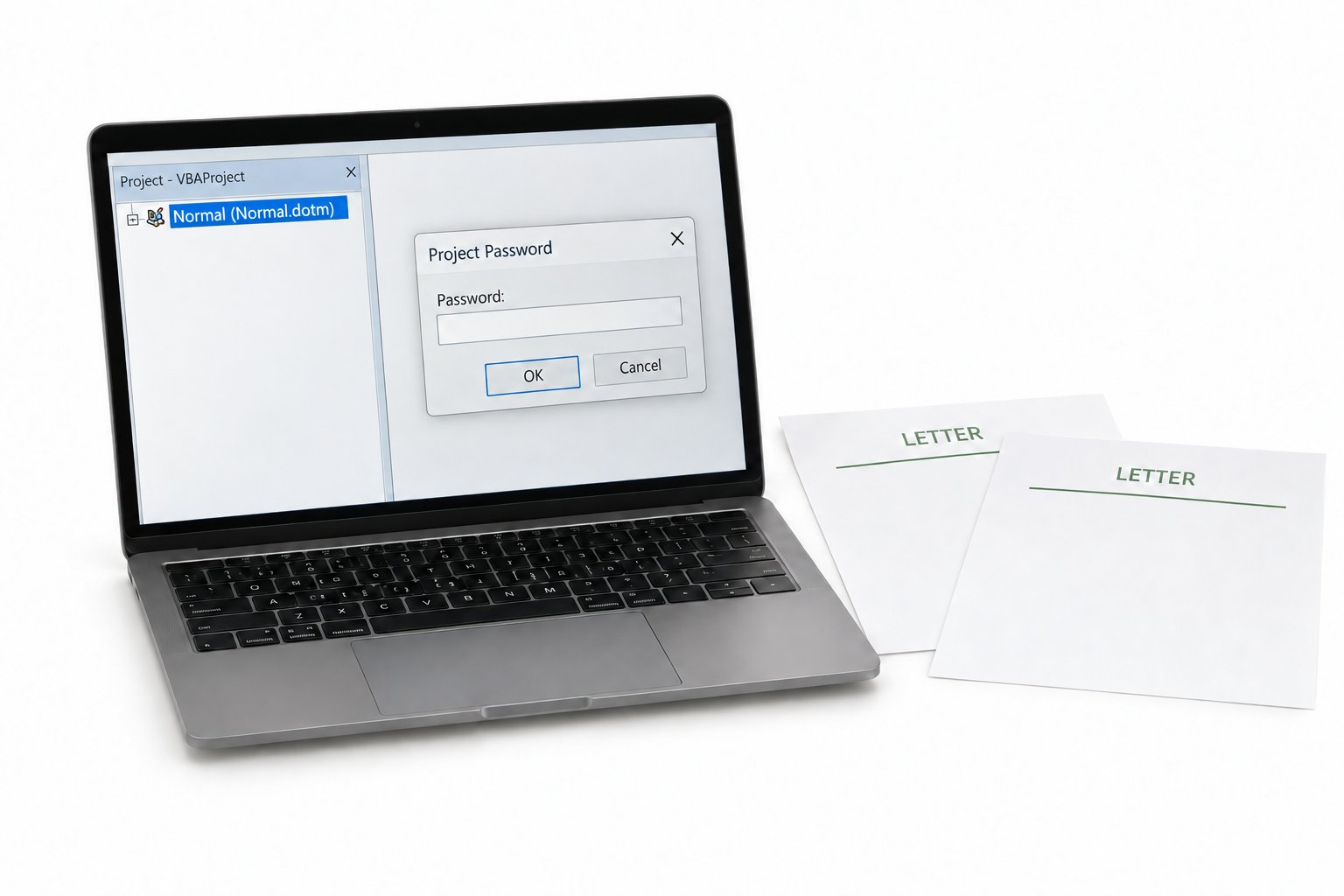
Spreadsheets rarely share code, but Word runs on templates. That changes the stakes. Normal.dotm loads with every session, so a lock there follows you into every new document. Global templates in the Word STARTUP folder attach their macros to the application itself. A workgroup template on a shared drive can push locked code to a whole office. When you go looking for the file to unlock, look past the document in front of you. The template behind it is what holds the lock, and clearing that one file frees every document that leans on it.
Document Lock or Code Lock: Which Do You Have?
Word has several protections that all get called the password, and only one of them is the VBA project lock. Sorting them out saves you chasing the wrong fix.
If the document opened without a prompt but the editor asks for a word, you are on the VBA project password. If the file will not open at all, that is the encrypted open password and a different problem entirely.
What Survives When the Password Goes?
Lifting the code lock is a narrow change. Your standard modules, userforms and the ThisDocument module all stay exactly as written. Mail merge routines, AutoOpen and AutoExec macros, custom ribbon commands, every reference to an outside library, all of it opens intact. The text, styles and layout of the document never enter the picture, because the project lock sits on the code alone. What you get back is the source you wrote, ready to read and edit, with no rewrite waiting on the other side.
What Are Everyday Reasons to Unlock Word Macros?
This lands on real desks more than it sounds. The consultant who built your firm's document assembly macros wrapped them in a password and left. A letterhead template runs the whole company's correspondence and needs a branding update the author never handed over. Legal wants the merge logic in a contract template reviewed before a filing. An old .doc from a merged business still runs but cannot be opened for edits. In each case you hold the document and the right to maintain it, which is where a remover fits. Keep it to files you are entitled to work on, and leave anyone else's documents alone.
Word VBA Password Questions

Written and maintained by Leena Taylor Paul and the Univik team, developers of Windows data conversion and recovery software since 2013. The Word cases we see almost always come from a shared template, so this guide points readers at the template first and saves them unlocking documents one by one. Last verified August 2026. Stuck on a locked template your team relies on? Contact our support team.