A PowerPoint VBA project password is a flag over your macro code, not encryption, so it clears from a deck you own though the word is long gone. What surprises people is that PowerPoint code can hide in an add-in, not the slides in front of them. The Univik VBA Password Remover for PowerPoint lifts the code lock on .pptm and .ppam files.
Most decks hold no code at all. So when PowerPoint asks for a password in the editor, it catches people off guard. You went in to fix an interactive quiz or a slide builder and hit a wall on macros you own. That wall is thinner than it looks.
Where Does PowerPoint Keep Its Locked Macros?
The extension tells you what kind of file holds the code. A .pptm is a presentation that carries macros. A .potm is a template that passes them on. A .ppsm is a self running show. A .ppam is an add-in that loads its macros into PowerPoint itself, so its code runs across every deck you open. Whichever one you have, the macro project inside carries the password.
What Is the Fast Way to Unlock PowerPoint Macros?
A remover reads the file, lifts the project lock and saves it with the slides and macros untouched. No hand editing and no rezip. It treats an add-in the same as a presentation.
- Duplicate the deck firstSet the original aside and run the tool on the copy.
- Load the .pptm or .ppamPoint the PowerPoint VBA remover at the file.
- Clear the code passwordThe tool lifts the project lock and writes the file back.
- Reopen in PowerPointPress Alt and F11 and the modules are yours to edit.
The Univik VBA Password Remover takes the project lock off your .pptm, .potm and .ppam files and keeps the slides and every macro as written, so the project opens for editing again in seconds.
Free Download See All FeaturesWhy Does the PowerPoint Lock Come Off?
The password on a PowerPoint macro project protects nothing by force. It saves a hash and prompts the editor for a word before it reveals the code, yet the code itself stays in plain form inside the file. Lift that flag and the project shows, because nothing was ever scrambled. Excel, Word and PowerPoint all run the one VBA engine, so the deep account of how the gate is built and why an owner was never really shut out lives in the reference that anchors this set. The same weakness is what a remover leans on in Word and Access too.
What Is the Free Route Through the ppt Folder?
A .pptm is a zip archive, so the manual route is the same shape as the spreadsheet one. You rename the file to .zip and step inside, where the macro project waits at ppt/vbaProject.bin. Watch this step, because half the tutorials online tell you to look in the xl folder. That is the Excel path copied without thinking. In a deck the folder is ppt. Editing that binary to break the lock and repacking as a .pptm can open the project, but it corrupts the file at much the same rate. A broken add-in takes every deck that loads it down with it. The hex detail and the exact failure points are covered in the manual method reference, so this page points there and does not repeat them.
How Do Add-ins Change PowerPoint Macros?
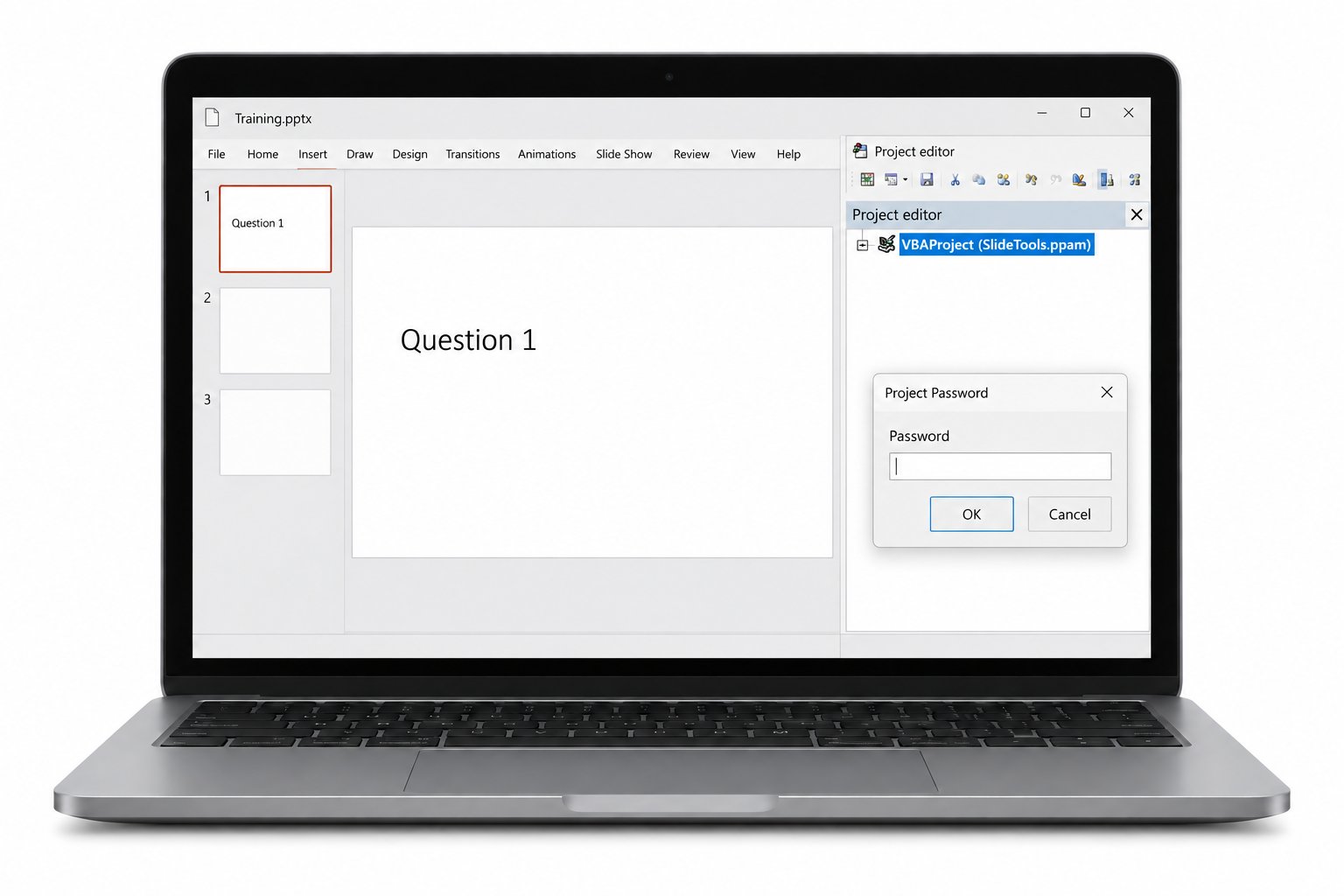
This is where PowerPoint stops behaving like a document. A .ppam add-in does not sit in one deck. It loads into the application and lends its macros to every presentation you open, which is how a single locked add-in can gate a custom toolbar the whole office depends on. Add-ins live at %APPDATA%\Microsoft\AddIns, well away from the presentations they serve. So when a button on your ribbon stops working and the code will not open, the file to unlock is rarely the deck on screen. It is the add-in loaded behind it, and clearing that one project restores the tools everywhere at once.
Where Do Rare PowerPoint Macros Hide?
Nobody writes VBA to advance slides. When PowerPoint carries code it is doing something a plain deck cannot, and those are the files worth unlocking. Interactive shows and kiosks respond to clicks with macros behind the buttons. Slide builders generate a deck from a spreadsheet or a database. Quiz and assessment decks score answers as you go. The code sits in standard modules, in ThisPresentation for presentation wide events and in slide modules for events tied to a single slide. None of it shows on the canvas, which is why a locked project can hide in a deck that looks normal.
What Comes Through the Unlock?
Lifting the lock touches the gate and leaves the rest alone. Standard modules, userforms, the ThisPresentation module and every slide event handler come back exactly as written. References to outside libraries, custom ribbon commands, the animation and navigation code, all of it opens intact. Your slides, layouts and masters never enter the operation, because the flag covered the code and nothing more. You reopen to your own code, ready to read and change, with no cleanup on the far side.
What Are Everyday Reasons to Unlock a Deck?
Locked PowerPoint code shows up in a handful of familiar spots. The designer who built your pitch template wrapped the macros and left with no handover. A ribbon add-in the sales team relies on starts showing an error nobody can trace without the code. A branding refresh means the slide master logic needs a rewrite the original author never shared. A training kiosk needs new questions but the scoring macros sit behind a password. In each of these the deck or add-in is yours to maintain, which is the ground a remover is meant for. Leave decks and add-ins you have no claim to alone.
PowerPoint VBA Password Questions

Written and maintained by Leena Taylor Paul and the Univik team, developers of Windows data conversion and recovery software since 2013. With PowerPoint the file people hand us is rarely the one holding the lock, so this page digs into add-ins and where a deck really keeps its code. Last verified August 2026. Chasing a locked ribbon add-in nobody can open? Contact our support team.