An Excel VBA project password is a flag inside the file, not encryption, so it can be cleared from a file you own even when the word is long gone. A dedicated remover does it cleanly, while the free hex trick works sometimes and corrupts the file other times. The Univik VBA Password Remover for Excel handles it in one step.
You open your own workbook and head into the macro editor to fix a bug. Excel then asks for a password nobody wrote down. The file opened fine, so why is the code locked. Because two different locks are in play, and the one blocking you is far weaker than it looks.
Which Password Actually Stops You?
Excel has three locks that people lump together as one, and the fix depends entirely on which one you hit. Pick wrong and you waste an afternoon on the impossible one.
The workbook opened for you, so the open password is not your problem. If the block appears only when you enter the code editor, you are on the VBA project password. The rest of this page is for you.
What Is the Fastest Way to Open Locked Macros Safely?
A dedicated remover skips the risk of hand editing the binary. It reads the file, clears the project lock and writes the workbook back with the macros intact. No hex editor, no rezip, no risk to your only copy.
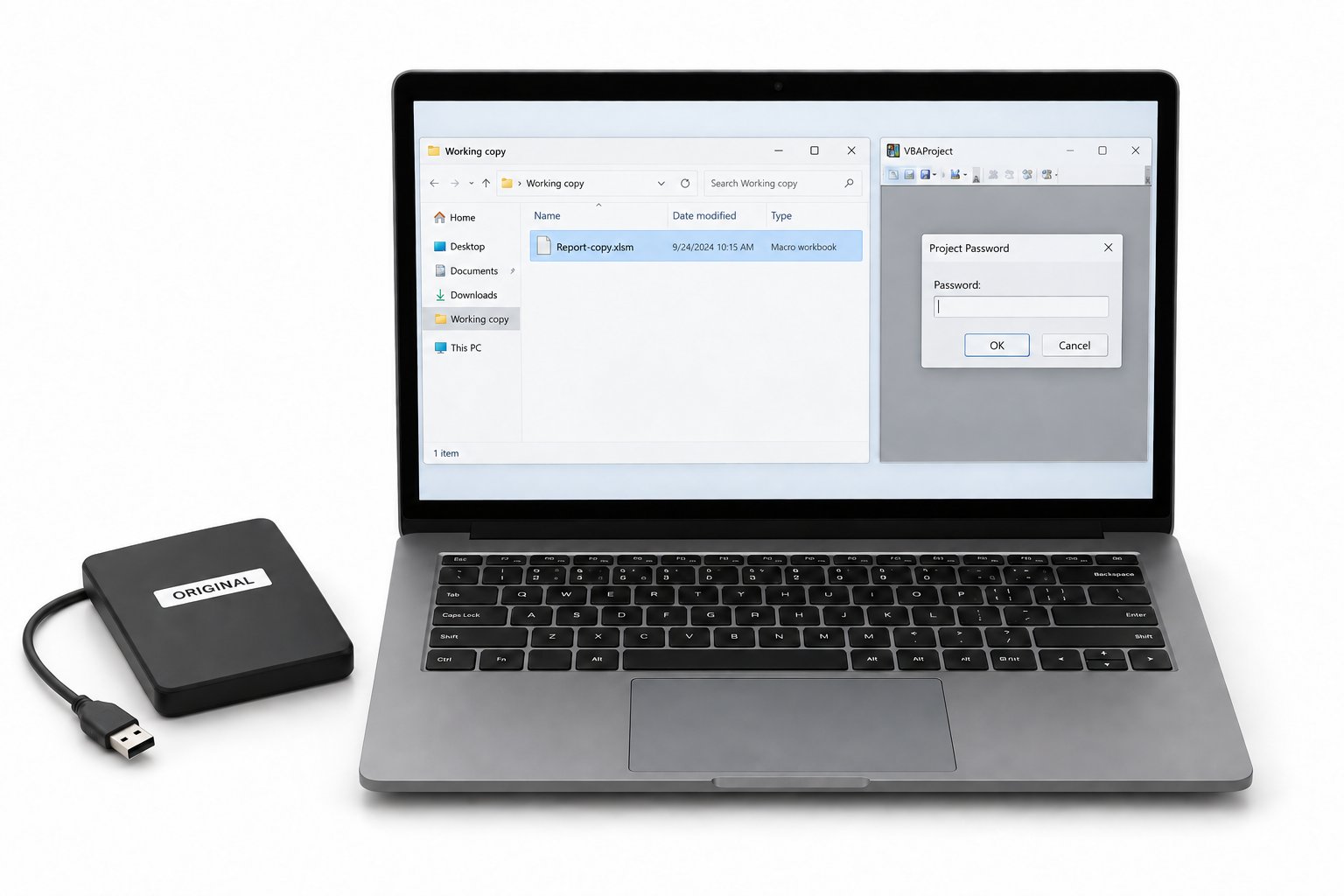
- Make a copy of the workbookAlways work on a duplicate so the original stays safe.
- Open the copy in the removerPoint the Excel VBA remover at the file.
- Clear the project passwordThe tool strips the lock and saves the workbook.
- Open the macros in the editorYour code is there, ready to read and edit.
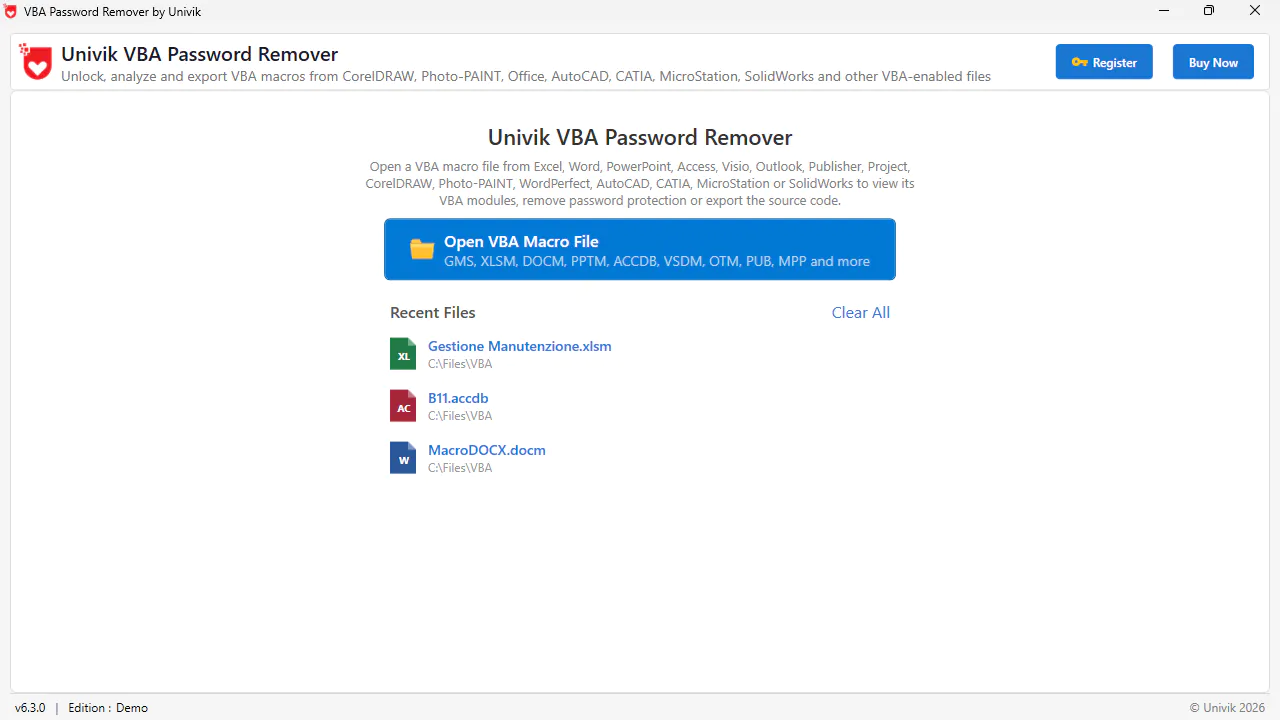
The Univik VBA Password Remover clears the project lock on your Excel file and leaves every macro exactly as written, so you can read and edit the code again in one step.
Free Download See All FeaturesWhy Does a VBA Project Password Come Off?
The lock is weak by design. Setting a VBA project password does not encrypt anything in Excel. The word only makes the editor ask for it before the code appears, while the macros sit in the file in plain form throughout, so clearing that gate never alters a line. How the gate is built, down to the keys a hex editor targets and why they matter, is set out in the mechanism reference this set points to. In short, a protected project can be read without the word, as the security research on VBA passwords showed years ago.
What Is the Free Hex Editor Route?
The route every forum names works on the same weakness. You rename the .xlsm to .zip, reach vbaProject.bin in the xl folder and overwrite the four protection lines, then repack the workbook. It clears the lock on some files and corrupts others, and it gives out on newer and 64 bit builds where the values no longer line up. The full walkthrough, the keys it touches and every way it breaks sit in the hex editor reference this set is built around. On a workbook you cannot afford to lose, that fragility is the reason a remover exists.
Which Excel Files Hold Macros?
Only some Excel files carry code, and the extension gives them away. A .xlsm is the everyday macro workbook. A .xlsb keeps the same content in a binary layout and runs macros too. A .xlam is an Excel add-in whose macros load for use across every open workbook. The older .xls from before 2007 holds a project as well. A plain .xlsx cannot store macros at all, so a lock never turns up on one. Whatever the type, the VBA project inside is what the password sits on.
What Does Password Removal Change or Leave Intact?
Clearing the project password is a small, contained change. It touches the gate and nothing else.
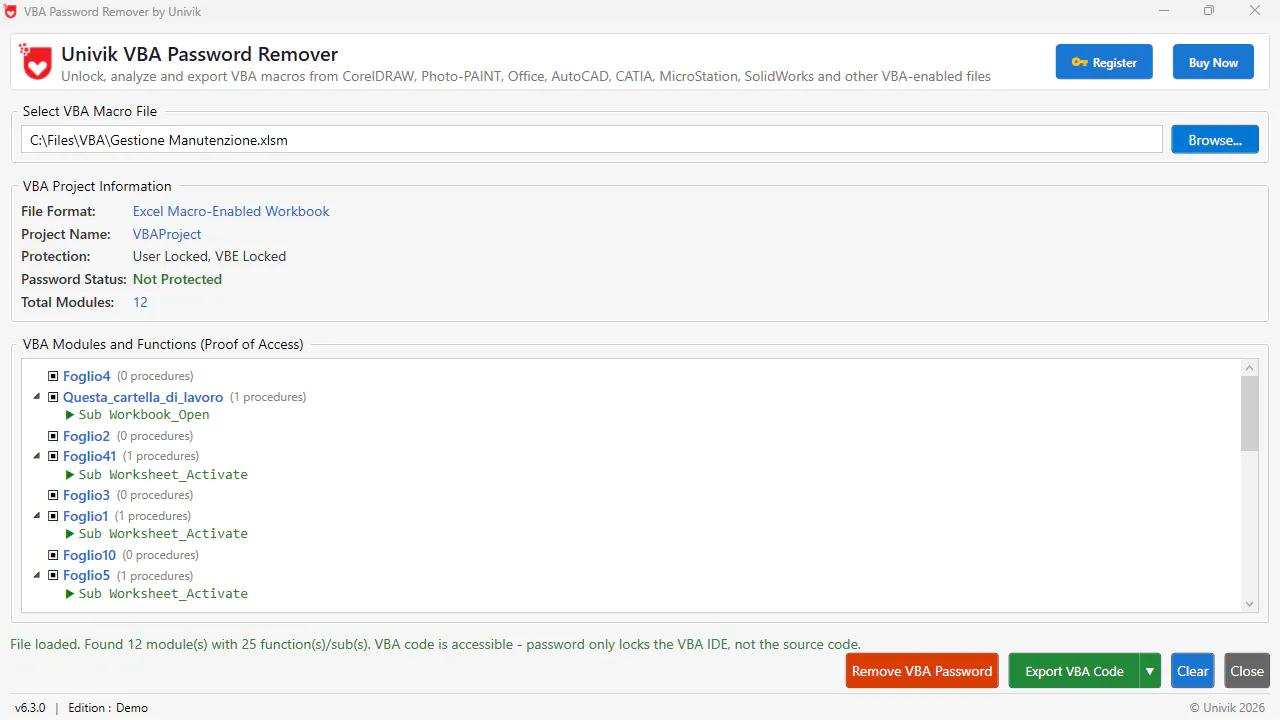
So the worry that removal might scramble your macros has it backwards. The code was always readable to the file, the lock only stopped the editor from showing it.
What Are Legitimate Reasons to Remove a VBA Password?
This comes up in everyday work far more than in anything shady. A developer built your reporting macros, set a password and left the company without a handover. You inherited a workbook that runs the finance team's month end and the author is long gone. An audit needs the code reviewed and the original owner cannot be reached. A tool you paid for shipped with locked macros you are entitled to maintain. In each case you own the file or hold the right to work on it, which is exactly where a remover belongs. Removing the lock on a file you have no permission to touch is a different matter, so keep this to your own work.
What Are Better Ways to Protect Your Own Macros?
If the reason you are here is that a weak password let someone in, the fix is not a stronger VBA password, because there is no such thing. The project lock is a gate over code that stays in plain form. Real options exist. Move the sensitive logic into a compiled add in or a DLL that ships as bytes, not readable source. Digitally sign your project so users can trust its origin. When the thing to protect is data and not code, put a genuine open password on the workbook, since that one is real encryption. The VBA remover range also covers Word, Access, PowerPoint, Outlook and Project when the same lock turns up elsewhere in Office.
VBA Password Removal Questions

Written and maintained by Leena Taylor Paul and the Univik team, developers of Windows data conversion and recovery software since 2013. Plenty of the people we help inherited a workbook whose author had long gone, so the guide sorts out which lock they face before pointing them at the safe way through. Last verified August 2026. Locked out of macros you are meant to maintain? Contact our support team.