 Email Migration Guide
 By
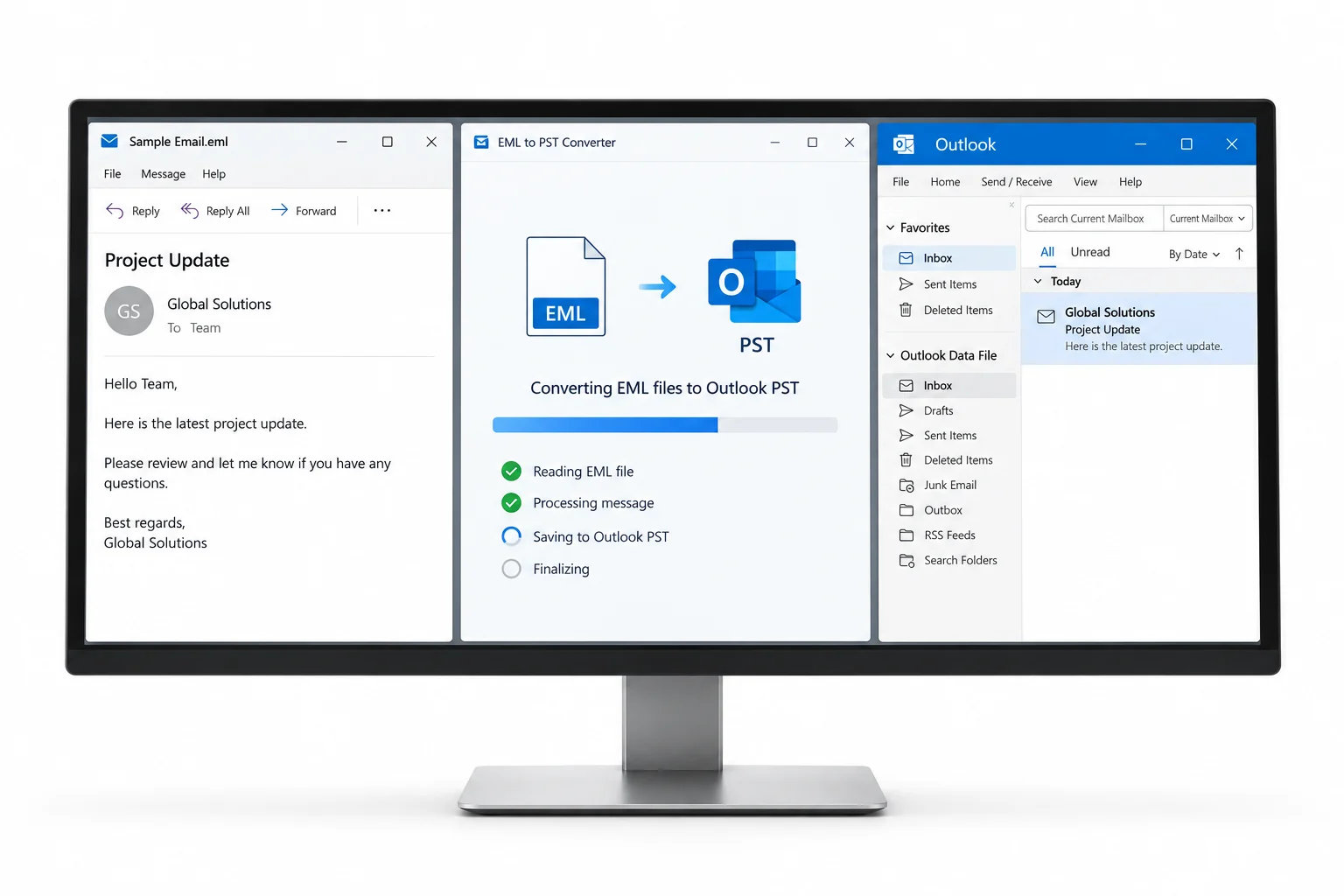
By To convert EML to PST for free, create a new Outlook Data File in classic Outlook, open the EML folder in Explorer and drag the files into an Outlook folder inside that PST. It works for a few hundred files in one folder. For thousands of EML files in nested folders, or when Outlook is not installed, an EML to PST converter such as Univik EML Converter does the job in bulk: it reads the whole tree and writes one PST file with the folders intact. Neither Outlook nor Office 365 can open a folder of EML files directly.
EML is the plain text email format almost everything can write: Thunderbird, Windows Live Mail, eM Client, Apple Mail (as .emlx), Mimecast and Proofpoint exports, eDiscovery packages and most mail servers. PST is the one format Outlook and the Microsoft 365 Import service actually take. Sooner or later a folder of .eml files has to become an Outlook Data File. This guide covers the free way inside Outlook, where the other free routes fall short and the bulk method for the big jobs.
- Before you convert EML to PST
- Drag EML into a PST with Outlook
- Step 1: Gather the EML files in one folder
- Step 2: Create a new Outlook Data File
- Step 3: Drag the EML files into a folder
- Step 4: Check the PST dates and attachments
- What the free routes lose
- Batch convert EML to PST
- Method comparison
- After the conversion
- Fix common problems
- EML to PST questions
Before You Convert EML to PST
Where did the EML files come from? Pick the card that fits and it takes you to the right method.
- The EML files in a folder you can browseUnzip archive exports first. Keep the folder names, because they usually carry the mailbox or the original Outlook folder.
- Classic Outlook on Windows, for the free routeNew Outlook and Outlook on the web cannot open EML files into a PST. Drag and drop needs classic Outlook 2013, 2016, 2019, 2021 or Outlook for Microsoft 365.
- Free disk space of about twice the EML totalA PST holds the same messages plus an index. 10 GB of EML becomes roughly 8 to 12 GB of PST, and Outlook needs working room.
- A target size in mindIf the PST is bound for Office 365 keep it under 20 GB. For Mimecast 5 to 10 GB. For Outlook itself, 25 GB or less stays quick.
- EML
- One email per file, in the MIME format mail servers use (RFC 5322). Headers, body and attachments are all inside the one text file. Almost every client can write it.
- PST
- Outlook Data File, the container Outlook uses for a complete mailbox with its folder tree. It is what the Microsoft 365 Import service expects and what Mimecast lists first.
- Drag and drop import
- Dragging EML files from Explorer into an Outlook folder. Outlook reads each file and creates a message item. Free, but one folder at a time.
- Winmail.dat
- An attachment wrapper Outlook creates for rich text mail. If EML files from an Outlook sender carry it, the real attachments are inside and need unpacking.
- Batch EML to PST converter
- Software that reads a whole tree of EML files and writes PST files directly, with the folder names kept and no Outlook needed. The route for thousands of files.
Convert EML to PST with Outlook Drag and Drop in 4 Steps
This is the free method and it is fine for a few hundred files. Outlook does the conversion itself: every EML you drop becomes a message item inside the PST you choose.
Gather the EML files in one folder
Put the files for one Outlook folder into one Explorer folder. If they came from Thunderbird, Apple Mail or an archive export they may already be sorted by mailbox folder, which is what you want. Give attachments that were saved separately their own subfolder so they do not get dropped as loose files.
You should seethe .eml extension on every file. Files with no extension or with .txt are still EML inside, so rename them before Outlook will recognise them.
| Name | Date modified | Type | Size |
|---|---|---|---|
| 2024-03-11 Re Q1 vendor invoice.eml | 2024-03-11 09:14 | EML File | 212 KB |
| 2024-03-11 Renewal timeline.eml | 2024-03-11 11:02 | EML File | 48 KB |
| 2024-03-12 Contract terms and conditions.eml | 2024-03-12 08:41 | EML File | 1,318 KB |
| 2024-03-12 Draft agreement.eml | 2024-03-12 14:30 | EML File | 2,904 KB |
| 2024-03-13 Meeting follow-up.eml | 2024-03-13 10:22 | EML File | 36 KB |
| 2024-03-14 Security questionnaire.eml | 2024-03-14 16:05 | EML File | 688 KB |
| Attachments | 2024-03-14 16:06 | File folder |
Step 1An EML export folder. Select the files for one Outlook folder at a time.
Set up the PST folders in a new Outlook Data File
In classic Outlook go to Home, New Items, More Items, Outlook Data File and save the PST where you want it. Right click the new data file in the folder pane and create the folders you need, such as Inbox 2024 and Sent 2024. Building the folders first means the messages land in the right place instead of one flat pile.
Drag the EML files into the Outlook folder
Arrange Explorer and Outlook side by side. Select up to a few hundred files, drag them onto the target folder in the folder pane or into the message list, and release. Each file becomes a message. Work in batches of 200 to 500 because the client stalls on very large drops, and wait for the list to finish filling before the next batch.
You should seethe messages appear in the list with the original sender and subject. Open one that has an attachment and check the paper clip is there.
| From | Subject | Received | Size |
|---|---|---|---|
| sarah.chen@vendor.com | Re: Q1 vendor invoice | Mon 11/03/2024 09:14 | 212 KB |
| mike.turner@acme-partner.com | Renewal timeline | Mon 11/03/2024 11:02 | 48 KB |
Step 3Dropping six EML files onto the Inbox 2024 folder inside the new PST.
Check dates, attachments and counts in the PST
Sort the folder by Received and confirm the received date on each message matches the original rather than today. Classic Outlook keeps the header dates from the EML in current versions, but older builds stamped the drop time, so check the first batch before you do the rest. Compare the item count in Outlook with the file count in Explorer. When they match, the folder is done.
| ! | From | Subject | Received | Size |
|---|---|---|---|---|
| 📎 | sarah.chen@vendor.com | Re: Q1 vendor invoice | Mon 11/03/2024 09:14 | 212 KB |
| mike.turner@acme-partner.com | Renewal timeline | Mon 11/03/2024 11:02 | 48 KB | |
| 📎 | legal@vendor.com | Contract terms and conditions | Tue 12/03/2024 08:41 | 1.3 MB |
| 📎 | robert.kim@vendor.com | Draft agreement | Tue 12/03/2024 14:30 | 2.9 MB |
| thomas.wright@acme-partner.com | Meeting follow-up | Wed 13/03/2024 10:22 | 36 KB | |
| 📎 | security@vendor.com | Security questionnaire | Thu 14/03/2024 16:05 | 688 KB |
Hi Maya, as discussed, the revised timeline is attached to the earlier thread. Let me know if Thursday still works for the review call.
Step 4The converted messages with their original March 2024 dates and attachments intact.
What the Free EML to PST Routes Lose
Drag and drop is not the only free route people try. Here is where each one stops. If you only need to read a few messages rather than convert them, a free online EML viewer opens them in the browser with nothing to install.
Batch Convert EML to PST Without Outlook
When the count is in the thousands, when folders are nested three deep or when the PC has no Outlook, dragging stops being a method. A batch EML to PST converter converts EML files to PST in one pass: it reads the whole export tree and writes the PST file directly.
- Add the EML folderOpen Univik EML Converter, choose Add Folder and select the top of the export. Every .eml in every subfolder is listed, with the folder path kept as the future Outlook folder.
- Pick PST and the split sizeSelect Outlook PST from the output list. If the file is headed for Office 365 or Mimecast, set the part size too and the converter writes numbered PST parts that stay under it.
- ConvertHeaders, dates, HTML bodies, inline images, attachments and message metadata are written into a Unicode PST as they were in the source. Winmail.dat wrappers are unpacked. The per-email log shows every file written.
- Open the PST in Outlook or import itAttach the PST in Outlook from the File menu, Open Outlook Data File. Or hand it to the Microsoft 365 Import service.
The tool runs offline on Windows and does not need Outlook installed, which is why it fits a migration workstation. For exports that came out of an archive platform rather than a mail client, the Email Archive Converter reads the same EML folders plus the platform's own manifest files.
Univik EML Converter reads nested EML folders, keeps headers, dates and attachments and writes Outlook PST files split to the size you set. Runs offline on Windows with no Outlook required.
Windows 11 / 10 · runs without Outlook · the trial writes a sample PST from each folder for you to check first
EML to PST Method Comparison
| Method | Cost | Best for | Keeps folders | Needs Outlook | Split for import |
|---|---|---|---|---|---|
| Outlook drag and drop | Free | Up to a few hundred files per folder | Manual | Classic | No |
| Thunderbird + ImportExportTools NG | Free | Getting EML into MBOX, not PST | Yes | No | No PST at all |
| Free online converter | Free | A handful of personal messages | No | No | No |
| Univik EML Converter | Trial, then licence | Thousands of files in bulk, nested folders, Office 365 or Mimecast imports | Yes | No | Yes |
After the EML to PST Conversion
- Outlook attaches the PST from File, Open Outlook Data File and the folder tree matches the source folders
- Item counts per folder match the file counts, and the Received column shows original dates
- Messages with attachments show the paper clip, and one HTML message with inline images renders as it did in the source
If the PST is going to Office 365, keep it under 20 GB and add it to a mapping file as described in how to import PST to Office 365. If it came out of an archive platform, the wider plan lives in the email archive migration guide. And if a few loose EML files are all you need inside Outlook, the lighter route is importing EML files into Outlook directly.
Fix Common EML to PST Problems
EML conversions fail in three familiar ways. The red box names the symptom and the green Do this text is the fix.
Do this: An older Outlook build stamped the drop time. Update Outlook, or use a converter, which writes the header dates into the PST.
Do this: The EML carried a TNEF wrapper from an Outlook sender. A batch converter unpacks it; for a handful of messages open winmail.dat with a free TNEF viewer and save the files.
Do this: Too many files at once. Close Outlook, run ScanPST on the new PST if it will not open, then drag in batches of 200 to 500. For anything over a few thousand files, switch to the batch route.
Not sure whether your EML folder will convert cleanly? Zip a dozen files including one with attachments and send them to our support team. We will run them through and tell you what to expect before you buy anything.
EML to PST questions
 About This Guide
Written and maintained by Leena Taylor Paul and the Univik team, developers of Windows data conversion and recovery software since 2013. The Outlook behaviour in this guide was checked on classic Outlook for Microsoft 365 on Windows 11. Last verified September 7, 2026. Need a hand? Contact our support team.
Sources checked: Microsoft Support, Import and export Outlook email · Microsoft Learn, Overview of importing PST files to Microsoft 365 · RFC 5322, Internet Message Format · Mozilla Support, Import settings and data into Thunderbird