To export Evernote notes to Word, save your notebooks as .enex files, then convert them to DOCX, since the app itself has no Word option in any menu. The Univik ENEX Converter turns each note into its own editable document, with no copy of Word or Evernote required.
PDF is for notes you are finished with. Word is for the ones still being written. Meeting minutes that need polish, research heading into a report, drafts a colleague has to mark up with track changes.
Evernote never built that bridge, so this guide covers the one that works.
No Word Export Inside Evernote
The app's export menus offer ENEX, HTML and PDF, and the list ends there. Nothing produces a .docx. People discover this after promising a client their project notes as documents by Friday. The gap surprises them because PDF export exists in the app, and it feels like this option should sit beside it. The fix is a two step route. Export the notebooks as .enex files, the standard move the export guide walks through, then convert those files outside the app.
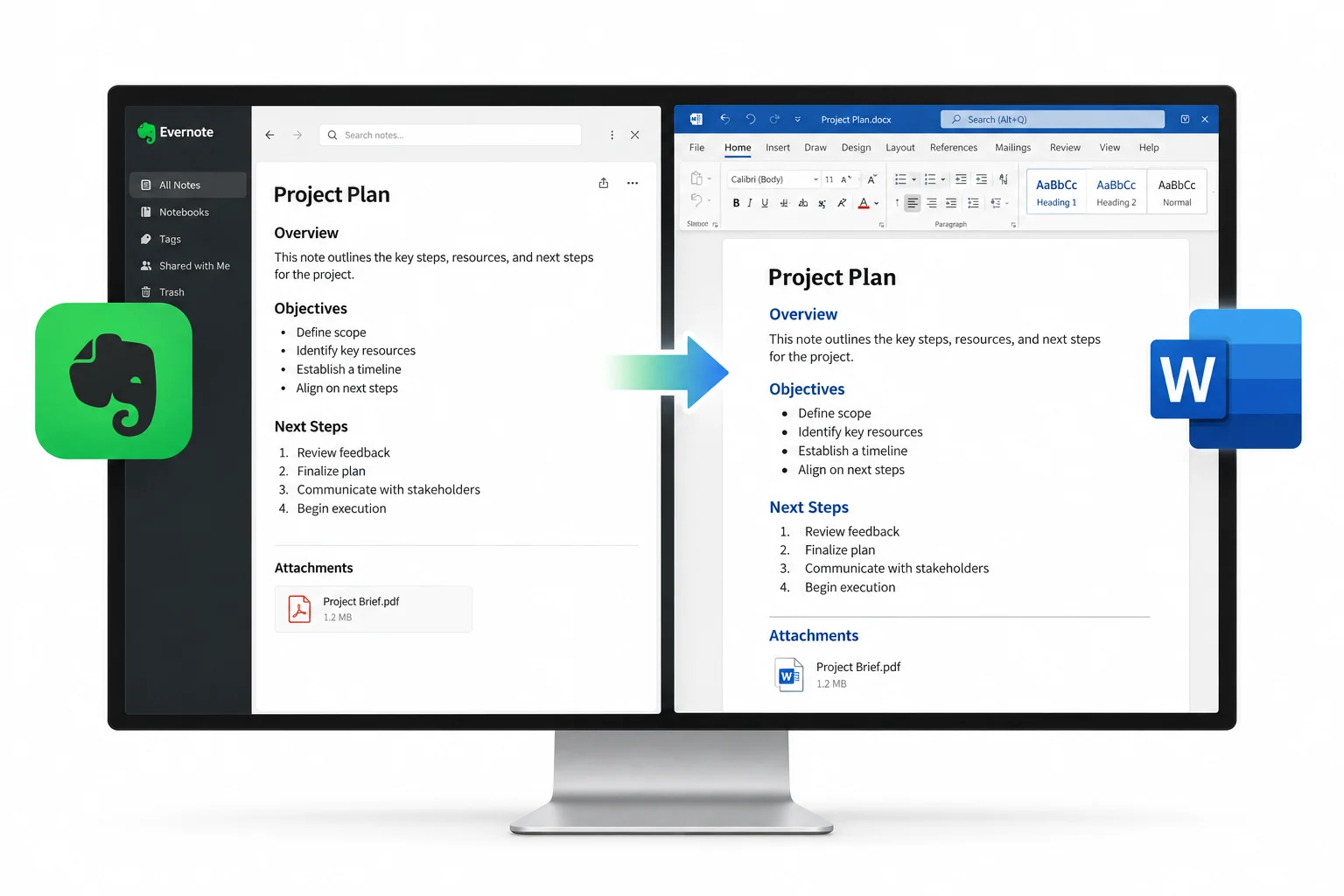
Convert Evernote Notes to Word Documents
- Add the .enex exportsOne file or a whole folder of notebooks.
- Pick the notes worth convertingThe preview shows everything inside each export.
- Choose DOCX as the formatOr DOC for someone on an old Word install.
- Run it and open the folderEach note is now its own document, sorted by notebook.
A notebook becomes a folder of documents carrying the note titles as file names, so finding the one to edit takes seconds.
The Univik ENEX Converter previews your exports, converts the ticked notes to DOCX or DOC and sorts the output by notebook, all on your own PC.
Free Download See All FeaturesDOCX or DOC
When in doubt, DOCX. The DOC choice exists for the recipient with a fifteen year old install, and both come out of the same run.
What Each Word Document Holds
The note's text arrives with its structure, headings, tables and pictures on the page where they sat in Evernote. Files that were attached to a note, a spreadsheet or a signed form, have no place inside a document page, so they land next to the documents as their own files, named to match. Nothing stays trapped in the export, which the MyInfo breakdown of ENEX shows would otherwise bury attachments in encoded text.
No Office Programs Needed to Convert
That detail matters for the common case, a work laptop with Office and a home PC without it. The conversion can run at home and the editing at work.
The Free Routes into Word
Two exist. Copying a note and pasting it into a blank document works for one note and gets old at five, with formatting that survives unevenly. The sturdier free path uses Evernote's multi page HTML export, described in its export article, because Word opens HTML files. Export a notebook as HTML, open each note's file there and save it as .docx. Sound for a dozen notes. Past that it becomes an afternoon of opening and saving, with no attachment handling and no batch anything.
Many Notes into One Document
The conversion writes one document per note on purpose, since editable files want to stay small and findable. When a single file is the goal anyway, build it in Word by inserting the converted documents one after another into a master file. The Insert menu's Text from File option pulls each one in with formatting intact, so a forty note report assembles in minutes. And when that single file is really for reading, printing or a court binder, skip the editor and go to a merged PDF, which joins a whole export into one document in a single run.
When a Different Format Fits
Word suits notes with edits ahead of them. Finished material keeps better as PDF, and notes moving into a new app travel best as Markdown, with Obsidian the common destination. Unsure what an old export holds before converting anything? The free online ENEX viewer answers that in a browser tab.
Evernote to Word Questions

Written and maintained by Leena Taylor Paul and the Univik team, developers of Windows data conversion and recovery software since 2013. The Word requests we see come from offices, minutes and reports drafted in Evernote that now need track changes, and this guide follows the same route we send those teams down. Last verified August 2026. Output not opening right? Contact our support team.