The short version, pulling an icon out of a file is rarely the problem, but reusing one can be. Windows icons and app icons are someone's copyrighted artwork, and a logo adds trademark on top. Personal use, study, mockups and internal documents sit in the safe zone. Shipping or selling an icon you did not draw is where you need a licence. The Univik ICO Converter extracts and converts icons, and whether you may reuse one is down to its licence.
You found the icon you wanted. Maybe you pulled it out of a program file, saved it from a website or lifted it from a Windows library. The technical part went fine. Now the quieter question shows up. Are you actually allowed to use this thing.
This guide answers that in plain terms. It walks through who owns an icon, where copyright stops and trademark starts, what Microsoft permits with its own icons and how licences on icon packs work. By the end you will know which uses are safe and which ones need permission.
This is general information, not legal advice. We build Windows software, we are not lawyers. Use this as a map, then read the licence that applies to your icon or ask a professional for a decision you can rely on.
The Question Behind Every Extracted Icon
It helps to split one question into two. The first is technical, can you get the icon out. The second is legal, can you use it once you have. They are unrelated. Extracting an icon from a DLL or saving a favicon is a routine act, and the mechanics of where those files live are covered in our guide to where Windows keeps its icons. The rights question starts the moment you plan to do something with the copy.
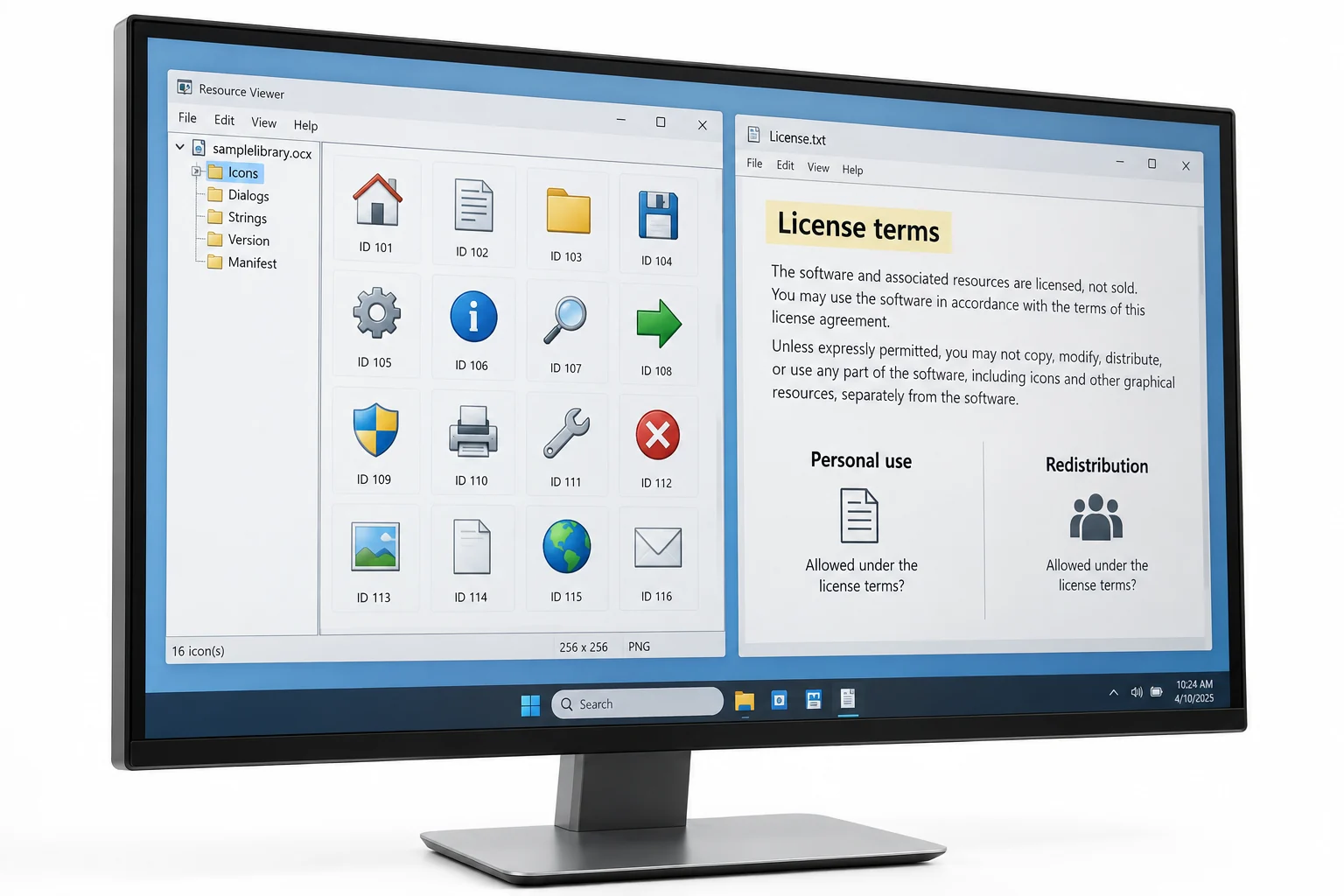
What you plan to do is what decides the answer. People reach for an extracted icon in three broad ways, and they carry very different risk.
Every Icon Starts as Copyrighted Artwork
An icon is a small piece of drawn art, and drawn art is protected. The United States Copyright Office treats original pictorial and graphic works as copyrightable, which covers the kind of illustration an icon is made of. Protection is automatic, so it exists from the moment the icon is created and fixed in a file, with no registration needed for the right to exist. You can read the plain language version on the Copyright Office guide for visual and graphic artists.
Two things follow from that. Almost every icon you find already belongs to someone, whether a company, a design studio or an individual. And the absence of a copyright notice changes nothing, since the protection does not depend on a printed symbol. The safe assumption is that an icon is owned until a licence tells you otherwise.
Where Copyright Ends and Trademark Begins
Copyright is not the whole story. The Copyright Office also notes that very simple shapes, common symbols and plain typography are too basic to earn copyright, and a minimalist logo can fall into that gap. That does not make it free. A brand icon is a mark that identifies a company, and trademark law protects it separately from copyright.
The practical line is about confusion. Using a firm's icon to refer to that firm, the way a review names the products it compares, is ordinary. Placing that same mark on your own product, so a viewer might think the two are connected, is the move that draws complaints. Copyright asks who drew it. Trademark asks whether your use makes people think of the wrong source.
Windows Icons and What Microsoft Actually Allows
The icons inside shell32.dll and imageres.dll are Microsoft's artwork, and the same rules apply to them. Changing a folder or shortcut icon on your own computer with a built in Windows icon is personal use and causes nobody any trouble. That everyday case is what our walkthrough on changing a folder icon in Windows 11 covers, and the full index of those built in icons lives in the shell32.dll icon reference. Dropping one of those icons into an app you release is a different matter.
Microsoft does offer a licensed path for teams that want the native look. The Visual Studio Image Library is a set of more than a thousand images that appear across Windows, Office and Visual Studio, published so developers can build apps that look consistent with Microsoft software. It comes with the Microsoft Software License Terms, and one restriction stands out. You cannot use Microsoft marks in your app's name or branding in a way that suggests Microsoft made or endorsed it. Read those terms before you rely on the set.
Taking a recognisable Windows or brand icon and shipping it as the face of your own product is the single riskiest thing on this page. It mixes copyright and trademark in one step. If you want the Microsoft look, start from the licensed library instead.
Icons from Other Apps and Website Favicons
Pulling an icon out of another company's program file gives you their artwork, nothing more. The rights stay with them. The same holds for a favicon saved from a website, which is a brand logo at small size, and the way to grab one is laid out in our guide to getting the favicon from any website. Having the file in a folder is not the same as having permission to reuse it.
Reference use is the workable zone. Naming a product and showing its icon in a comparison, a help article or an internal report points at the owner rather than pretending to be them. Rebuilding your own branding around that icon, or bundling it into a product, steps onto their mark. When the plan drifts from pointing at a company toward wearing its badge, stop and get permission.
Icon Packs and Stock Sites Come with a Licence
The clean way to get icons you can actually ship is to use ones made to be shared. Icon packs and stock sites hand you a licence that states the terms in writing, which is the thing extracted icons never come with. The trick is to read it rather than trust the word free on a button.
Many free icons ride on Creative Commons licences, and those follow a small set of rules. There are six Creative Commons licence types built from four parts, and the one that matters most for reuse is BY, which means you must credit the maker. Other parts limit you to noncommercial use or block edits. A public domain or CC0 icon asks for nothing at all. Paid stock icons carry their own commercial licence, so the terms sit in your account or the download page.
The word free on an icon site rarely means free for every purpose. It commonly means free with credit, or free for personal projects only. The licence text is the real answer, and it takes a minute to read.
Safe Uses and Risky Uses, Side by Side
Most decisions come down to a short check. Run an icon through these four questions before you reuse it, and the answer becomes clear.
- Find who made itTrace the icon back to its owner, a company, a designer or an icon pack. If you cannot tell, treat it as owned.
- Find the licenceLook for terms that came with it. A pack has them, a stock site has them, an icon pulled from Windows or an app does not.
- Match the usePersonal, reference and internal uses are relaxed. Publishing, distributing and selling are the strict ones that need a grant.
- Check for confusionAsk whether your use could make anyone think the icon's owner made or backed your work. If yes, do not use it.
The table below turns the same logic into a quick lookup by where the icon came from.
| Where the icon came from | Who owns it | Lower risk | Needs a licence |
|---|---|---|---|
| Windows system file | Microsoft | Personal use on your own machine | Any app you release or sell |
| Another company's app | That company | Reference in docs or a comparison | Bundling or rebranding |
| Website favicon or logo | The brand | Pointing at that brand | Your own product or marketing |
| Creative Commons pack | The designer | Use within the licence terms | Uses the licence excludes |
| Paid stock icon | You, per the licence | What the commercial licence grants | Anything beyond the licence |
| An icon you drew | You | Anything you want | Nothing |
How to Keep Yourself on the Safe Side
A few habits keep the whole question small. When you want the native Windows feel, start from the licensed image library rather than raw system icons. When you want icons for a product, buy a commercial licence or pick a pack whose terms allow it. Keep any brand icons you extract for internal reference only, and ask the owner when a real product needs someone else's mark. When none of that fits, draw your own, since an icon you make carries no strings.
This is also where a tool earns its keep without pretending to grant rights. The Univik ICO viewer lets you open and study an icon, and the ICO Converter turns one into a clean PNG when a licence does allow reuse, which pairs with our steps on converting an ICO file to PNG. The software handles the file. The licence, as always, handles the permission.
Open any ICO, view every size it holds and export a clean transparent PNG once the licence allows it, all in one Windows app.
Free Download See All FeaturesFrequently Asked Questions

Written and maintained by Leena Taylor Paul and the Univik team, developers of Windows data conversion and recovery software since 2013. Building the ICO tools meant answering the same worry on repeat, can I actually use this icon, so this guide is the plain reply we give before pointing anyone at the licence that governs their case. Last verified August 2026. Not sure where your icon falls? Contact our support team.