A .tbb file is a mailbox file made by The Bat! email client. It holds the message bodies of one mail folder, while a partner .tbn file of the same name keeps the message list.
Local folders name it MESSAGES.TBB. IMAP folders give it a coded name such as 0C19C81E.TBB. You can open it in The Bat!, in a free browser viewer or with a converter.
The question "what is a TBB file?" tends to come up after you spot one on an old drive or in a copied folder and Windows has no program for it. The answer is short, and your emails are in there.
What is a .tbb file?
A .tbb file is the mailbox file The Bat! uses to store the messages of one mail folder. The Bat! is a Windows email client from Ritlabs. Each of its mail folders gets a .tbb file of its own.
The file name tells you the folder type:
- Local folders such as Inbox, Sent or Trash use the name
MESSAGES.TBB. The file sits in a subfolder named after the mail folder. - IMAP folders use a coded name of 8 hex characters, such as
0C19C81E.TBB, inside a subfolder called IMAP.
Common email apps such as Outlook cannot read a .tbb file. For the exact spot these files sit on your PC, see where The Bat! stores emails.
What does The Bat! keep inside a .tbb file?
A .tbb file keeps the full bodies of the messages stored on your PC for that one folder. A stored message comes with its text, its formatting and its attachments.
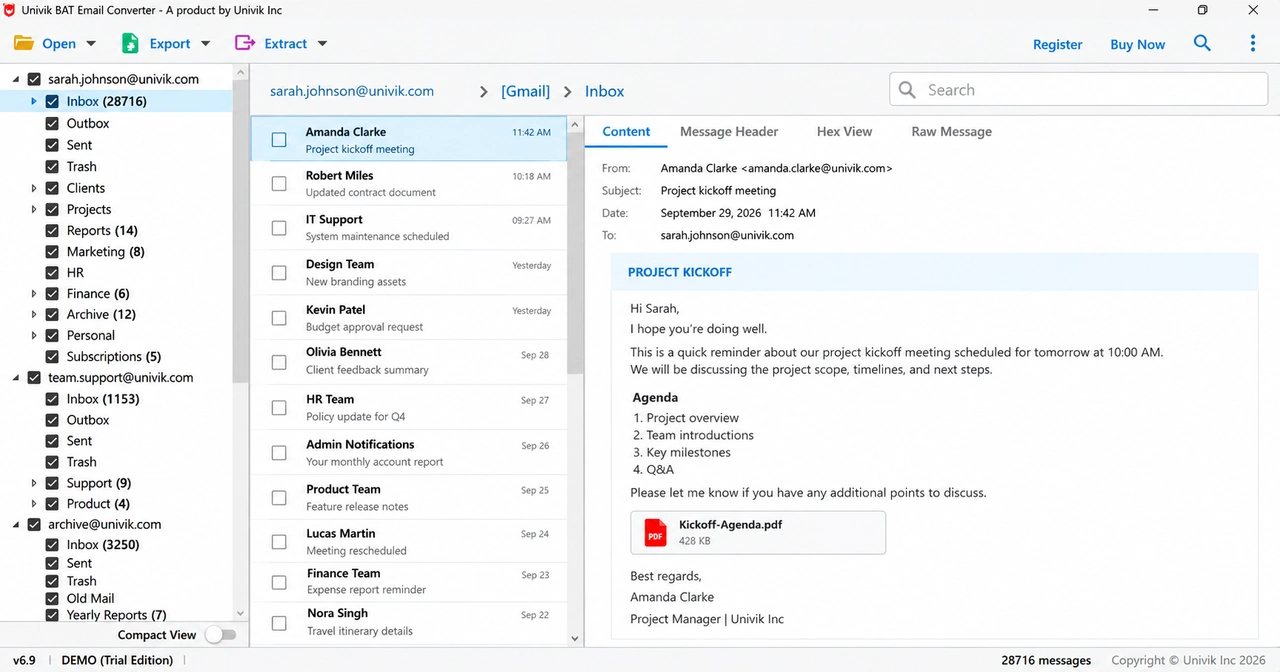
A .tbb file does not hold the folder list or the account settings. Those sit in separate files of the account folder, ACCOUNT.FLB and ACCOUNT.CFN.
IMAP accounts add a twist. For an IMAP folder the .tbb stores only bodies that were opened or downloaded. In one real IMAP Inbox, the list had 41,452 entries while the .tbb held 33 bodies. If your file looks far too small for the folder, read why IMAP bodies stay on the server.
What is the .tbn file next to a .tbb file?
The .tbn file is the index for its .tbb partner. For every message in the folder it records the sender, the date, the subject and the message flags.
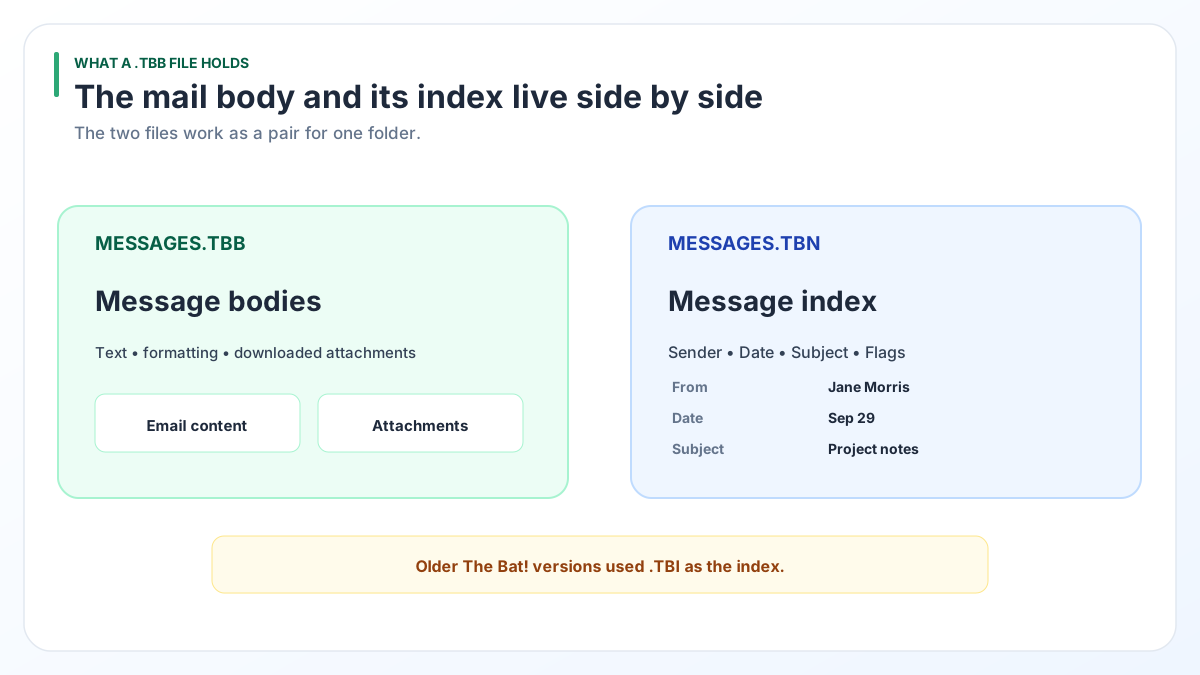
Partner files always share a name:
MESSAGES.TBBpairs withMESSAGES.TBN0C19C81E.TBBpairs with0C19C81E.TBN
Keep each pair side by side whenever you copy a folder to a USB drive or send it for conversion. The Bat! builds its message list from the .tbn while the .tbb supplies what you read.
What was the old .tbi file in The Bat!?
A .tbi file was the index format of older The Bat! releases, before .tbn took over. Version 4.1 swapped .tbi for .tbn and rebuilds the old indexes automatically, as Ritlabs explains in its tip about version 4.1.
So a .tbb file with a .tbi beside it comes from a release older than 4.1. The mail bodies in that .tbb are still there.
The same Ritlabs tip warns that backups do not travel backward: one created in a newer The Bat! cannot be restored into an older release. When you bring old mail back to life, install the same release or a newer one.
Which way should you open a .tbb file?
Use The Bat! if it still runs, the online viewer for a quick look and a converter when the mail must go into another format.
| Way to open | Cost | Pick it when |
|---|---|---|
| The Bat! itself | Free if it is already on your PC | The Bat! still starts and you want to keep reading and replying there. Its Tools > Export messages to also writes EML, MSG or mbox, one folder at a time. |
| Online The Bat! Viewer | Free | You want a quick look at the messages in your browser without installing anything. |
| Univik BAT Email Converter | From $29, with a free trial | You need PST, PDF or MBOX files. It also fits a move to Gmail or Office 365 and big batches of folders. |
If The Bat! still opens your mail, stay with it. Its own export is free, even if it works one folder at a time (Ritlabs forum). The Bat! has no PST export, which is where a converter helps.
How do you open a .tbb file with Univik BAT Email Converter?
A .tbb file opens in Univik BAT Email Converter even on a Windows 11 or 10 PC with no copy of The Bat!. The Standard licence already covers .tbb files and configured accounts.
Leave the .tbn partner in the same folder as the .tbb, because the converter reads both files as a set. Nothing is written into the .tbb itself: the tool opens it read-only. Formats and licences are on the Univik BAT Email Converter page.
Download the trial and read your .tbb mailbox on any Windows 11 or 10 PC in a few clicks.
Free Download See all features- Inside each .tbb file are the message bodies of a single The Bat! mail folder.
- Local folders call it MESSAGES.TBB, while IMAP folders use coded names such as 0C19C81E.TBB.
- The .tbn file with the same name is its index, so move the two together.
- Releases before The Bat! 4.1 used a .tbi index, which 4.1 and later rebuild as .tbn.
- Open a .tbb in The Bat!, in the free online viewer or in Univik BAT Email Converter.
Questions about .tbb files

Leena Taylor Paul wrote this guide with the Univik team, which has shipped Windows mail tools since 2013. This guide explains what a .tbb file is, how it pairs with its .tbn index and the ways to open one. Last checked October 2026. Questions left? Contact our support team.