Eseutil checks, repairs and compacts Exchange databases. Five switches only read; /r, /p and /d change the file and /y copies it.
The read-only switches are /mh, /ml, /mk, /ms and /k. The ones that write are /r for soft recovery, /p for hard repair, /d for offline defrag and /y for copying. Run every switch on a dismounted database and keep a copy before any switch that writes.
Eseutil is the command-line tool Exchange ships for its database files. Admins tend to reach for it in a hurry, with a database that will not mount and a forum post open in another tab. This page lists the eseutil commands one switch at a time, with the exact eseutil syntax for each. It also marks which switches change the file and links the full guide where one exists.
What is eseutil and where do you find it?
Eseutil.exe is the Exchange Server Database Utilities tool. It works on the Extensible Storage Engine files Exchange uses: the .edb database, the E00 transaction logs and the .chk checkpoint file. It is installed with every Mailbox server. Microsoft lists every mode in its Eseutil reference on Microsoft Learn.
- Exchange 2013, 2016, 2019 and SE: Program Files\Microsoft\Exchange Server\V15\Bin
- Exchange 2010: the V14\Bin folder
- Any Windows PC: esentutl.exe, built into Windows, offers the same core switches for other ESE files
Run the tool from an elevated Command Prompt or the Exchange Management Shell. Most switches refuse to work on a mounted database, because Exchange holds the file open.
Which eseutil switch do you need?
Pick the switch by the job: /mh to diagnose, /r to recover with logs, /p only as a last resort and /d to shrink the file.
| Switch | What it does | Changes the file | Full guide |
|---|---|---|---|
| /mh | Shows the database header: state, logs required, repair count | No | Dirty shutdown |
| /ml | Checks transaction logs for damage and gaps | No | - |
| /mk | Shows the checkpoint file | No | - |
| /ms | Shows space use per table | No | Large EDB file guide |
| /k | Verifies page checksums | No | Jet error -1018 |
| /r | Soft recovery: replays logs | Yes, adds logged changes | Dirty shutdown |
| /p | Hard repair: removes bad pages | Yes, deletes data | Before eseutil /p |
| /d | Offline defrag: builds a compact copy | Yes, replaces the file | Large EDB file guide |
| /y | Copies a large file quickly | Writes a new copy | - |
What do the read-only eseutil switches show?
Five eseutil switches only read the file: /mh, /ml, /mk, /ms and /k. They are safe to run on any dismounted copy.
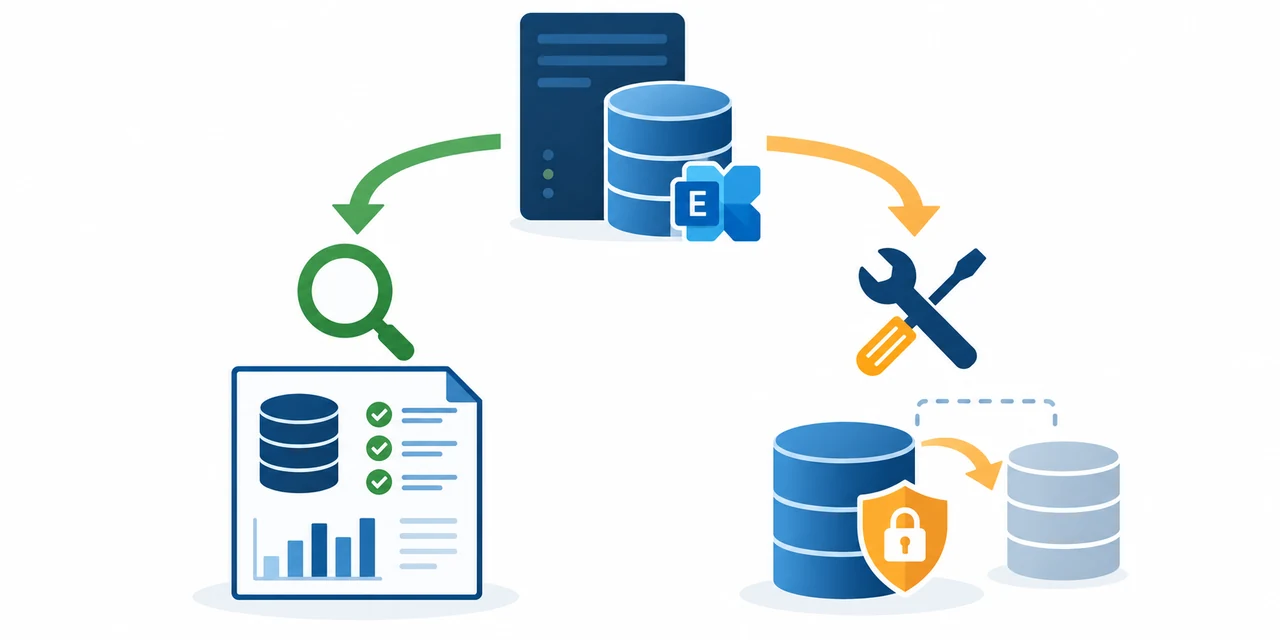
/mh dumps the database header. State tells you Clean Shutdown or Dirty Shutdown. Log Required names the exact logs the file still needs. Repair Count shows whether anyone ever ran a hard repair.
eseutil /mh "D:\DB01\DB01.edb"/ml reads each log with the given prefix and reports damaged or missing files. Run eseutil /ml before any recovery.
eseutil /ml "D:\DB01\Logs\E00"/mk shows the checkpoint, the point up to which logs are already applied.
eseutil /mk "D:\DB01\Logs\E00.chk"/ms prints space use per table, which helps explain a large file.
eseutil /ms "D:\DB01\DB01.edb"/k reads every page and checks its checksum. A failure here matches the -1018 error.
eseutil /k "D:\DB01\DB01.edb"Which eseutil switches change the database?
Four eseutil switches write: /r, /p and /d change the database itself, while /y writes a new copy. Keep a backup before any of them.
/r applies the logs to the .edb file. Soft recovery is the standard cure for dirty shutdown and loses nothing when every required log is present. E00 is the log prefix.
eseutil /r E00 /l"D:\DB01\Logs" /d"D:\DB01"/p removes every page it cannot read so the database mounts again. Every message stored on a dropped page is lost. Microsoft advises moving every mailbox out of a repaired database afterwards. Read the full guide before using it.
eseutil /p "D:\DB01\DB01.edb" /t"F:\Temp\repair.edb"/d writes a compact copy without white space and swaps it in. Plan for free disk space a little larger than the .edb itself.
eseutil /d "D:\DB01\DB01.edb" /t"F:\Temp\defrag.edb"/y copies a large database file with less overhead than Explorer, useful for taking a working copy.
eseutil /y "D:\DB01\DB01.edb" /d"F:\Copy\DB01.edb"In what order should you run eseutil?
Start with the switches that only read and move to the ones that write only when you must.
- Dismount and copy. Dismount the database and copy the .edb file and its log folder to another disk.
- Read the header. Run eseutil /mh on the copy. Write down the State line and which logs it lists as required.
- Check the logs. If logs are required, run eseutil /ml on the log prefix to confirm the sequence is complete.
- Replay the logs. Run eseutil /r to bring the database to Clean Shutdown, then mount it.
- Stop before /p. If replay fails, save the mailboxes from a copy before any hard repair with eseutil /p.
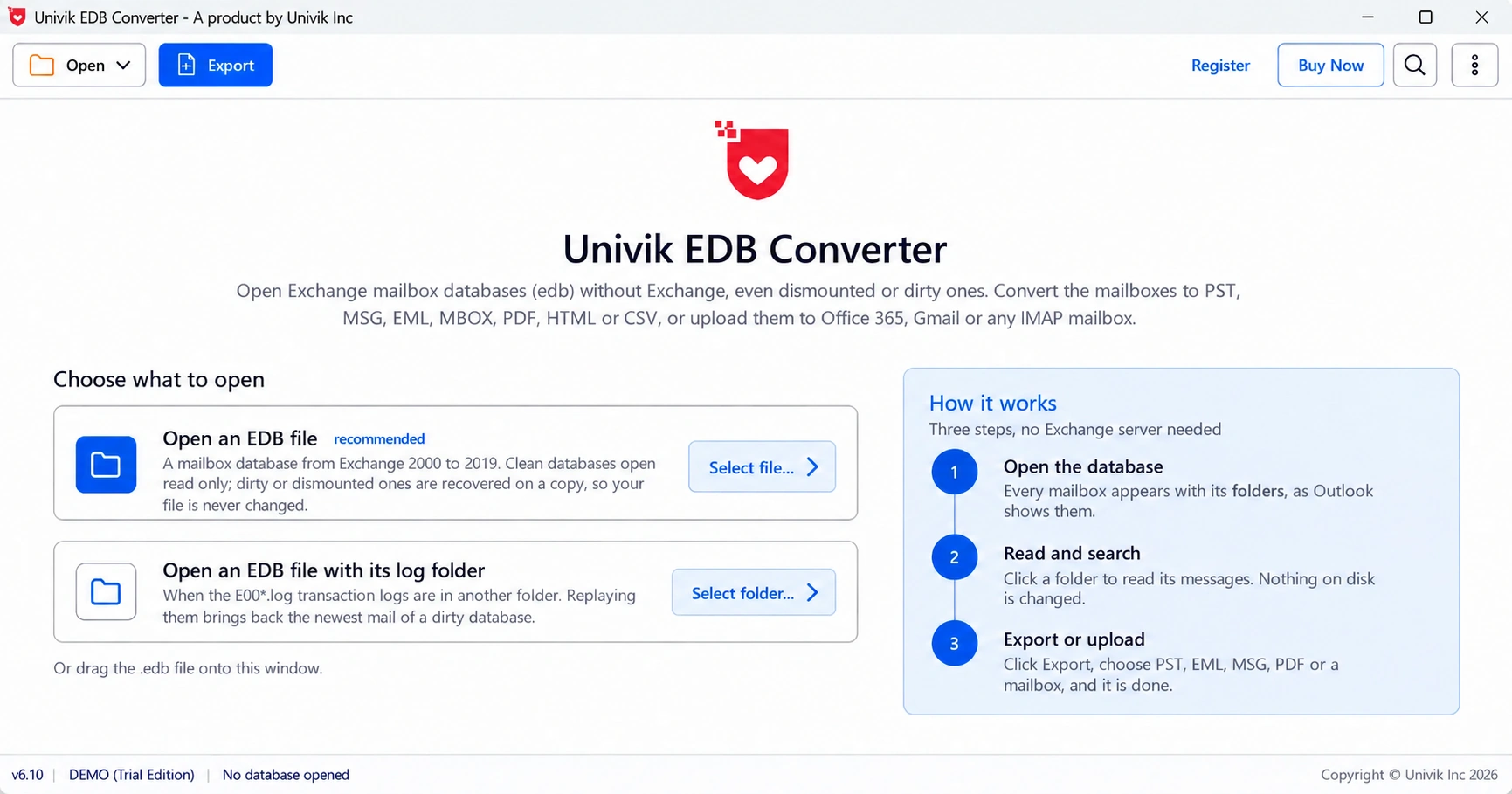
Step 5 is where Univik EDB Converter fits. It reads a copy of the .edb without mounting it, replays logs into that copy when you give it the folder and never writes to the source.
“Run /mh first and read the whole header. Half the eseutil jobs we see would end right there if someone looked at Log Required.”
What do common eseutil errors mean?
Each eseutil error carries a number, and the number points to the cause: missing logs, mismatched logs, page damage or a locked file.
| Error | Meaning | Where to go |
|---|---|---|
| -528 or -543 | Required logs are missing | Dirty shutdown |
| -1216 | Logs and database do not match | Database will not mount |
| -1018 | Page checksum failure | Jet error -1018 |
| -1811 | A file in the command was not found | Check the path and log prefix |
| -1032 | File locked by another process | Dismount, pause backup or antivirus |
Most eseutil errors come from a wrong path, a mounted database or the wrong log prefix. Check those three before anything else.
- Eseutil ships with every Exchange Mailbox server in the Bin folder.
- /mh, /ml, /mk, /ms and /k only read the file.
- /r replays logs, /p deletes damaged pages and /d rebuilds a compact copy.
- Run eseutil on a dismounted database and work on a copy whenever a switch writes.
- Save the mailboxes before a hard repair, because /p cannot be undone.
Open a copy of the .edb and check every mailbox before any repair. The trial saves 10 messages per folder.
Free Download See all featuresQuestions about eseutil commands

Leena Taylor Paul wrote this guide with the Univik team, which has shipped Windows mail tools since 2013. This guide lists the eseutil switches Exchange admins use and the safe order to run them. Last checked October 2026. Stuck? Contact our support team.