Eseutil /p deletes every database page it cannot read, so the mail on those pages is gone for good.
Run it only after soft recovery and a backup restore have failed, and only on a copy you can lose. Microsoft also asks that a repaired database be emptied into a new one afterwards, so plan for that work too.
Someone on a forum said "run eseutil /p and move on" and the database will mount. In most cases it does. The question is what you lose on the way and whether you can live with it. This guide explains what the command does and the order we follow before anyone touches it.
What does eseutil /p actually do?
Eseutil /p is the hard repair mode of the Exchange database utility. It walks every page of the .edb file. Pages that fail their checksum or make no sense are removed, and the database structure is rebuilt around the gap so Exchange can mount it.
It does not ask which mail sits on those pages. A folder, a message or an attachment stored on a bad page is gone once the repair finishes. Microsoft warns that a repair loses data, so keep a backup of the file before you run it.
What should you try before eseutil /p?
Work down this list and stop at the first step that works.
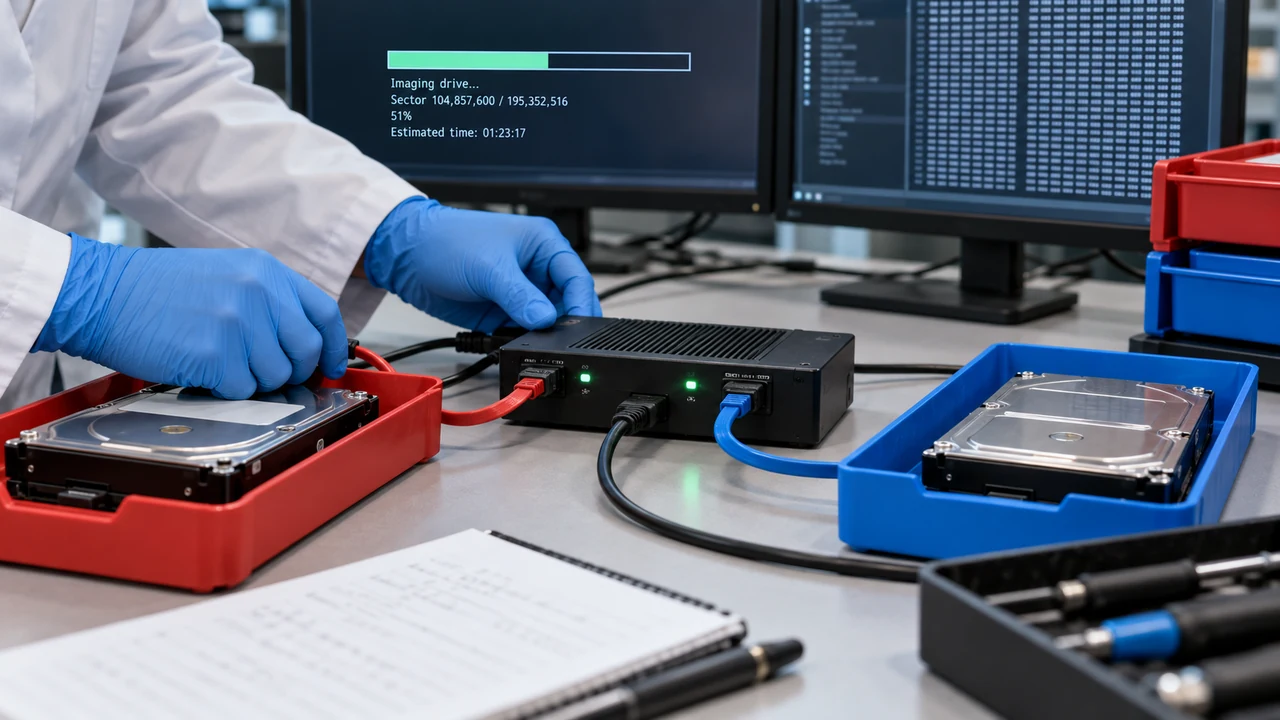
- Soft recovery. If the database is only in dirty shutdown and the logs exist, eseutil /r fixes it with no loss.
- Restore from backup. Restore the last good backup and replay the newer logs.
- Save the mail from a copy. Export the mailboxes you need from a duplicate of the damaged file with an offline tool.
- Hard repair a copy. Only then run eseutil /p, on a copy, to get the server back.
Soft recovery is explained in our dirty shutdown guide.
Step 3 is the one people skip. Do it and the hard repair stops being a gamble with the mail.
| Fix | Can it be undone | Mail at risk | What it needs |
|---|---|---|---|
| Soft recovery with eseutil /r | Nothing to undo | None | The logs in the required range |
| Backup restore | Yes, restore again | Mail newer than the backup, unless logs replay | A good backup |
| Offline copy-out from a duplicate | Original stays untouched | None from the original | An offline reader |
| Hard repair with eseutil /p | No | Items on unreadable pages | Free space and hours of downtime |
“Treat eseutil /p as the last step, not the fix. Get the mail out of a copy first, then let the repair do what it has to do.”
How do you run eseutil /p safely?
Dismount the database and copy the .edb and logs to another disk. Keep free space on the repair volume at least the size of the database. Then run the repair against the copy.
eseutil /p "D:\ExchangeDB\DB01\DB01.edb"Confirm the prompt. When it finishes, the header shows the repair:
Repair Count: 1
Repair Date: 10/02/2026 18:41:07.055
On Exchange 2010 SP1 and later, follow up with a mailbox repair request to fix logical problems inside mailboxes, such as wrong folder counts.
New-MailboxRepairRequest -Database DB01 -CorruptionType ProvisionedFolder,SearchFolder,AggregateCounts,FolderviewWhat does Microsoft say about repaired databases?
The Exchange Team published a support policy for repaired databases. A database with a repair count above zero should not stay in service. Move every mailbox out to a new database (Exchange Team blog).
So a hard repair does not end the job. It buys you a mountable database long enough to run mailbox moves. Plan time and disk space for those moves before you start.
What can you do when eseutil /p fails or loses too much?
Hard repair can stop with an error on badly damaged files, and it can finish with whole folders missing. Both cases leave the same question: how do you reach the mail that was on the bad pages?
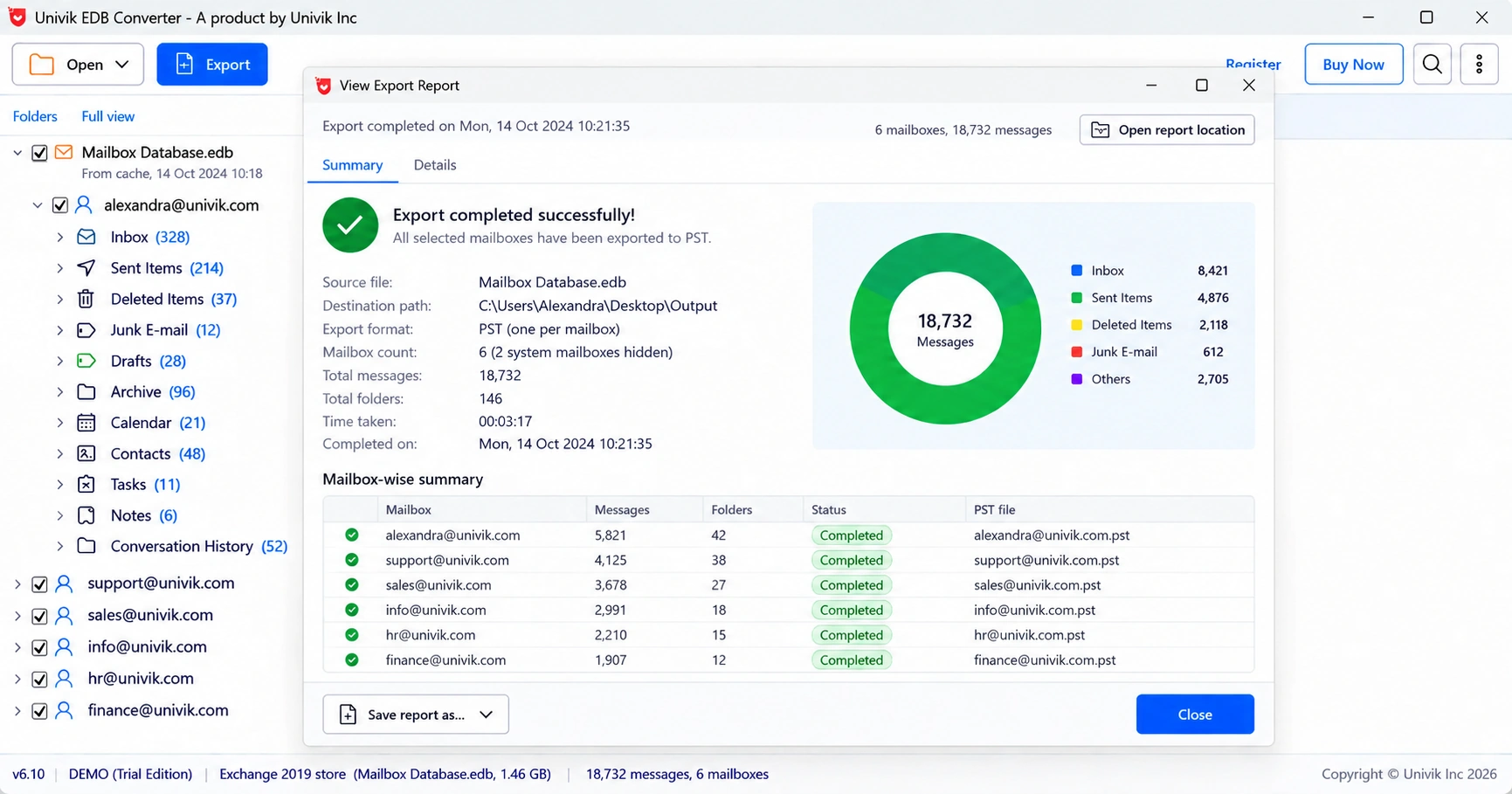
A reader that works page by page recovers more in most cases, because it does not need the database to be consistent. Univik EDB Converter tries log replay first, then a repair on its own copy and finally a raw page read. When a message loses the folder it belonged to, it still turns up in a Recovered items folder, with sender, subject and date intact.
- Eseutil /p deletes every page it cannot read, along with the mail stored there.
- Try soft recovery and a backup restore first.
- Export the important mailboxes from a copy before any hard repair.
- Run /p only on a copy, then follow with New-MailboxRepairRequest.
- Microsoft expects a repaired database to be emptied into a new one.
Open a copy of the damaged database and export the mailboxes you cannot lose. The trial saves 10 messages per folder.
Free Download See all featuresQuestions about eseutil /p

Leena Taylor Paul wrote this guide with the Univik team, which has shipped Windows mail tools since 2013. This guide covers Exchange hard repair with eseutil /p and the safer steps around it. Last checked October 2026. Stuck? Contact our support team.