Illegal duplicate key (-1605) means an index that must hold unique entries holds two that match, a sign of index damage.
Microsoft names it JET_errKeyDuplicate. When eseutil stops with it, the run ends before the database is usable. Keep the original file, save the mailboxes from a copy, then try an offline defrag on another copy or restore from backup.
Eseutil ran for hours and then stopped with "Operation terminated with error -1605 (JET_errKeyDuplicate, Illegal duplicate key)". The database still will not mount, and the obvious tool gave up. Here is what the error means and the order of steps that keeps the mail safe.
What does illegal duplicate key mean in eseutil?
Error -1605 is JET_errKeyDuplicate, "There is an illegal duplicate key", in Microsoft's ESE error code list. An ESE database keeps indexes, and some of them hold each key only once. When two records claim the same key in such an index, the engine stops rather than guess which one is right.
Microsoft's own troubleshooting for other ESE databases describes the error as sporadic and links it to index corruption.
When does the -1605 error appear?
The -1605 error shows up when eseutil rebuilds or copies indexes, and other ESE databases report it too.
| When | What it tells you |
|---|---|
| During a hard repair | The repair met an index it could not rebuild and stopped |
| During an offline defrag | An index rebuild found two records with the same key |
| In other ESE databases | Active Directory and other ESE databases report it when an index is damaged |
Whatever the trigger, treat the file you have as the last good copy until the mail is out of it.
What should you do after an illegal duplicate key error?
Save the mail before you try another fix, because each tool that writes to the file can make the damage worse.
- Stop and keep the copy. Leave the original file untouched and work on a second copy of the .edb.
- Check the header state. Use eseutil /mh on that copy to see the State line and the Repair Count.
- Save the mail. Export the mailboxes people need from a third copy with an offline reader.
- Try a defrag on a copy. Run eseutil /d on the second copy so the indexes are rebuilt.
- Restore or rebuild. Restore from backup, or create a new database and move the mail into it.
Offline defrag rebuilds the indexes as it copies the database, according to Microsoft's Eseutil reference. It needs free space for a full new copy:
eseutil /d "F:\Copy\DB01.edb" /t"F:\Temp\defrag.edb"If the defrag also stops with -1605, the backup or the saved mail is the safest way forward.

“When the repair tool itself gives up, stop repairing. Save the mailboxes from a spare copy before you decide what to fix.”
Will running the repair again fix -1605?
Not reliably. A second run of the same repair on the same file can fail again. Each run also rewrites pages, so the file drifts further from its original state. Read our guide to what to do before a hard repair before you start another one.
How do you get the mail out of a database with -1605?
Read the records directly instead of through the damaged index. A raw reader walks the database pages and rebuilds messages from them, so a broken index does not stop it.
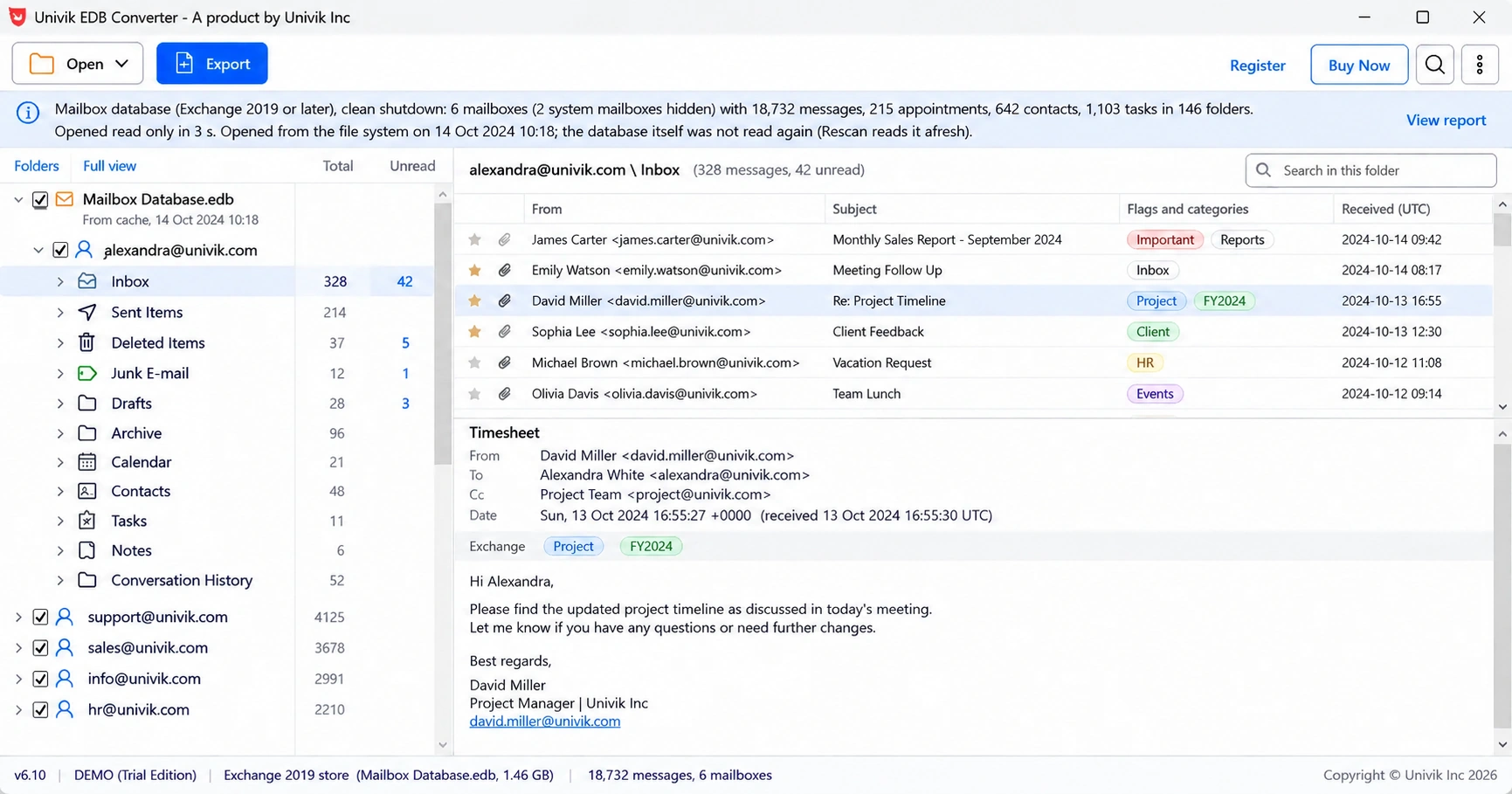
Univik EDB Converter falls back to reading pages when the normal structure fails, and files messages it cannot place in a folder called Recovered items, each keeping its sender, subject and date.
- Illegal duplicate key is JET_errKeyDuplicate, error -1605.
- It means two entries clash in an index that must be unique.
- Keep the original file and work on copies only.
- Offline defrag rebuilds indexes and is worth a try on a second copy.
- Save the mail with an offline reader before any repeat repair.
Open a copy of the damaged .edb and see which mailboxes can be read. The trial saves 10 messages per folder.
Free Download See all featuresQuestions about the illegal duplicate key error

Leena Taylor Paul wrote this guide with the Univik team, which has shipped Windows mail tools since 2013. This guide explains the eseutil illegal duplicate key error (-1605) and the safe order of steps after it. Last checked October 2026. Stuck? Contact our support team.