Same organization and version: mount the EDB on the new server with database portability. Otherwise convert it to PST and import.
Database portability needs the same Exchange version, the same Windows Server version and the same organization. A file from an older version or another company goes in through PST files and New-MailboxImportRequest, which also carries calendars and contacts.
You have a new Exchange server and an old database file: from a failed server, a merger or a migration that skipped some mailboxes. The goal is to see that mail in live mailboxes again. Which route works depends on where the file came from. Here are the three ways to import EDB into Exchange 2019 or 2016 and get EDB to live Exchange mailboxes.
Which route fits your EDB file?
The source of the EDB file decides the route. Same organization and version means database portability; anything else goes through PST files.

| Your situation | Route | Cost | Carries calendar and contacts |
|---|---|---|---|
| Same organization, same Exchange and Windows version | Database portability | Free | Yes, mailboxes move whole |
| Deleted mailboxes from a 2016 or later backup, same forest | Recovery Database restore | Free | Yes |
| Another organization, older version or no matching server | EDB to PST, then New-MailboxImportRequest | Reader licence | Yes |
| A few mailboxes, mail only | IMAP upload from the reader | Reader licence | No, IMAP is mail only |
The Recovery Database route has its own limits, covered in our Recovery Database guide.
“Ask where the file came from before you open the shell. Same organization means a mount; anything else means PST, and that answer saves a day.”
How do you mount an EDB on a different Exchange server?
To mount EDB on a different Exchange server, Microsoft uses database portability. It is also how you restore an Exchange database to a different server after hardware fails. It works only within the same organization, between servers on the same Exchange version and the same Windows Server version (Microsoft Learn). Bring the copy to Clean Shutdown with eseutil /r first, then create a database object and allow the file to replace it.
New-MailboxDatabase -Name DB01-Moved -Server MBX2 -EdbFilePath "E:\DB01\DB01.edb" -LogFolderPath "E:\DB01\Logs"
Set-MailboxDatabase DB01-Moved -AllowFileRestore $true
Copy the .edb and logs into those folders, mount the database and point the mailboxes at their new home:
Mount-Database DB01-Moved
Get-Mailbox -Database DB01 | where {$_.ObjectClass -NotMatch '(SystemAttendantMailbox|ExOleDbSystemMailbox)'} | Set-Mailbox -Database DB01-Moved
Users reconnect after Active Directory replicates. Check any public folder mailboxes in the database separately, because this command repoints user mailboxes only.
How do you import an EDB from another organization?
Convert the EDB file to PST files first, then let Exchange import them. Exchange never mounts a database from another organization or an older version, but it imports PST files into any mailbox.
- Convert the EDB to PST. Open a copy of the old database offline and save one PST per mailbox.
- Prepare the share. Put the PST files on a UNC share that the Exchange Trusted Subsystem group can read.
- Grant the role. Assign the Mailbox Import Export role to your admin account and reopen the shell.
- Import each PST. Run New-MailboxImportRequest for each user, with a target folder for the old mail.
- Check and clean up. Watch Get-MailboxImportRequestStatistics, then remove completed requests.
The import command for step 4:
New-MailboxImportRequest -Mailbox jane@contoso.com -FilePath "\\FS01\PST\jane.pst" -TargetRootFolder "Old mail"The role and share setup match the export side, described in our New-MailboxExportRequest guide. For the conversion step, see how to convert EDB to PST.
Can you upload EDB mail to Exchange over IMAP?
Yes, EDB mail can go up over IMAP, but only mail. Exchange 2016 and 2019 ship with IMAP4 switched off, so start the two services first (Microsoft Learn):
Start-Service MSExchangeIMAP4; Start-Service MSExchangeIMAP4BE
Set-Service MSExchangeIMAP4 -StartupType Automatic; Set-Service MSExchangeIMAP4BE -StartupType Automatic
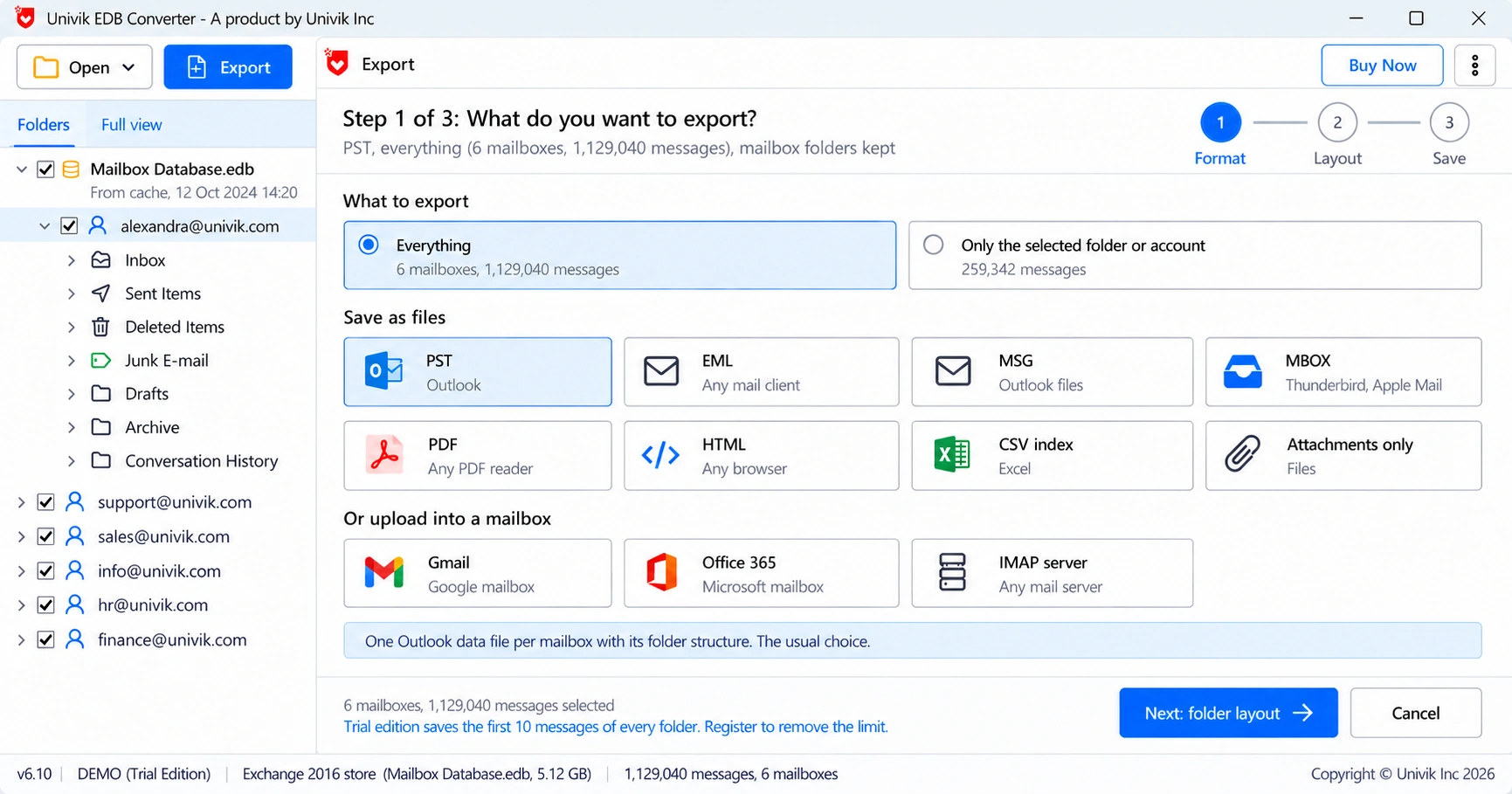
Then choose IMAP server as the target in Univik EDB Converter, sign in to the target mailbox and upload. IMAP moves messages and folders only. Calendars, contacts and tasks need the PST route. Switch IMAP off again when you finish if nobody else uses it.
How do you check the imported mail?
Check imported EDB mail by comparing folder counts between the old mailbox and the new one, then spot-check messages.
- Compare the folder counts of each source mailbox with the target in Outlook on the web.
- Open a few old messages with attachments.
- Check Calendar and Contacts for PST imports.
- Remove finished import requests and delete the PST files from the share when users confirm.
- Database portability mounts an EDB on another server in the same organization and version.
- A file from another organization or an older version goes in through PST.
- New-MailboxImportRequest imports PST files with calendars and contacts.
- IMAP upload works for mail only, after the IMAP4 services are started.
- Compare folder counts and clean up import requests when users confirm.
Turn a copy of the .edb into PST files and import one mailbox as a test. The trial saves 10 messages per folder. A Business licence covers 10 PCs.
Free Download See all featuresQuestions about importing EDB files into Exchange

Leena Taylor Paul wrote this guide with the Univik team, which has shipped Windows mail tools since 2013. This guide covers moving mailboxes from an old Exchange database file into a live Exchange server. Last checked October 2026. Stuck? Contact our support team.