Find the missing logs with eseutil /mh, replay them with eseutil /r, then mount the database again.
If every log in the Log Required and Log Committed ranges is present, soft recovery is safe and loses nothing. If they are gone, you have three choices. Restore from backup. Accept a hard repair that deletes damaged pages. Or copy the mail out of a copy of the file first.
The database will not mount and the event log talks about a dirty shutdown. Nothing is lost yet. Exchange is telling you the .edb file is behind its own transaction logs and refuses to start until they are played in. The order of the fixes matters, because one of them can delete mail. An Exchange database dirty shutdown is fixable in most cases.
What does dirty shutdown mean in Exchange?
Exchange writes every change to a transaction log first and to the database file later. A clean dismount flushes all pending changes into the .edb and marks it Clean Shutdown. When the server loses power, the disk fills or the service is killed, the flush never happens. The file is then marked Dirty Shutdown, also called inconsistent.

Typical causes we see:
- Power cut or a host crash under a virtual machine
- Log drive full, so the database dismounted itself
- Antivirus or a cleanup script deleting .log files
- Restoring a virtual machine snapshot taken while mounted
- Copying the .edb file while the database was still online
How do you check if an Exchange database is in dirty shutdown?
Dismount the database and read its header with eseutil. The database path comes from Get-MailboxDatabase | fl Name,EdbFilePath,LogFolderPath.
eseutil /mh "D:\ExchangeDB\DB01\DB01.edb"Look at two lines in the output:
State: Dirty Shutdown
Log Required: 4011-4014 (0xfab-0xfae)
Log Committed: 0-4015 (0x0-0xfaf)
The Log Required range names the minimum logs Exchange needs, here 4011 to 4014. Keep the Log Committed logs as well (here up to 4015). Without them the replay drops the last committed changes. In hex that is E00 followed by 00000FAB to 00000FAE. A clean database shows 0-0 in that field.
“Before anyone types eseutil, find the log folder. In most jobs we see, the logs that fix the problem are still on the server.”
How do you fix dirty shutdown with soft recovery?
Soft recovery replays the required logs into the database. It is the normal fix and it throws nothing away.
- Back up first. Put a copy of the database file and its log folder on a second disk. Do this before any command touches them.
- Check the logs. Run eseutil /ml against the log prefix, such as E00, to confirm every log in the sequence is healthy.
- Replay the logs. Run eseutil /r with the log prefix, the log folder and the database folder.
- Confirm the state. Run eseutil /mh again. Clean Shutdown means the database is consistent.
- Mount the database. Mount it from the Exchange admin center or with Mount-Database.
The log check and the replay look like this. E00 is the log prefix of the first database. A second database uses E01, a third E02 and so on.
eseutil /ml "D:\ExchangeDB\DB01\Logs\E00"eseutil /r E00 /l "D:\ExchangeDB\DB01\Logs" /d "D:\ExchangeDB\DB01"If recovery stops on a missing log, the next section applies.
What if the Exchange log files are missing?
Then the database cannot reach Clean Shutdown without losing something. Pick the option with the least loss.
| Option | Data loss | When it fits |
|---|---|---|
| Restore from backup and replay later logs | None to little | A recent backup exists |
| Copy the mail out of a copy first | None to the original file | No backup, the mail matters most |
| eseutil /p hard repair | Pages it cannot read are deleted | Server must come back and the mail is already saved |
Our view: never run a hard repair on the only copy. Read our guide on what eseutil /p deletes before you decide.
How do you get mail out of a dirty database without repairing it?
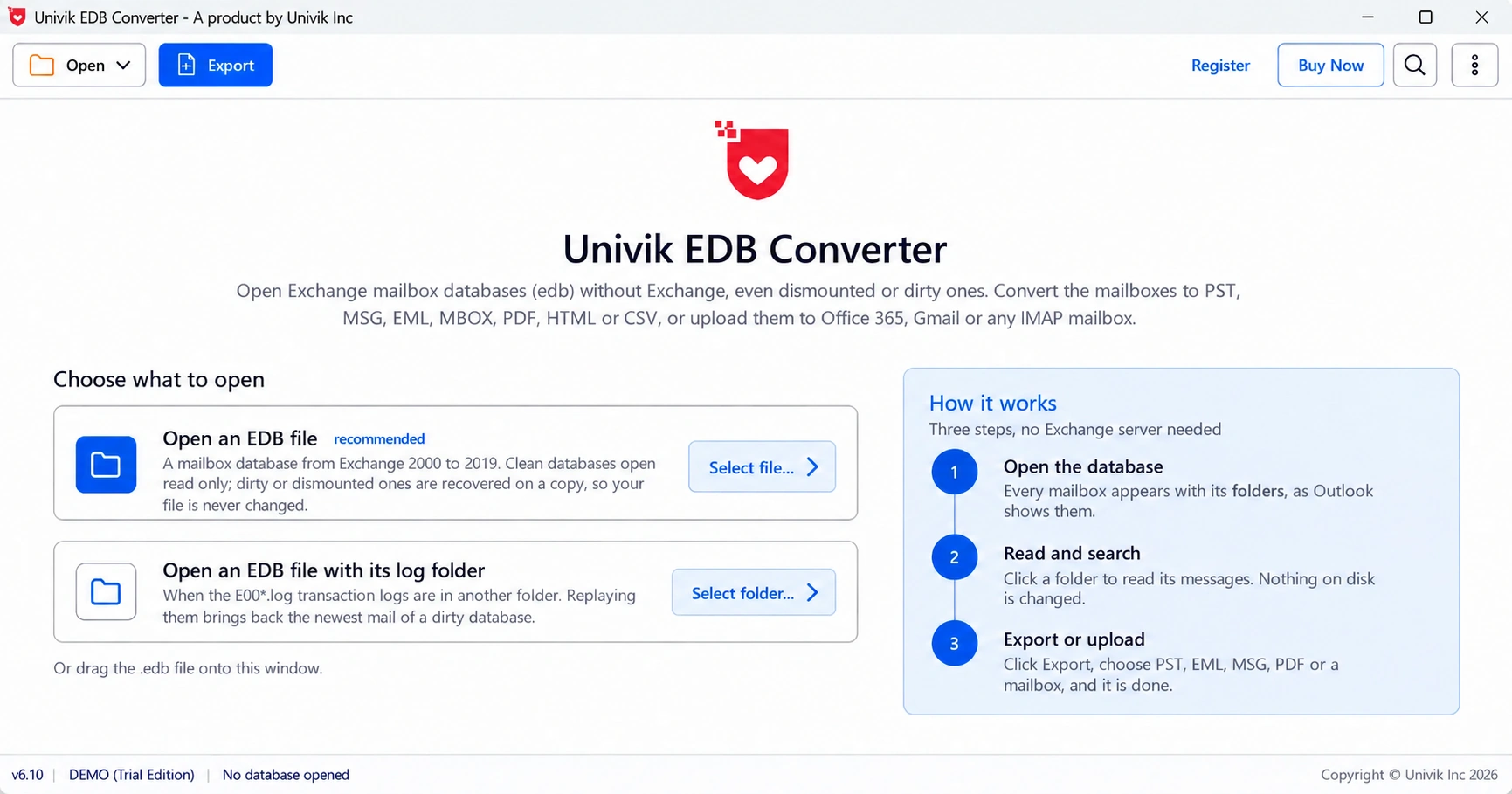
Open a copy of the file in an offline reader. Univik EDB Converter replays logs into a working copy when you give it the log folder. Without logs it repairs that copy instead. When even the repair gives up, it falls back to reading the pages one by one. The original file is never written to.
Our own test file was an SBS 2011 mailbox store of 9.1 GB. It was dirty, every log was gone and roughly 32,000 pages were missing. Seven of its nine user mailboxes came back, with 39,561 items in total. The full case is in our SBS 2011 recovery write-up.
- Dirty Shutdown means the .edb is behind its transaction logs, not that mail is gone.
- eseutil /mh shows the state and the exact Log Required range.
- eseutil /r replays those logs and is the safe first fix.
- Missing logs force a choice between backup, an offline copy-out and a hard repair.
- Never run a hard repair on the only copy of the database.
Point the trial at a copy of the dirty database and its log folder and see what comes back. It saves 10 messages per folder.
Free Download See all featuresQuestions about dirty shutdown databases

Leena Taylor Paul wrote this guide with the Univik team, which has shipped Windows mail tools since 2013. This guide covers diagnosing and fixing Exchange databases left in dirty shutdown. Last checked October 2026. Stuck? Contact our support team.