priv1.edb is the Exchange 2000 or 2003 mailbox store. Without an Exchange 2000 or 2003 server, only an offline tool can read it.
Each store came as a pair: priv1.edb for MAPI content and priv1.stm for mail that arrived in internet format. Keep both files together. A reader that skips the .stm still lists those messages but cannot show their bodies.
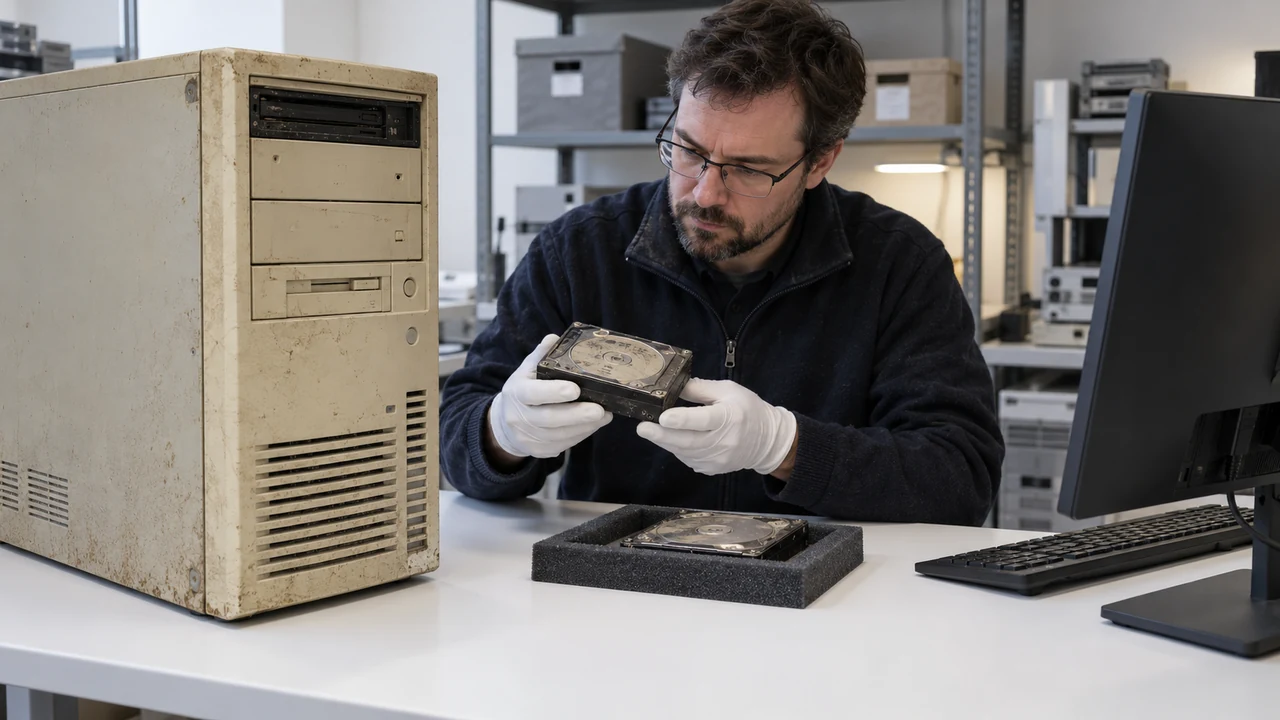
An old disk turns up in a cupboard with an Exchsrvr folder on it. Inside are priv1.edb, priv1.stm and a stack of E00 log files. Somebody needs mail from that era, for a dispute or a business history. Here is what those files are and what can still be done with them.
What is the priv1.edb file?
Exchange 2000 and 2003 kept user mailboxes in a private information store. Its first database was priv1.edb, under C:\Program Files\Exchsrvr\MDBDATA unless an admin moved it. A second file, priv1.stm, sat beside it.
| File | What it holds |
|---|---|
| priv1.edb | Mailboxes, folders and items in the MAPI format Outlook uses |
| priv1.stm | Content that arrived in internet format, mainly SMTP mail |
| pub1.edb and pub1.stm | The public folder store, same split |
| E00.log, E00xxxxx.log, E00.chk | Transaction logs and checkpoint of the storage group |
Exchange 2007 dropped the .stm file. From then on a database was a single .edb.
Why can modern Exchange not open priv1.edb?
Exchange 2003 runs only on Windows 2000 Server (SP3 or later) or Windows Server 2003, and Windows Server 2003 left support in 2015. Every later Exchange version uses a newer database format and cannot mount a 2003 store, not even as a Recovery Database, which our Recovery Database guide covers. Rebuilding a 2003 server means old install media, an old domain and old hardware or a hypervisor that still runs Server 2003.
For most people the faster route is to read the files directly.
What happens to mail stored in priv1.stm?
Be clear about this before you start. Mail that arrived from the internet had its body kept in the .stm file in many cases, while the item record lived in the .edb. A reader that handles only the .edb lists those messages with subject, sender and date, but the body comes up empty.
Univik EDB Converter works this way today. It does not read .stm content, and it marks the bodies it could not find as missing in the report, so you know exactly which messages are affected.
Can ExMerge still export mailboxes from priv1.edb?
Only while an Exchange 2003 server still runs that store. ExMerge, the Exchange Server Mailbox Merge Wizard, logs on to mounted mailboxes over MAPI, so a lone priv1.edb copied off a dead server gives it nothing to connect to.
| ExMerge | Reading the .edb file | |
|---|---|---|
| Needs a running Exchange 2003 store | Yes | No |
| PST format written | ANSI, under 2 GB per file | Unicode, no 2 GB cap |
| Mailboxes over 2 GB | Split by folder or trimmed first | Exported whole |
| Works after the server is gone | No | Yes |
The 2 GB ceiling comes from the ANSI PST format ExMerge writes, which Microsoft documents in KB 916085. Large mailboxes fail with "The item could not be moved" once the file reaches that size.
How do you export mailboxes from priv1.edb?
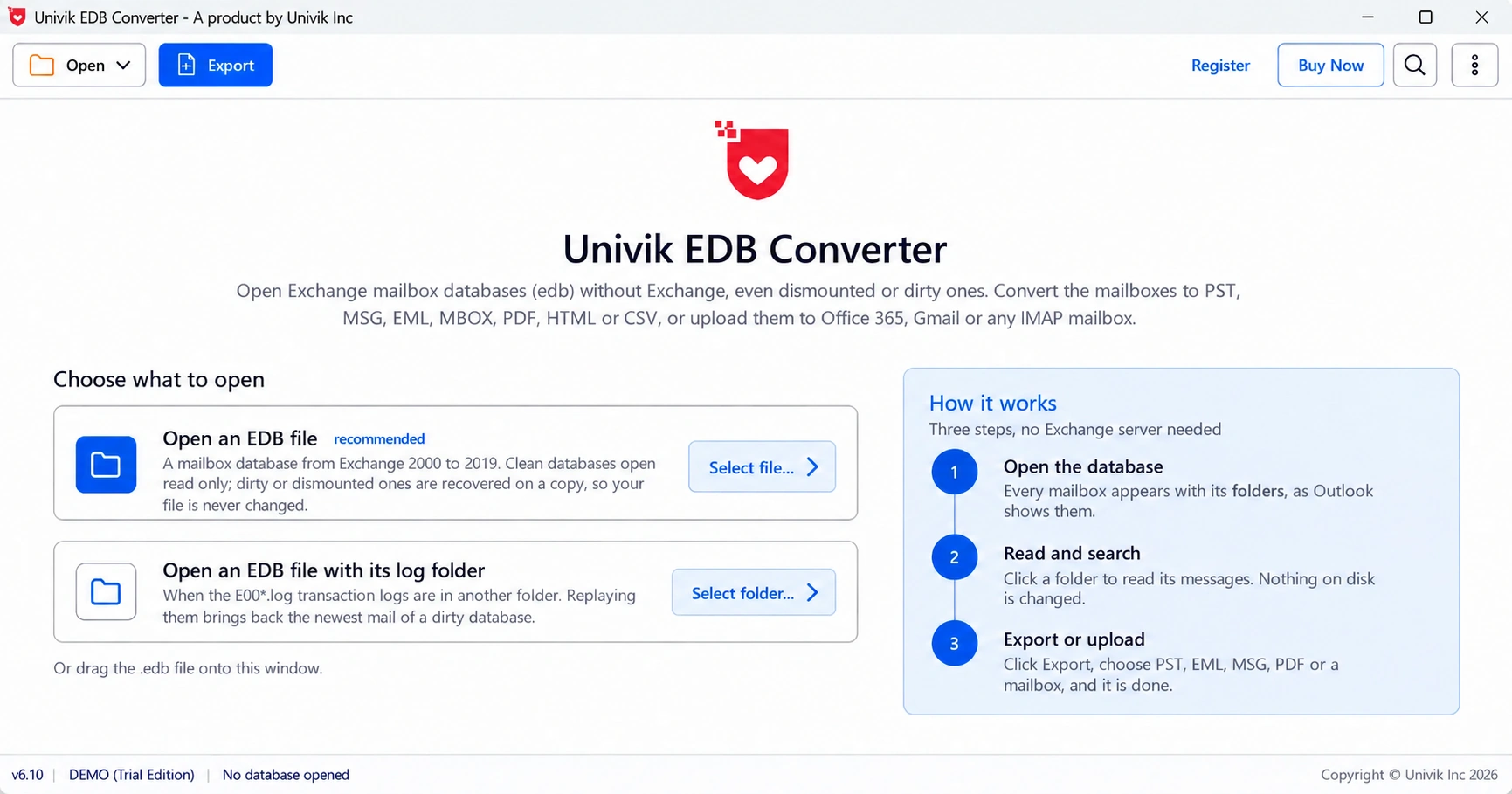
Copy priv1.edb, priv1.stm and the logs off the old disk first. Then open the copy in Univik EDB Converter, which supports Exchange 2000 and 2003 stores.
Why is my priv1.edb so small or so large?
Exchange 2003 Standard Edition capped a store at 16 GB before Service Pack 2 and at 75 GB after it, with 18 GB as the default setting. A Standard store close to one of those numbers had filled up. Enterprise Edition had no such cap and could hold several stores per storage group.
A priv1.edb much smaller than its .stm partner points to mail that mostly came in from the internet and stayed in streaming format.
“Keep the .stm file even if nothing reads it today. Throwing it away is the one step that makes those message bodies gone for good.”
- priv1.edb is the private mailbox store of Exchange 2000 and 2003.
- It pairs with priv1.stm, which held mail that arrived in internet format.
- No supported Exchange version mounts a 2003 store, so read it offline.
- Univik lists messages whose bodies sat in the .stm but cannot show those bodies.
- Copy the .edb, .stm and logs together before you open anything.
Load a copy of priv1.edb and check which mailboxes and folders are there. The trial saves 10 messages per folder.
Free Download See all featuresQuestions about priv1.edb

Leena Taylor Paul wrote this guide with the Univik team, which has shipped Windows mail tools since 2013. This guide covers Exchange 2000 and 2003 priv1.edb stores and how to export their mailboxes today. Last checked October 2026. Stuck? Contact our support team.