Without a server, upload each mailbox straight from the .edb or convert it to PST for the Microsoft import service.
Cutover, staged and hybrid migrations all read mail from a live server, so a lone database file rules them out. Direct upload saves the PST step. The import service is free but needs PST files, an upload tool and a mapping file.
You need to import EDB to Office 365. The old server died, was switched off or belongs to a company you recently acquired. What you have is a database file and a Microsoft 365 tenant waiting for the mail. Microsoft's own migration options assume the source server still answers. Here is what works for EDB to Office 365 when it does not.
Why can Microsoft migration tools not use an EDB file?
Cutover, staged and hybrid migrations connect to the source Exchange server over the network and copy mailboxes while it runs. They never open a database file. With the server gone, or a database that will not mount, there is nothing for them to talk to.
The same goes for third-party tools that work through Exchange Web Services or MAPI. They need a server too. A file on its own needs a tool that reads the database format directly.
“With the old server gone, the question is no longer how to migrate. It is how to read the file, and that is a much easier problem.”
Should you upload directly or go through PST?
| What matters | Direct upload from the EDB | PST plus Microsoft import service |
|---|---|---|
| Steps | Open the file, pick Office 365, run | Convert to PST, upload with AzCopy, map with a CSV, start the job |
| Extra software cost | Licence for the reader | None from Microsoft |
| Disk space | No PST copy needed | Room for every PST file |
| Many mailboxes | Runs mailbox after mailbox | Good for very large volumes |
| Keeps a file copy | No, unless you export PST too | Yes, the PST files remain |
Choose direct upload for a handful to a few dozen mailboxes. Choose the import service when you also want PST copies on disk or the volume runs to terabytes. Our guide to importing PST to Office 365 covers that route in detail.

What do you need to prepare in Microsoft 365 first?
- Create every target user and assign a licence with an Exchange Online mailbox. Imports fail into users without one.
- If a source mailbox is close to the plan limit, turn on the archive mailbox for that user or move the user to a plan with more storage.
- Agree on a cut-off date so users know which mail is old and which is new.
- Keep a copy of the .edb file and its logs before you start.
How do you upload EDB mailboxes straight to Office 365?
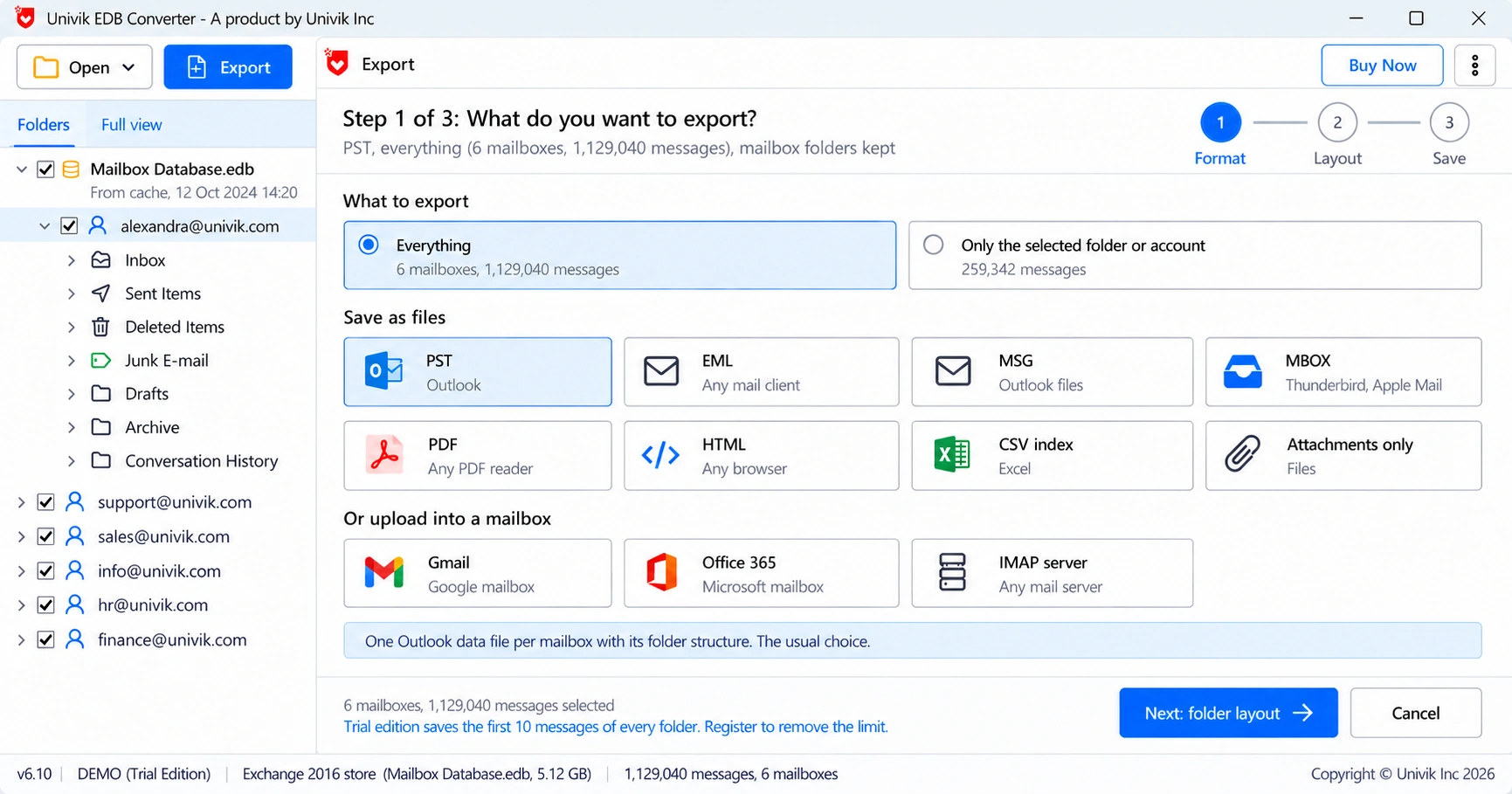
Univik EDB Converter lists Office 365 next to Gmail and IMAP as upload targets, so no PST is written along the way.
How do you check the mail arrived in Microsoft 365?
Compare folder counts per mailbox. Note the counts shown in the reader before the upload, then open the mailbox in Outlook on the web and check Inbox, Sent Items and a few large folders. Ask one user per department to look for mail they know exists, such as a contract thread from years ago.
Calendar and contacts deserve their own check, because users notice a missing meeting faster than a missing email.
- Cutover, staged and hybrid migrations need the source server online.
- A database file alone needs a tool that reads the .edb format.
- Direct upload skips the PST step and suits small to mid-size moves.
- The free Microsoft import service needs PST files, AzCopy and a mapping CSV.
- License every target mailbox first and compare folder counts afterwards.
Upload a sample mailbox from your own .edb file before you commit. The trial moves 10 messages per folder. A Business licence covers 10 PCs.
Free Download See all featuresQuestions about importing EDB files to Office 365

Leena Taylor Paul wrote this guide with the Univik team, which has shipped Windows mail tools since 2013. This guide covers moving mailboxes from an Exchange database file into Microsoft 365. Last checked October 2026. Stuck? Contact our support team.