Jet error -1811 means a file Exchange needs was not found, in Exchange typically the current transaction log such as E00.log.
Microsoft names it JET_errFileNotFound. Exchange records it as ESE event 455 when it fails to open a transaction file. Check whether antivirus removed the log, then read the database state with eseutil /mh. A clean database mounts once the old logs are moved aside; a dirty one needs the missing log or a restore.
The database will not mount, and the Application log shows ESE event 455 with error -1811. The number looks like damage, but it is a plain "file not found". Exchange went looking for a log or checkpoint file and could not open it. Which fix applies depends on why the file is missing.
What does Jet error -1811 mean?
Error -1811 is JET_errFileNotFound, "The file was not found", in Microsoft's ESE error code list. The same code shows as 0xfffff8ed in hexadecimal. In Exchange it nearly always points at the transaction log stream:
- the current log, such as E00.log, is missing
- a log has a signature that does not match the database
- the checkpoint file .chk is damaged
The database file itself can be perfectly healthy while this error stops the mount.
What causes Jet error -1811 in Exchange?
Microsoft's Exchange documentation for ESE events 455 and 492 lists these causes:
| Cause | What happened | First fix |
|---|---|---|
| Antivirus quarantine | A scanner removed E00.log from the log folder | Restore it from quarantine and exclude the folder |
| Log missing | The current log is gone from the log folder | Restore it from backup and replay the remaining logs |
| Repair left old logs | Eseutil /p ran but the old logs stayed in the folder | Move the logs aside once the database reads Clean Shutdown |
| Wrong base name | Eseutil /r was given E00.log instead of E00 | Run it again with the three-character base name |
| Hardware or storage | Failed log drive or files on network storage | Fix the storage, restore if the media failed |
How do you fix Jet error -1811?
Work out the database state first. The fix for a clean database is quick; the fix for a dirty one needs the missing log or a backup.
- Read the event. Open the Application event viewer and find ESE event 455 with error -1811. Note the file it names.
- Check quarantine. Look in the antivirus quarantine for that file and restore it to its folder if it is there.
- Check the database state. Run eseutil /mh. Clean Shutdown means the database no longer needs those logs.
- Set old files aside if clean. For a clean database, park the old transaction files and the checkpoint in another folder, then mount.
- Replay or restore if dirty. For a dirty database, replay the logs with the right base name. Without the missing log, restore from backup.
eseutil /mh "D:\DB01\DB01.edb"
# check State and Repair Count
A Repair Count above zero shows eseutil /p ran earlier, which explains logs that no longer match. For replay, give eseutil the base name, not a file name:
eseutil /r E00 /l"D:\DB01\Logs" /d"D:\DB01"
# E00 is the log base name, not E00.log
Our dirty shutdown guide covers the Log Required range in detail.

“Look in the antivirus quarantine before you touch eseutil. A quarantined log is the quickest -1811 fix there is.”
Why does a clean database still show -1811?
Because Exchange checks the log folder at mount time even when the database needs no logs. Leftover logs from before a repair or a restore carry a different signature, and the mount stops on them.
Shift all .log files and the checkpoint (.chk) into another folder and keep them until the database is back in service. Mount the database, and Exchange starts a new log stream.
What if the missing log cannot be found?
Then the newest changes in that log are gone from the database, and the choice is a restore or an offline read. Before any hard repair, copy the mailboxes out of a second .edb file first.
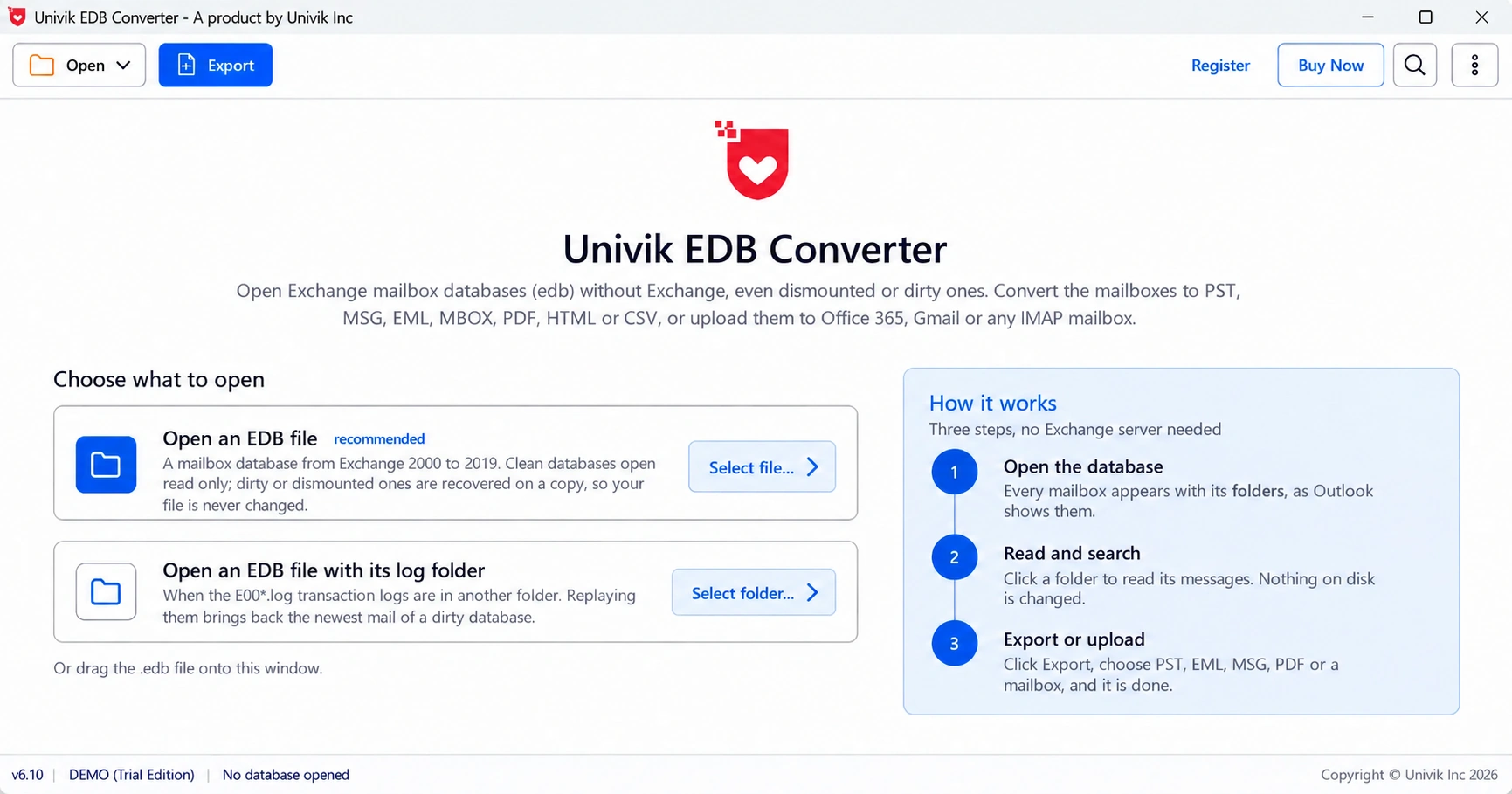
Univik EDB Converter opens the copy without Exchange, replays whatever logs you give it and reads a dirty database from its own working copy.
- Jet error -1811 is JET_errFileNotFound, shown as 0xfffff8ed.
- In Exchange it nearly always means a missing or mismatched log or checkpoint file.
- Check antivirus quarantine and the database state with eseutil /mh first.
- A clean database mounts once the old logs and .chk are moved aside.
- A dirty database needs the missing log, a restore or an offline read of a copy.
Open a copy of the .edb and check the mailboxes before you move or replay any logs. The trial saves 10 messages per folder.
Free Download See all featuresQuestions about Jet error -1811

Leena Taylor Paul wrote this guide with the Univik team, which has shipped Windows mail tools since 2013. This guide explains Jet error -1811 on Exchange databases and the fix for each cause. Last checked October 2026. Stuck? Contact our support team.