Quick Answer
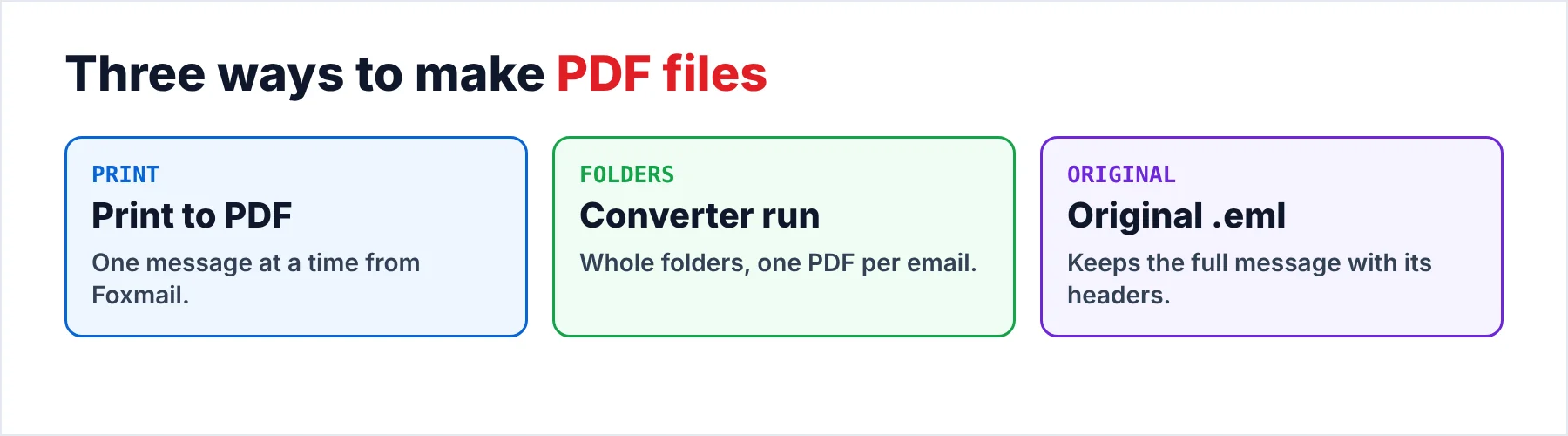
Foxmail has no PDF export for a whole folder, so print a few messages with the Microsoft Print to PDF printer and convert whole folders from a copy of the Storage folder, where every email becomes its own PDF. Keep the original .eml files too, because a PDF shows the page and the .eml keeps the whole message.
A printed PDF drops the attached files and the full headers.
The Foxmail feature list names no PDF export. The Export Mail command saves a folder as .eml or .box files and takes one folder per run, so the way from Foxmail to PDF runs through Windows printing for a single message or through a converter for whole folders. Our page on the .eml file format explains what an exported message holds. I read the Library of Congress page on PDF/A on October 21, 2026 before I wrote this guide.
In my sample store the first IMAP account has 2,876 messages while the second has 2,548, so a full run should give you 5,424 files, one for each email. A larger store I tested held 86,000 emails at roughly 5.8 GB (a store that big is why the final count check matters).
Which Way Should You Take From Foxmail to PDF?
Three routes cover the usual jobs. The routes work well together, so the table shows what each route handles and what it asks of you.
| Route | Handles | Needs | Watch out for |
|---|---|---|---|
| Print to PDF | One email at a time | The Microsoft Print to PDF printer | Attached files stay out |
| Converter run | Whole folders in one go | A copy of the Storage folder | The trial stops at 10 PDFs per folder |
| Original .eml | A copy for the record | Export Mail in Foxmail | One folder at a time |
I'd print the few emails that you must hand over and convert the rest, because printing a folder one email at a time is slow work that you do by hand, while the original .eml route isn't a PDF route at all yet it matters, since a PDF shows the page and the .eml file keeps the whole message. I'd save both.
Who Needs Old Mail Kept as Documents?
Three situations bring people to this task. The first is a handful of emails that you owe someone else, such as a solicitor, an auditor or a client. The second is an archive, where contracts, invoices and client mail must stay readable for many years after the email program that made them is gone. The third is paper, for a meeting or a hearing where people read from printed pages.
- Some emails for a third partyYou print each one, since one email is quick to print.
- A whole archiveYou convert the folders in one run and keep the .eml files beside the PDFs.
- A stack of paperYou make the PDFs first and print from them, so the pages look the same every time.
How Do You Print One Foxmail Email as PDF?
Open the message in its own window so that the header lines print with the text, then press Ctrl+P or use the Print command of your Foxmail version. Pick Microsoft Print to PDF from the printers, click Print and pick a file name and folder for the file you get. In Foxmail 7.2 Ctrl+P opened the Windows print dialog from the message window for me. The Foxmail help pages name no print menu, so on another version use the command your copy shows.
Windows ships the printer as an optional feature, so you can restore it when it is missing. If Microsoft Print to PDF is missing, hit Windows + R, key in optionalfeatures and tick the printer. Click OK and restart if Windows asks, then look under Settings, Bluetooth & devices, Printers & scanners.
Also, Windows asks you for a file name on every print job, so put the date and the sender in front of each name. A name like 2026-10-21 Invoice Rao keeps the files in date order, which is a quick way to find one later.
What Does a Printed Page Keep and Drop?
A printed PDF is a picture of the message page, so it holds what the page shows and nothing behind it. The table lists the usual items and where each one stays after you print.
| Item | In the printed PDF | Where it stays |
|---|---|---|
| Body text | Yes | In the PDF |
| From, To, Date and Subject | Usually, from the message window | In the PDF (check one sample) |
| Attached files | No | In Foxmail and the .eml file |
| Full internet headers | No | In the .eml file |
| Reply and forward | No | In Foxmail |
I printed sample messages in Foxmail 7.2 to check this table. The second row says "usually" because the top of the page can differ from the message window. Print one sample message first, then compare the top of the page with the message window that you see on screen.
Where Do the Attachments Go?
A printed PDF holds the page and not the files, so on the print route you open each message and save its attachments by hand into a folder that carries the same name as the PDF. However, the converter offers two settings instead, because it can save the attachments in a folder beside each PDF or embed them in the PDF itself.
Pick the folder when you want the files to open in their own programs. Pick the embedded copy when one PDF has to carry everything, which makes the file easy to send. Check a sample in your reader before you pick, since readers differ and an embedded file may look different on your screen. The converter's Extract menu also saves attachments as standalone files.
Does a PDF Stand Up for Records and Legal Use?
A PDF alone is a copy and not the original, because the message as Foxmail holds it carries headers that show its route and a printed page drops them. A plain .eml copy is a safe original to keep. The EML file viewer opens it without Outlook. For records I'd keep three things together: the original .eml files from Export Mail, the PDF copies and a list of fingerprints.
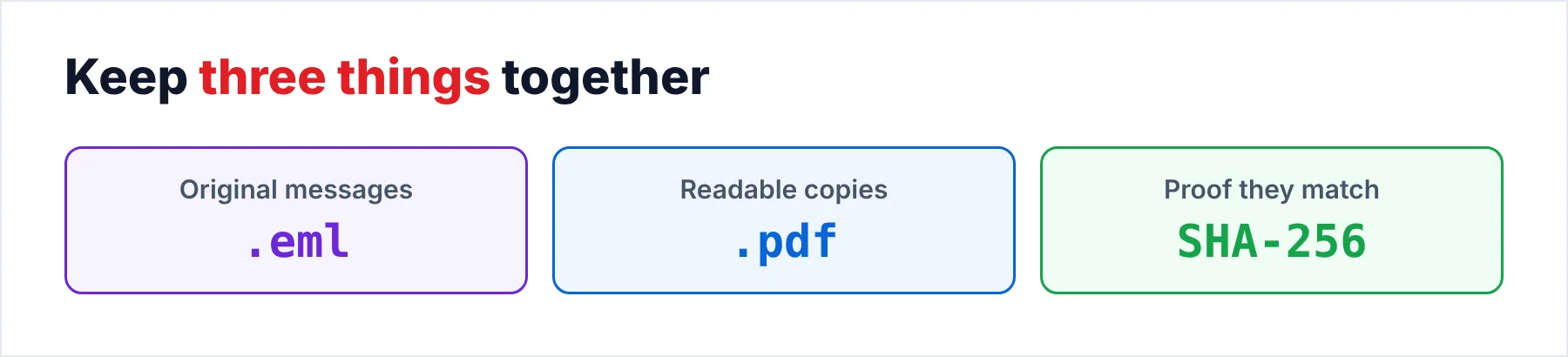
A fingerprint is a SHA-256 hash that you record once and compare later. In PowerShell you can run Get-ChildItem -Path D:\Records\eml -File -Recurse | Get-FileHash | Export-Csv -Path D:\Records\eml-hashes.csv -NoTypeInformation and keep the CSV with the files. Microsoft's Get-FileHash page says SHA256 is the default and calls MD5 and SHA1 unfit for files that need protection from tampering.
PDF/A is the ISO 19005 family of formats for long-term keeping. The Library of Congress lists PDF/A-1 as the first version, built for page-oriented documents that must stay readable over decades. I checked the converter's PDF output from a Foxmail 7.2 store as a readable copy. I make no PDF/A claim for it. Check a sample file if your archive rules demand PDF/A. Finally, ask whoever receives the files which format they accept, since legal needs differ by country.
How Do You Convert Whole Foxmail Folders to PDF?
Univik Foxmail Converter opens a Foxmail store without the client and lists PDF among its document formats. You work from a copy of the folder, which is the safe way to run it, so the original stays as Foxmail left it. Five steps take you from the store to a checked set of files.
- Load a copy of the Foxmail storeLaunch the converter and point it at a copy of the Storage folder. Each account appears with its folders and a count for every folder. Note those counts, because step 5 compares the PDFs against them.
- Tick the folders you needTick the folders that must become PDFs. Contracts and invoices often sit in a few folders, so you can leave the rest for a later run.
- Choose PDF in the Export menuClick the Export menu, then select PDF from the Document Files group. This step runs without Foxmail being open or even installed.
- Decide where the attachments goChoose to save the attachments in a folder beside the PDFs or to embed them in each PDF. Make that choice before you start, since a rerun costs you time.
- Run it and check a sampleStart the run, then open three PDFs from different folders. Compare the sender, the date and the body text with Foxmail. Match the number of PDFs in each output folder with the count from step 1. The trial writes 10 PDFs per folder, which is enough for this check.
One PDF comes out for each email, so a folder of 300 emails gives you 300 files and my sample store would give you 5,424. Also, don't wipe the old computer or its Storage folder before the counts agree, which is a reliable habit for any move. The post on where Foxmail stores emails shows where to find the original.
Univik Foxmail Converter opens the store of Foxmail 6.x, 7.0, 7.1 and 7.2. A copy of that store works as well. It writes one PDF for each email and saves the attachments beside the PDF or embeds them in it.
Download Free Trial Select a Licence - From $39Foxmail Converter installs on 64-bit editions of both Windows 10 and Windows 11 when .NET Framework 4.8 is present, while its free trial stops at 10 PDFs for each folder.
What Goes Wrong When You Make the Files?
Do this: Hit Windows + R, key in optionalfeatures and tick Microsoft Print to PDF. Restart if Windows asks, then check the printers list in Settings. When the printer is still missing, untick the box, restart and tick it again.
Do this: A printed page never holds attached files, so you save them from Foxmail by hand. In the converter you choose the folder setting or the embedded one before the run.
Do this: You compare each output folder with the count from step 1. A folder you forgot to tick is the likeliest cause, so you tick it and run that folder again.
Do this: The free trial gives you 10 PDFs from each folder. Check names, dates and attachments on those 10 files, then add a licence for the full run.
If a PDF still looks wrong to you, write to Univik support with the Foxmail version plus one sample message that shows the problem.
- Printing with Microsoft Print to PDF suits a few emails while the converter suits whole folders.
- A printed PDF drops the attached files and the full headers.
- Each email becomes one PDF, with attachments in a folder or inside the PDF.
- You keep the .eml originals and a SHA-256 list beside the PDFs for records.
- You match the PDF count of every folder with the count from step 1.
FAQ: Foxmail to PDF

Read on October 21, 2026: the Get-FileHash default and the PDF/A description. My message counts are from a sample store built in Foxmail 7.2.25.563 while the converter details come from the product page of version 6.10.
Pages we read: